Build AI companionship applications with Alibaba Cloud Real-time Conversational AI, supporting audio-only and avatar-based interactions.
Background
AI companionship products span role-playing, emotional chat, and psychological therapy. While most AI chat apps rely on offline text or voice in IM-style interfaces, multimodal models like GPT-4o are driving real-time voice and video interactions for more immersive virtual experiences.
Alibaba Cloud integrates third-party LLMs and TTS to deliver real-time interactive companionship with dynamic, evolving storylines. Users can both consume and create content for a personalized experience.
Options
Interaction modes
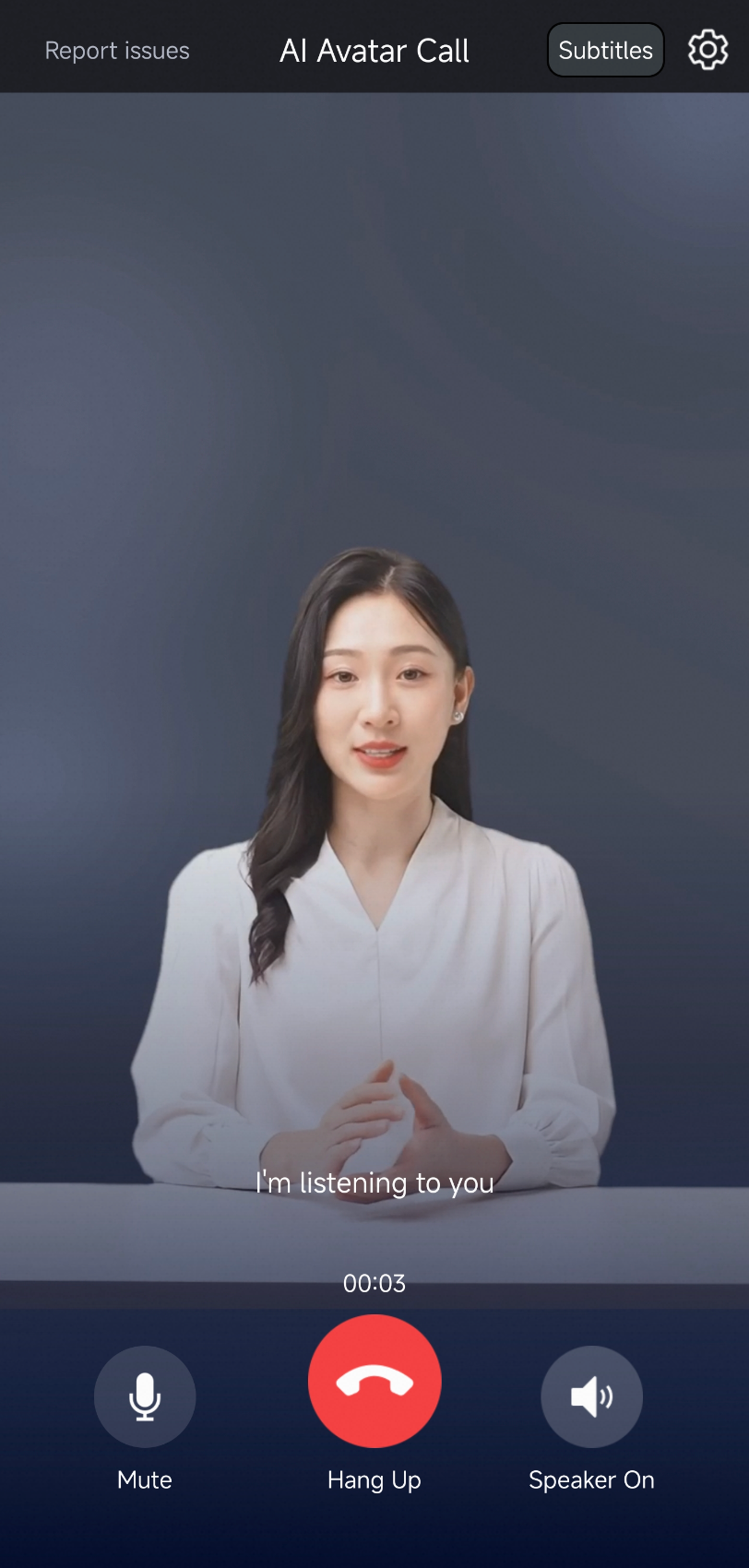
Real-time Conversational AI supports two interaction modes. Select a mode by specifying the call type when creating your agent, then integrate the corresponding SDK. Try the demo first. To integrate the service, see Create an audio/video call agent.
|
Audio-only call |
Avatar call |
|
|
Example |
|
|
|
Interaction |
|
|
|
Cost |
Low |
Medium |

Client SDKs
For more information about SDK integration, see Developer guide.
SDK | Description |
Recommended
Note
| |
Recommended: Applications that run on the Android or iOS operating system. | |
Others | If you want to develop on a Windows or macOS desktop, search for the DingTalk group ID 106730016696 to join the group and contact us. |
Basic features
Personalized calls
Customize each user's call experience by configuring call startup parameters at call initiation.
|
Setting |
Description |
Modifiable during call? |
|
LLM prompt |
Pass user-specific information in the initial prompt for a more personalized companionship experience. |
Yes |
|
ASR language |
Set the speech recognition language (such as Chinese or English). |
Yes |
|
TTS voice |
Set the AI's voice and timbre. |
Yes |
|
Avatar |
If using a |
No |
|
Welcome message |
Set a custom welcome message for each user, such as "Hi, Alice, it's great to see you again!" |
No |
User information pass-through
When multiple users are online during a call, the LLM must distinguish which user sent the current input. Pass custom information such as a UserID to the model. Pass business parameters to an Alibaba Cloud Model Studio LLM.
Detect and handle user silence
You can listen for the intent_recognized parameter in the callback to obtain the time of each user utterance. For more information, see Agent callbacks. This lets you handle cases where a user is silent for a long time. Common handling methods are as follows:
End the conversation: For more information, see StopAIAgentInstance - Stop an agent instance.
Play a reminder: If the user is silent for a specified number of seconds, the AI proactively plays a message to prompt the user. For more information, see Voice broadcast.
Have the LLM ask the next question: If the user is not speaking and you want the AI to continue, you can drive the model's output directly with text. For more information, see How to use text as input for a large language model.
Conversation archiving
Save audio data and text transcripts from companionship sessions. For instructions, see Data archiving.
Advanced features
Spoken language assessment (Per-sentence)
Real-time Conversational AI can record each user utterance as a separate audio file, saved in real time to your OSS bucket for pronunciation assessment.
Real-time Conversational AI provides per-sentence audio recording but not the assessment feature itself. To configure per-sentence audio callbacks, see Agent callbacks.