Configure dictionary entries and match them with impact factors to streamline inventory input in product carbon footprint models.
Dictionary management lets you configure entries and associate impact factors with them. If an inventory item appears multiple times in a product carbon footprint model, you can add it as a dictionary entry with pre-configured impact factors. When building a model, enter a keyword of the inventory item name to quickly find and select the entry.
Only users with root organization permissions can add, delete, and modify entries in the root organization. Users of all sub-organizations and sites can view and use entries. To access the feature, log on to the Energy Expert console and choose Carbon > Dictionary Management in the left-side navigation pane.
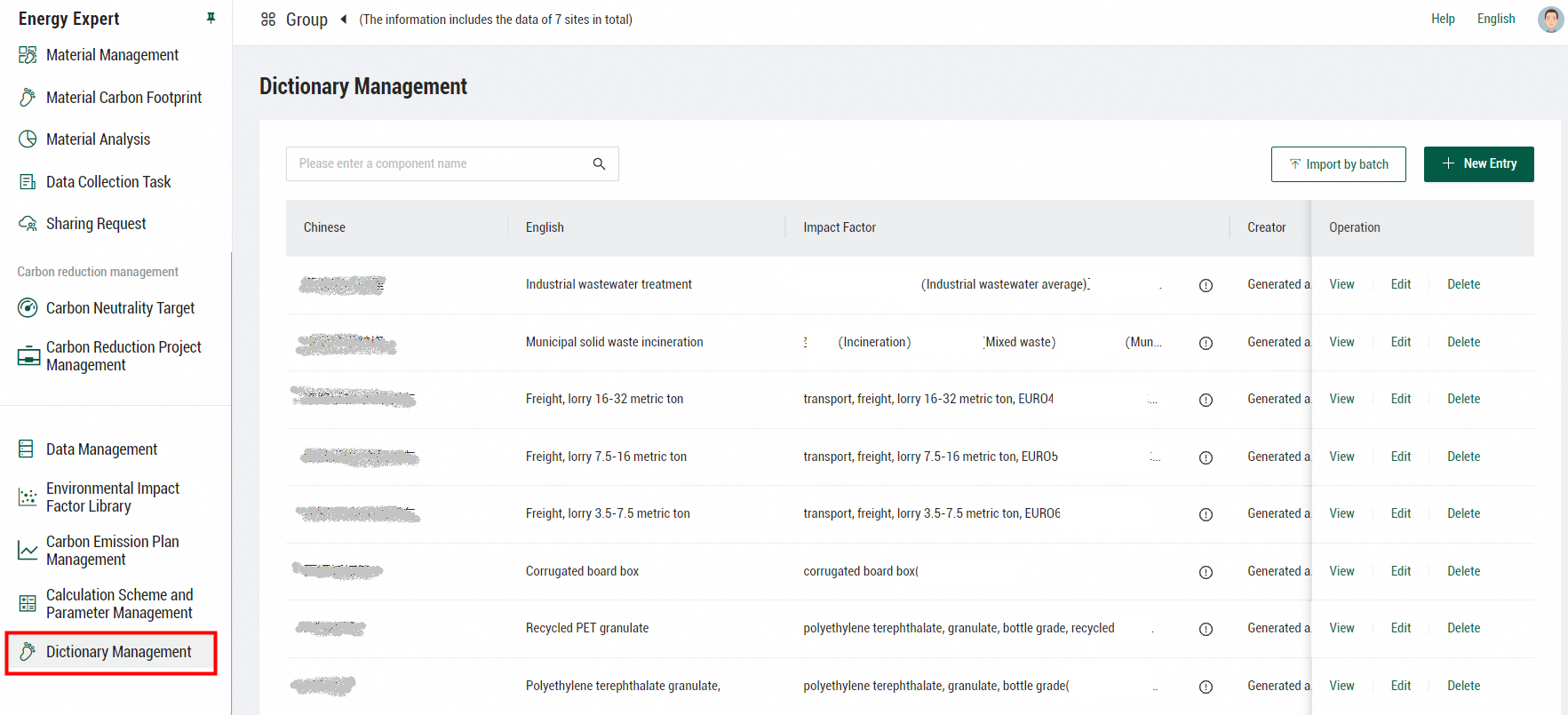
Manage entries
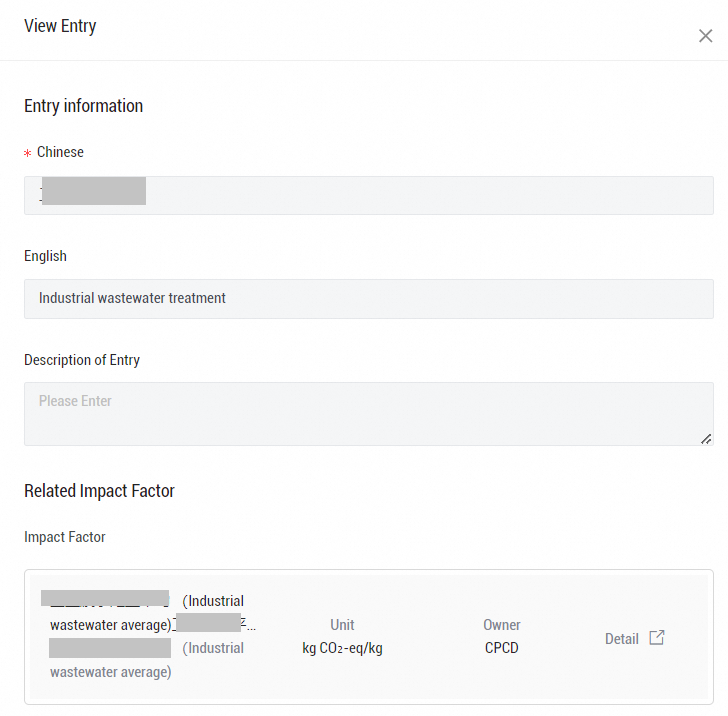
With root organization permissions, you can add, import, view, modify, and remove entries on the Dictionary Management page. To import multiple entries at a time, use the data import template downloaded from Energy Expert. Users with only sub-organization or site permissions can only view entries.
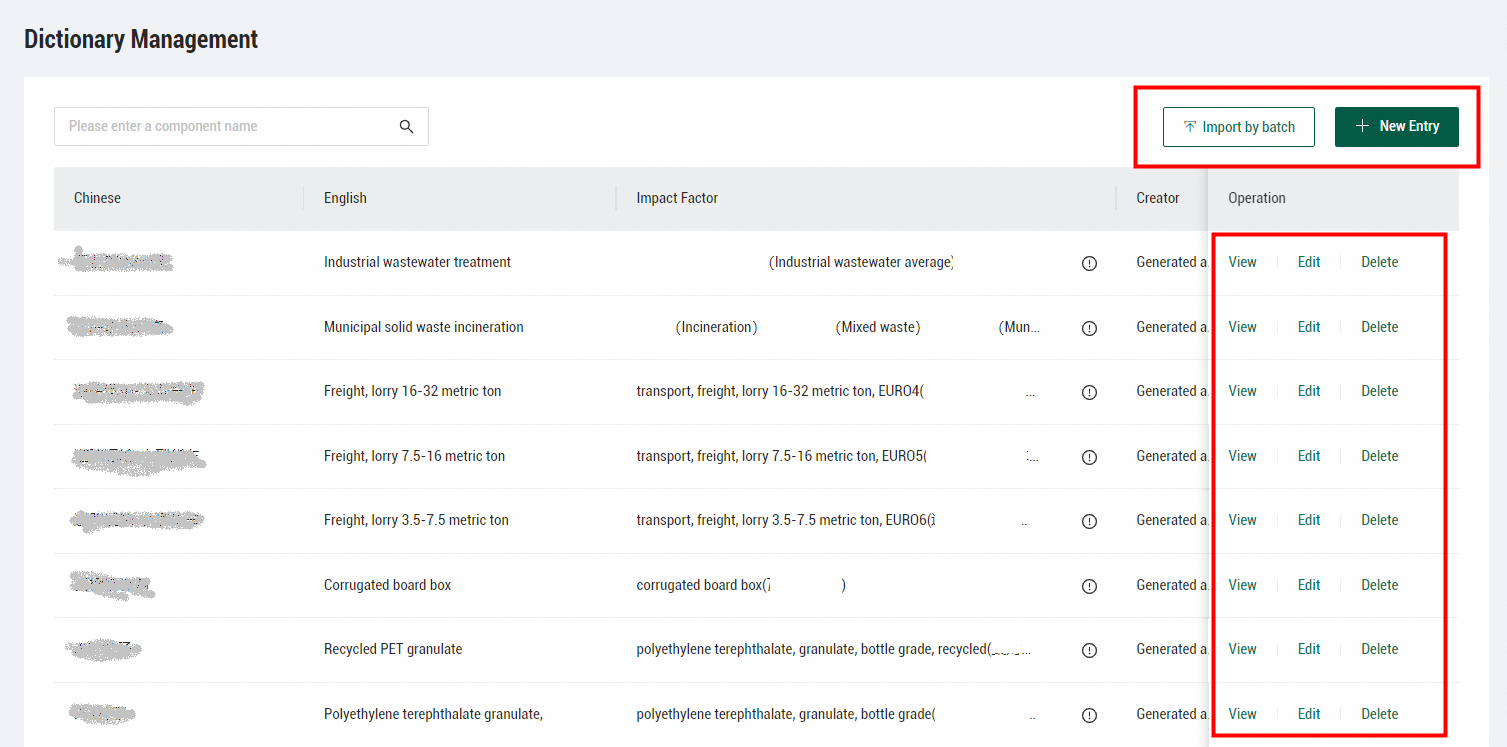
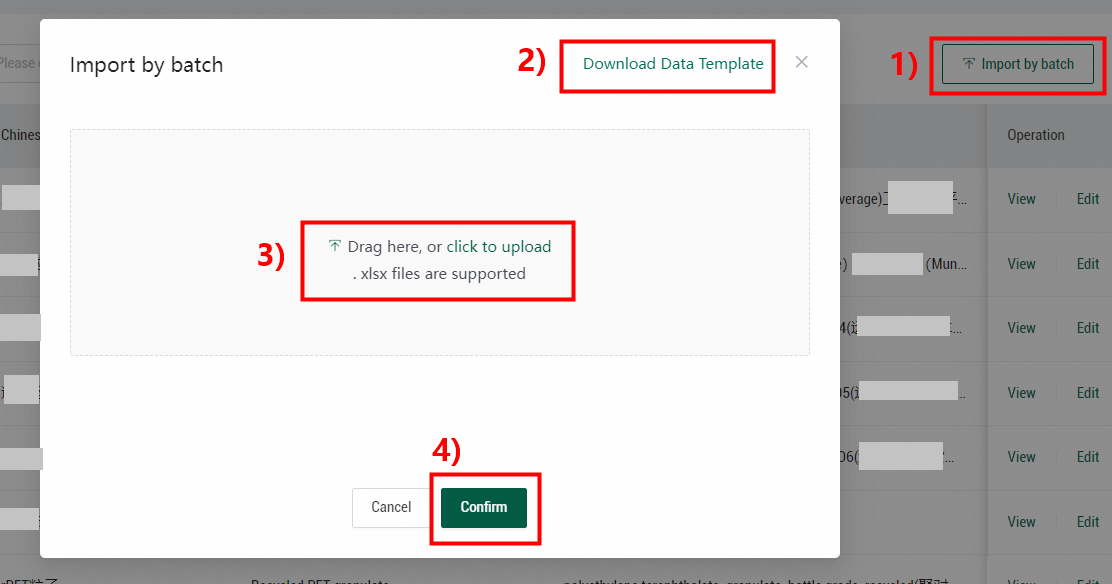
For each entry, the Chinese parameter is required. The English, Description of Entry, and Related Impact Factor parameters are optional.
Use an entry
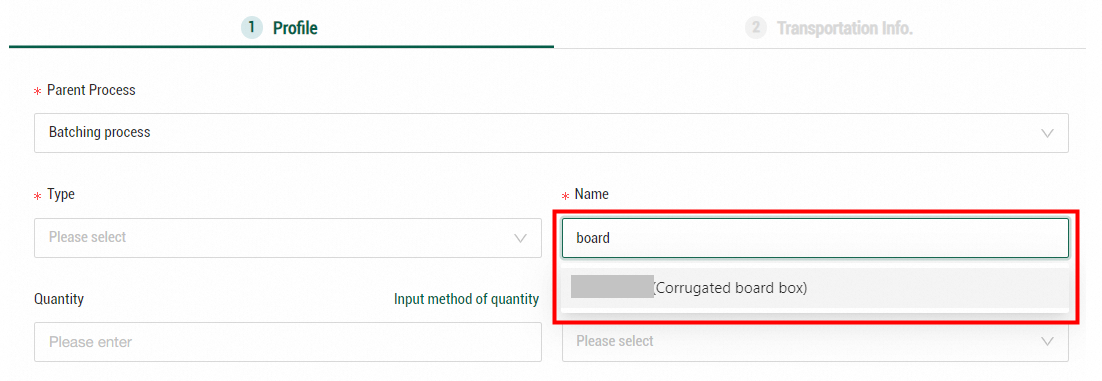
When you configure an inventory item for a product carbon footprint model, enter a keyword in the Name field. The drop-down list displays all entries that contain the keyword. After you select an entry, the entry name and related impact factors are automatically synchronized to the inventory item. For more information, see Configure the basic information of lifecycle inventory.