You can view information about clusters on the web UI of JindoFileSystem (JindoFS). The information includes the running mode, namespace, storage service information, and startup status.
Prerequisites
You can access the web UI by using an SSH tunnel. For more information, see Create an SSH tunnel to access web UIs of open source components.Access the web UI of JindoFS
After an SSH tunnel is established, you can access the web UI of JindoFS. The web UI of JindoFS 3.1.X consists of the following sections: Overview, Namespace Info, StorageService, and Advanced.
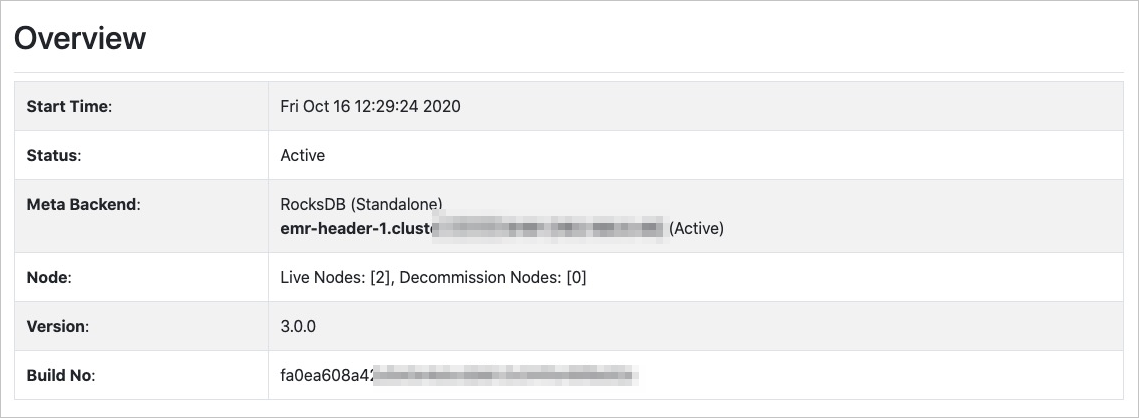
- OverviewThis section provides information that includes Start Time, Status, Meta Backend, Node, and Version.
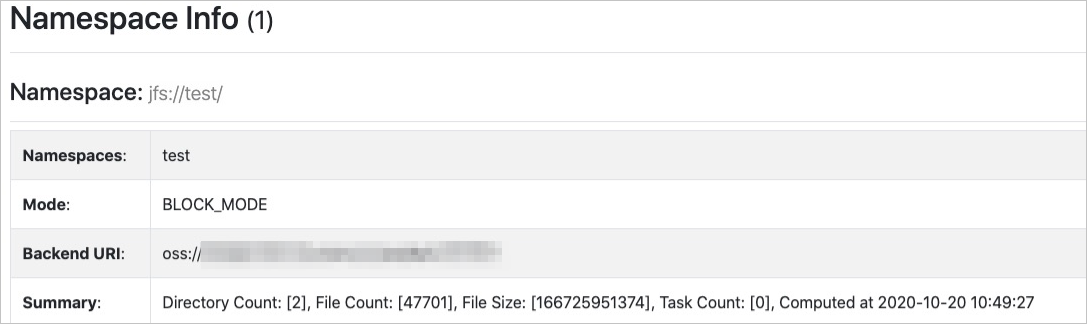
- Namespace InfoThis section provides information that includes Namespaces, Mode, Backend URI, and Summary. In block storage mode, you can view the following statistics of a namespace: the number of directories, the number of files, and total file size.
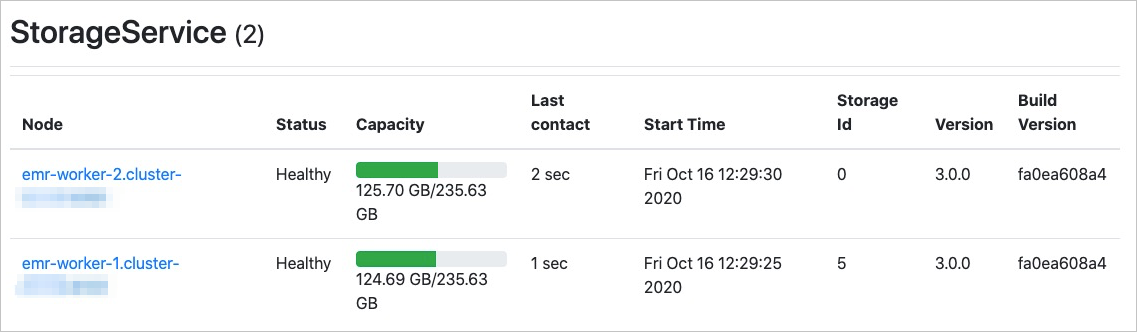
- StorageServiceThis section provides a list of Storage Services in a cluster and the information about each of the Storage Services. The information includes Node, Status, Capacity, Last contact, Start Time, Storage Id, Version, and Build Version.
 You can click a Node value to view the space usage of each disk.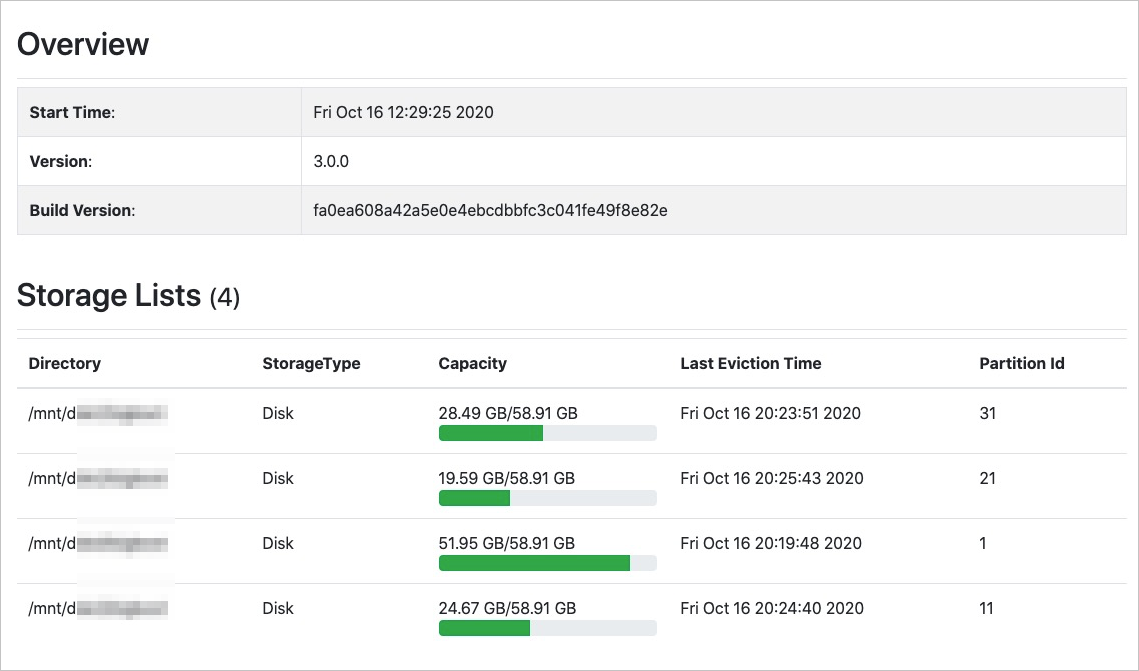
- Advanced
This section is used for JindoFS developers to troubleshoot issues.