Query usage to view traffic overviews and detailed usage breakdowns for your websites or plans, helping you monitor and analyze traffic consumption.
Query traffic data by plan
ESA provides usage detail queries and data comparison to help you analyze traffic patterns.
Query and export details
Query all traffic data for a specific plan, or batch-query traffic data across multiple sites.
-
Log on to the ESA console. In the navigation pane on the left, choose .
-
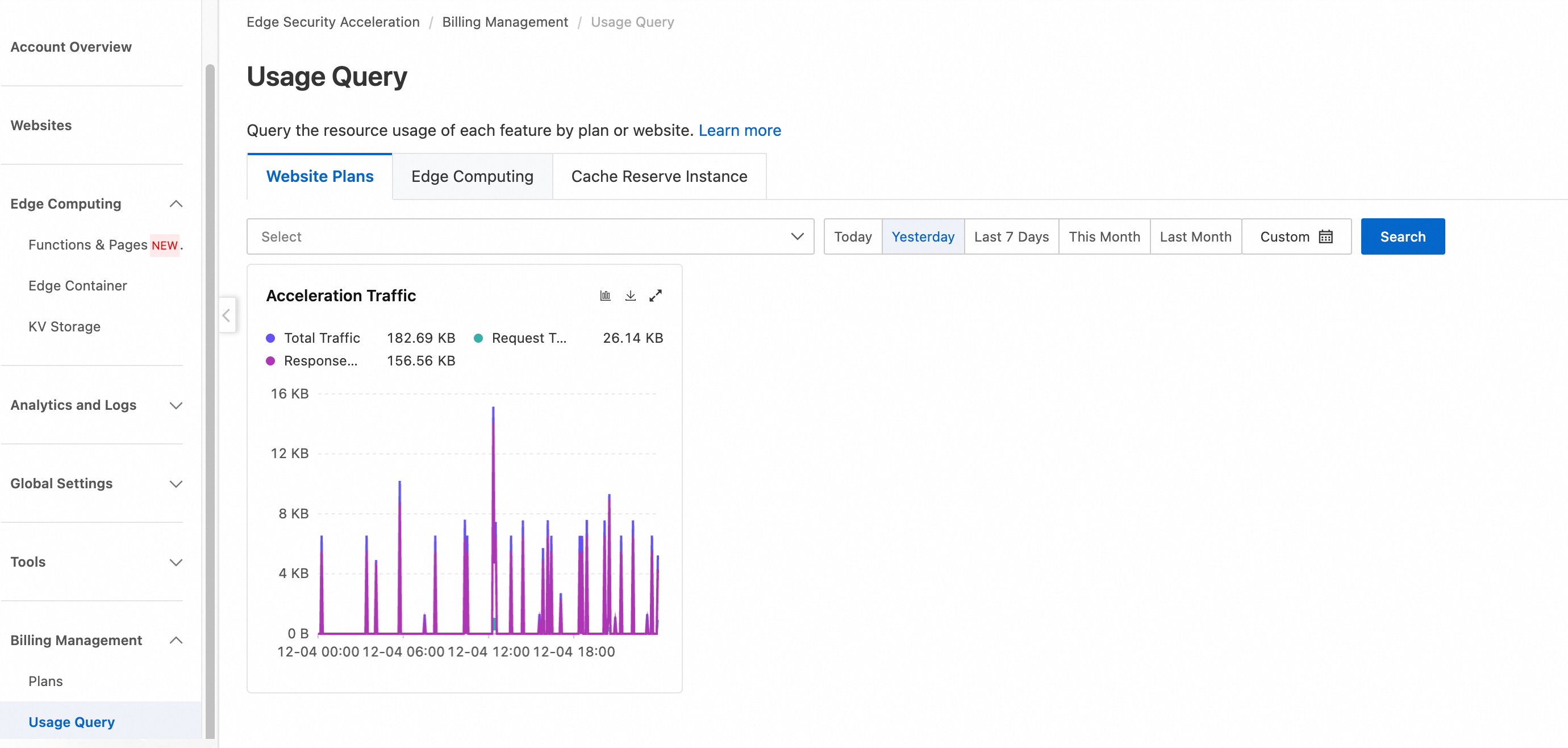
On the Usage Query page, select the type of usage that you want to query. For example, for a Website Plans, select the Website Plans tab, select the desired plan and time range, and then click Search. The system displays the usage details for the specified time period.
Summarize and export usage
Query and export the total usage across all websites in your account.
-
Log on to the ESA console. In the navigation pane on the left, choose .
-
The Usage Query page displays the total usage for all domain names in your account. Click the
 icon to download the data. You can also click the
  icon to view site rankings for the specified time range.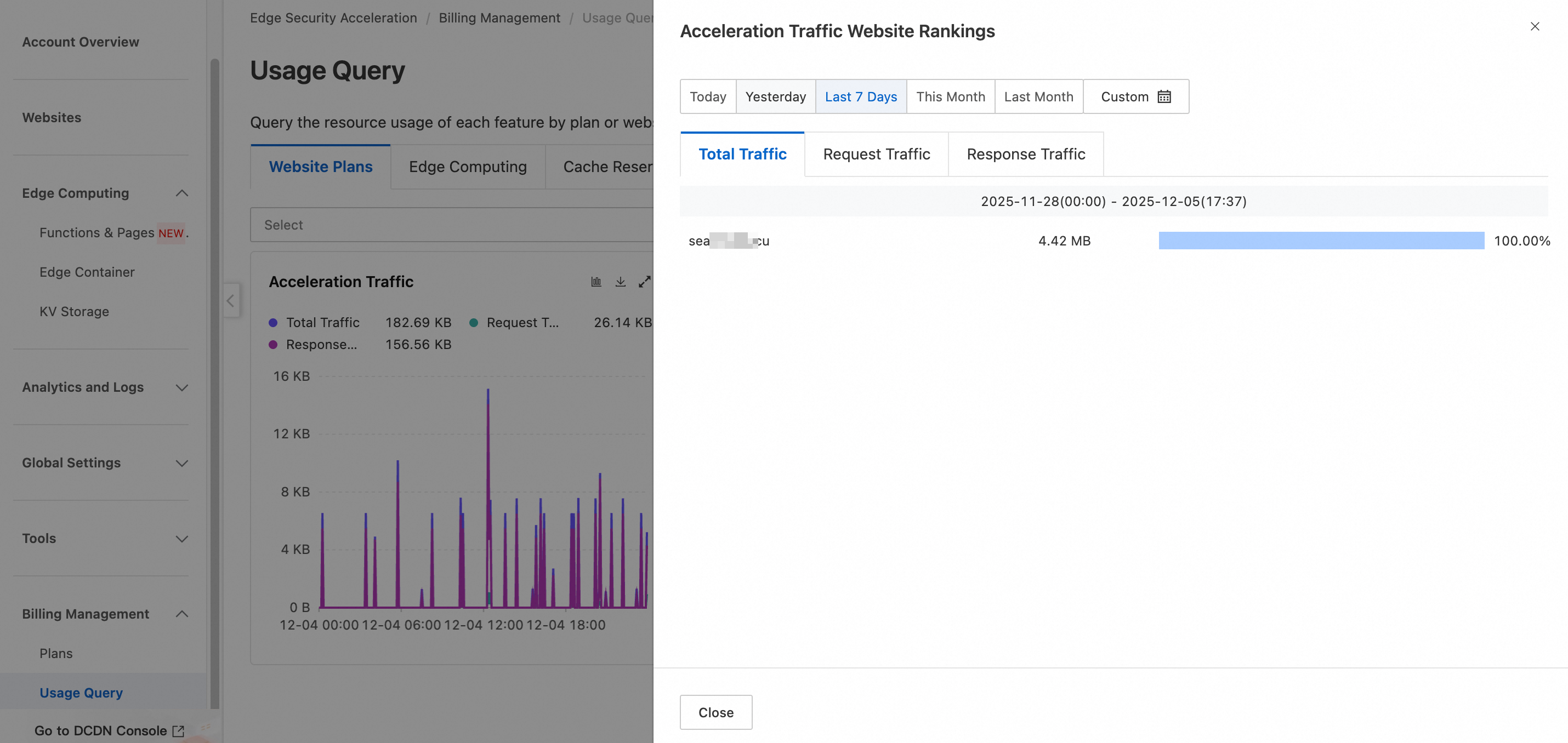
-
The chart shows the total traffic, request traffic, and response traffic for all selected sites.
-
ESA bills you based on your Total Traffic, which consists of Request Traffic and Response Traffic.
-
You can set a custom time range. The time range can span a maximum of three months.