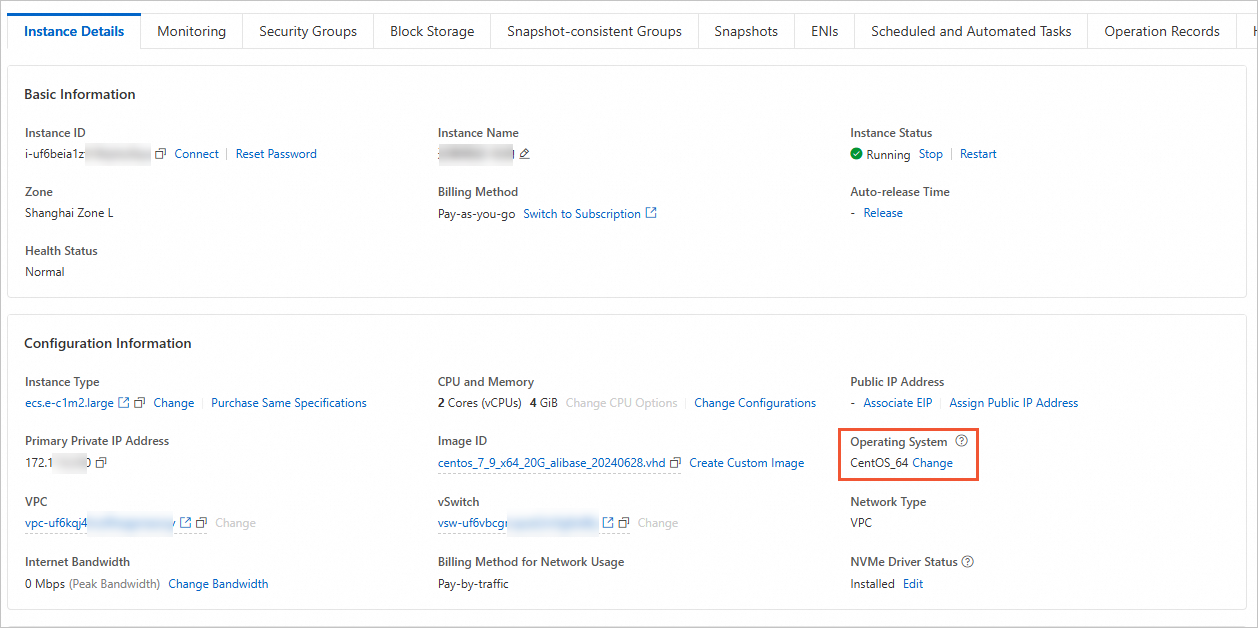
Correct the Operating System value in the ECS console after an OS upgrade or conversion.
-
This feature is in invitational preview. To use it, submit a ticket.
-
You can only calibrate to OS forms such as CentOS_64, CentOS_32, and CentOS_arm64, not to specific minor versions like CentOS 7.9 or Ubuntu 22.04. This action is irreversible. Proceed with caution.
Procedure
Go to ECS console - Instances.
In the upper-left corner of the page, select a region and resource group.
-
Find the target instance. In the Actions column, choose
 > Instance Attributes > Calibrate Operating System.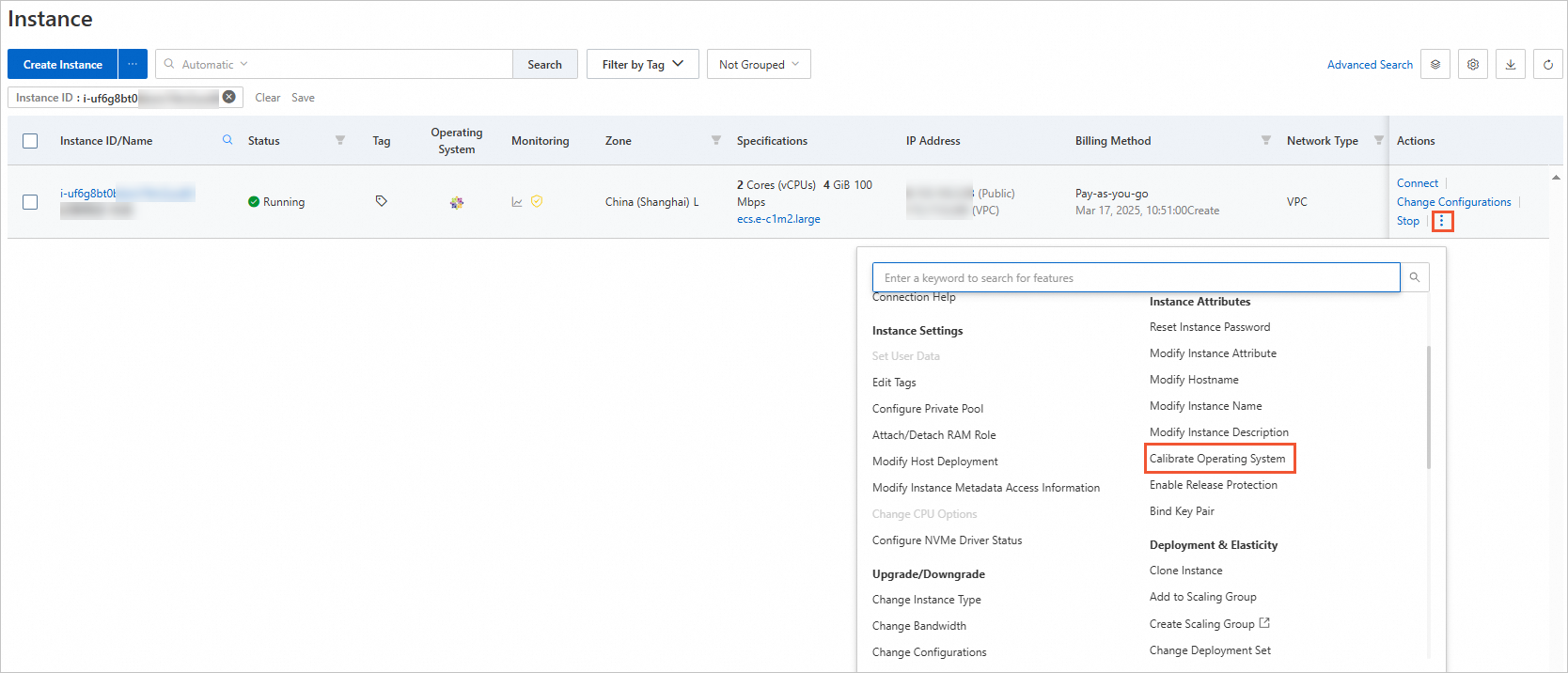
-
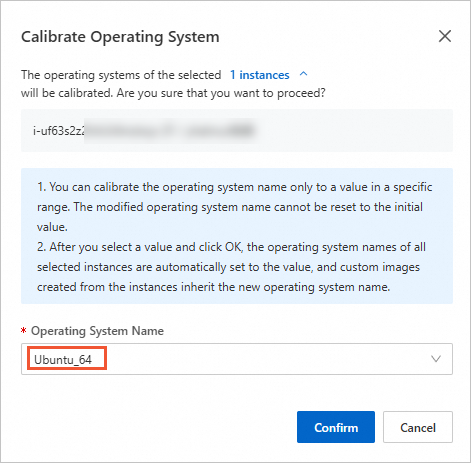
In the Calibrate Operating System dialog box, select an Operating System Name and click Confirm.
NoteIf your target operating system is not in the drop-down list, select one of the following:
-
Linux: OtherLinux_64, OtherLinux_32, or OtherLinux_arm64
-
Windows: OtherWindows_x86_64, OtherWindows_x86_32, or OtherWindows_arm64
-
-
Verify the result in the Operating System field on the Instance Details tab.