Whitelist or blacklist source IPs by associating ACLs with ALB Ingress listeners in your AlbConfig.
ACLs support only IPv4 addresses.
How it works
An ACL contains a group of CIDR blocks. After you associate an ACL with a listener through AlbConfig, the listener matches incoming source IPs against ACL entries and applies one of these rules:
-
Whitelist: Allows only requests from IP addresses that match ACL entries.
-
Blacklist: Denies requests from IP addresses that match ACL entries.
The following figure shows how ACLs work.

Choose a configuration method
Two methods associate a listener with an ACL. Use aclIds to manage ACL entries frequently or reuse existing ACLs.
| Item | aclIds (recommended) |
aclEntries |
|---|---|---|
| Supported controller version | ALB Ingress controller v2.7.0 and later | All versions |
| Associate with an existing ACL | Yes — use the ACL ID directly | No — v2.7.0 and later cannot associate an existing ACL |
| How to create an ACL | Create manually in the ALB console | Defined inline in the AlbConfig |
| Best for | Frequent ACL entry changes; cost-effective ACL maintenance | Small number of listeners with few ACL entries |
aclIds and aclEntries are mutually exclusive. In ALB Ingress controller v2.7.0 and later, use only aclIds to associate an existing ACL with a listener.
Prerequisites
Before you begin:
-
An AlbConfig with at least one listener is configured.
-
The
aclConfigparameter is configured at the listener level inside the AlbConfig.
Use the aclIds parameter (recommended)
Associate an existing ACL with a listener by its ID. Each listener supports up to three ACLs.
Step 1: Create an ACL
-
Log on to the ALB console.
-
In the top navigation bar, select a region.
-
In the left-side navigation pane, choose ALB > Access Control.
-
On the Access Control page, click Create Access Control List.
-
In the Create ACL dialog box, configure the parameters and click OK.
Parameter Description ACL Name The ACL name. Tag Key / Tag Value Tags for filtering ACLs on the Access Control page. Resource Group Select a resource group.
Step 2: Add entries to the ACL
ACL entries specify source IP addresses or CIDR blocks to match against incoming requests.
-
On the Access Control page, find the ACL and click Manage in Actions.
-
On the Entry tab of the ACL details page, add entries:
-
Single entry: Click Add Entry, configure IP/CIDR Block and Remarks, then click Add.
-
Multiple entries: Click Add ACL Entries, enter CIDR blocks with remarks, then click Add:
-
Enter one entry per line.
-
Use a vertical bar (
|) to separate IP/CIDR blocks from remarks. Example:192.168.1.0/24|Remarks. -
Add up to 20 entries at a time.
-
-
-
After adding entries:
-
View CIDR blocks in Entry.
-
Delete entries from the Actions column, or select multiple entries and click Delete.
-
Export entries with the
 icon in the upper-right corner. To export specific entries, select them and click the icon.
-
Step 3: Associate the ACL with a listener
Add spec.listeners.aclConfig to your AlbConfig and specify the ACL ID in aclIds.
apiVersion: alibabacloud.com/v1
kind: AlbConfig
metadata:
  name: default
spec:
  config:
  #...
  listeners:
    - port: #...
      protocol: #...
      aclConfig:
        aclType: White   # Whitelist mode
        aclIds:
          - acl-wtg***   # Replace with your ACL ID
#...
aclConfig parameters:
| Parameter | Description |
|---|---|
aclType |
The ACL type. Valid values: Black (blacklist), White (whitelist). |
aclIds |
The ACL ID. Each listener supports up to three ACLs. |
Step 4: Verify the access control effect
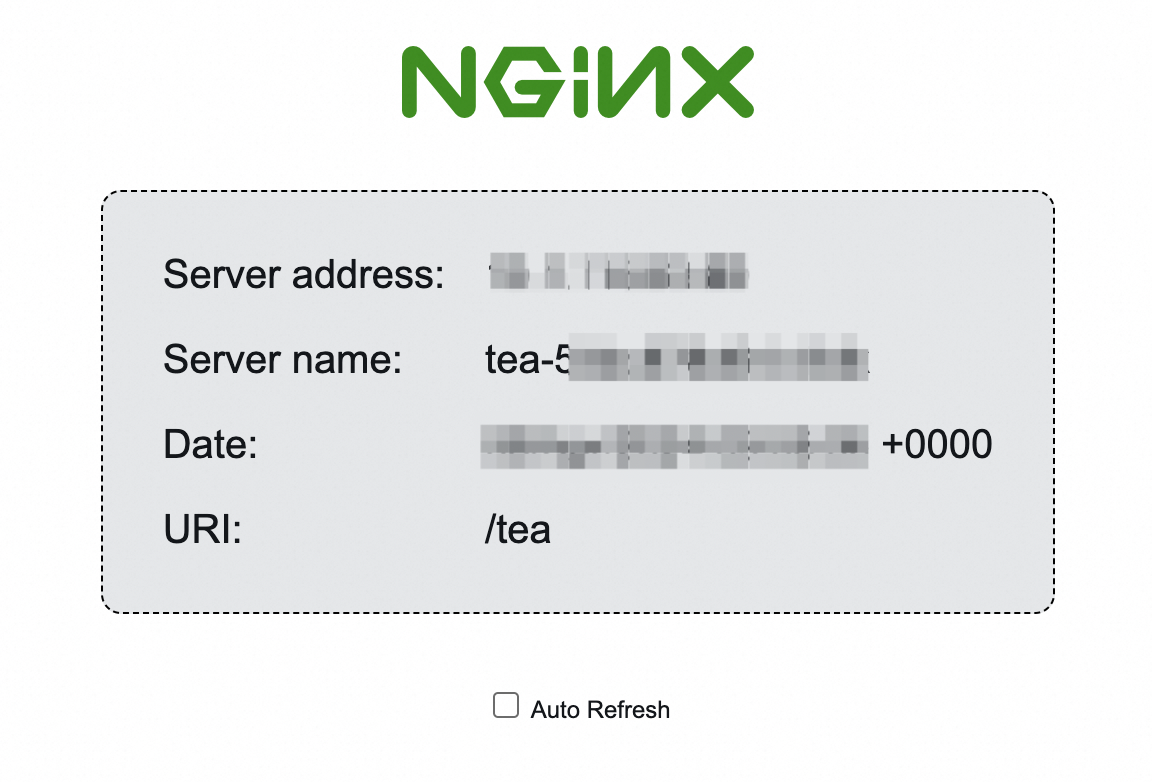
Access the backend Service from a client whose public IP matches a whitelist entry (or does not match any blacklist entry).
This example uses resources from Get started with ALB Ingress.
If allowed, the client reaches the backend Service.
Step 5: (Optional) Disassociate the ACL from the listener
To disassociate an ACL, remove its ID from aclIds or set aclIds to null.
apiVersion: alibabacloud.com/v1
kind: AlbConfig
metadata:
  name: default
spec:
  config:
   #...
  listeners:
    - port: #...
      protocol: #...
      aclConfig:
        aclType: White
        aclIds: null   # Removes the associated ACL
  #...
To delete the ACL itself, use the ALB console . ACLs cannot be deleted from an AlbConfig.
Use the aclEntries parameter
Define ACL entries inline in the AlbConfig. The controller creates and manages the ACL automatically.
-
In ALB Ingress controller v2.7.0 and later,
aclNameno longer associates an existing ACL. EachaclNameupdate creates and associates a new ACL. -
In ALB Ingress controller v2.6.0 and earlier, write-back is enabled by default:
-
If
aclConfigis empty in the AlbConfig, ACL entries from the associated listener are written back to the AlbConfig. -
If
aclConfigis configured or entries are already written back, the AlbConfig stays unchanged. When Ingress resources change, the controller overwrites console ACL configuration with the AlbConfig — keep both in sync.
Step 1: Configure ACL entries in the AlbConfig
Add or update spec.listeners.aclConfig in the AlbConfig. Specify CIDR blocks in aclEntries and optionally a name in aclName.
If aclName is set, the ACL uses that name. If aclName is not set, the name is auto-generated as acl-{albName}-{port}.
apiVersion: alibabacloud.com/v1
kind: AlbConfig
metadata:
  name: default
spec:
  config:
   #...
  listeners:
    - port: #...
      protocol: #...
      aclConfig:
        aclEntries:
          - 192.168.XX.XX/16
          - 172.10.XX.XX/16
        aclType: White   # Whitelist mode
        aclName: "acl-test"   # Creates an ACL named acl-test
  #...
aclConfig parameters:
| Parameter | Description |
|---|---|
aclEntries |
The ACL entries. Must be CIDR blocks, for example 127.0.0.1/32. |
aclType |
The ACL type. Valid values: Black (blacklist), White (whitelist). |
aclName |
The ACL name. If not set, auto-generated as acl-{albName}-{port}. |
Step 2: Verify the access control effect
Access the backend Service from a client whose public IP matches a whitelist entry (or does not match any blacklist entry).
This example uses resources from Get started with ALB Ingress.
If allowed, the client reaches the backend Service.
Step 3: (Optional) Remove ACL entries
Update aclEntries in the AlbConfig. The controller syncs changes to the associated ACL.
This example removes 172.10.XX.XX/16 from acl-test, keeping only 192.168.XX.XX/16. Set aclEntries to an empty list to remove all entries.
apiVersion: alibabacloud.com/v1
kind: AlbConfig
metadata:
  name: default
spec:
  config:
   #...
  listeners:
    - port: #...
      protocol: #...
      aclConfig:
        aclEntries:
          - 192.168.XX.XX/16   # 172.10.XX.XX/16 is removed from acl-test
        aclType: White
        aclName: "acl-test"
  #...
To delete the ACL itself, use the ALB console. ACLs cannot be deleted from an AlbConfig.