This topic describes the operations on layer nodes in Blueprint Editor.
Operation | Procedure |
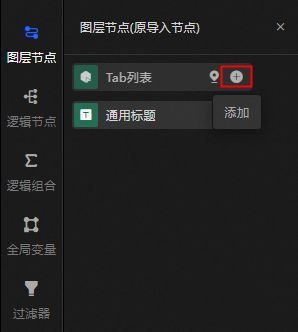
Add a Forwarding Rule | Click the icon on the right of the |
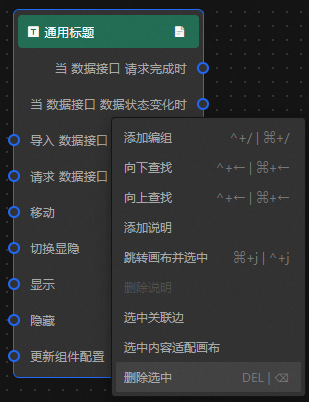
Deletes | On the blueprint canvas, right-click and select Delete Selected. You can also use a shortcut key to delete layer nodes.
|
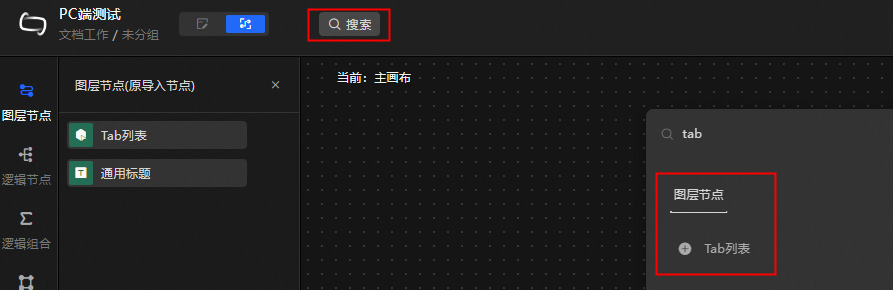
Search | In the toolbar of the blueprint page, enter the layer node that you want to find in the search box. |
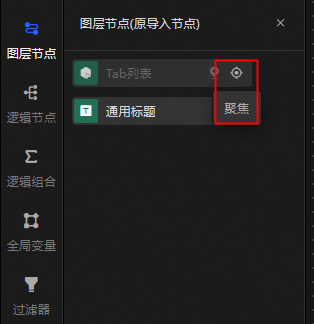
Focus | Move the pointer over the node and select Focus to locate the node on the main canvas. |
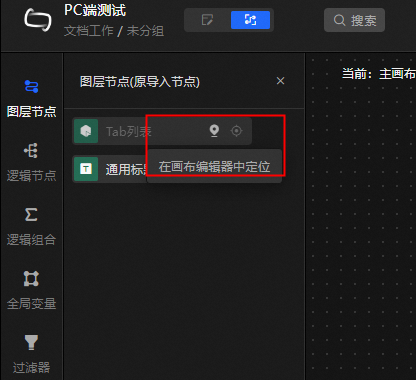
Positioning in Canvas Editor | Move the pointer over the node and select In Canvas Editor to locate the current layer node in Canvas Editor. |
Others | For more information about how to right-click a node, see Features. |
 layer node or drag it to the blueprint to add the layer node.