Gateway version 1.7.0 and later support the display of NFS client information, while gateway version 2.0.0 and later support the display of SMB client information. It is recommended to upgrade the gateway to the latest version before you query client information.
You can query clients of a file gateway by using the following steps:
Navigate to the Cloud Storage Gateway (CSG) console on the Gateway List page and click the ID of the desired gateway.
Click Clients to query the NFS Clients and SMB Clients of the gateway.
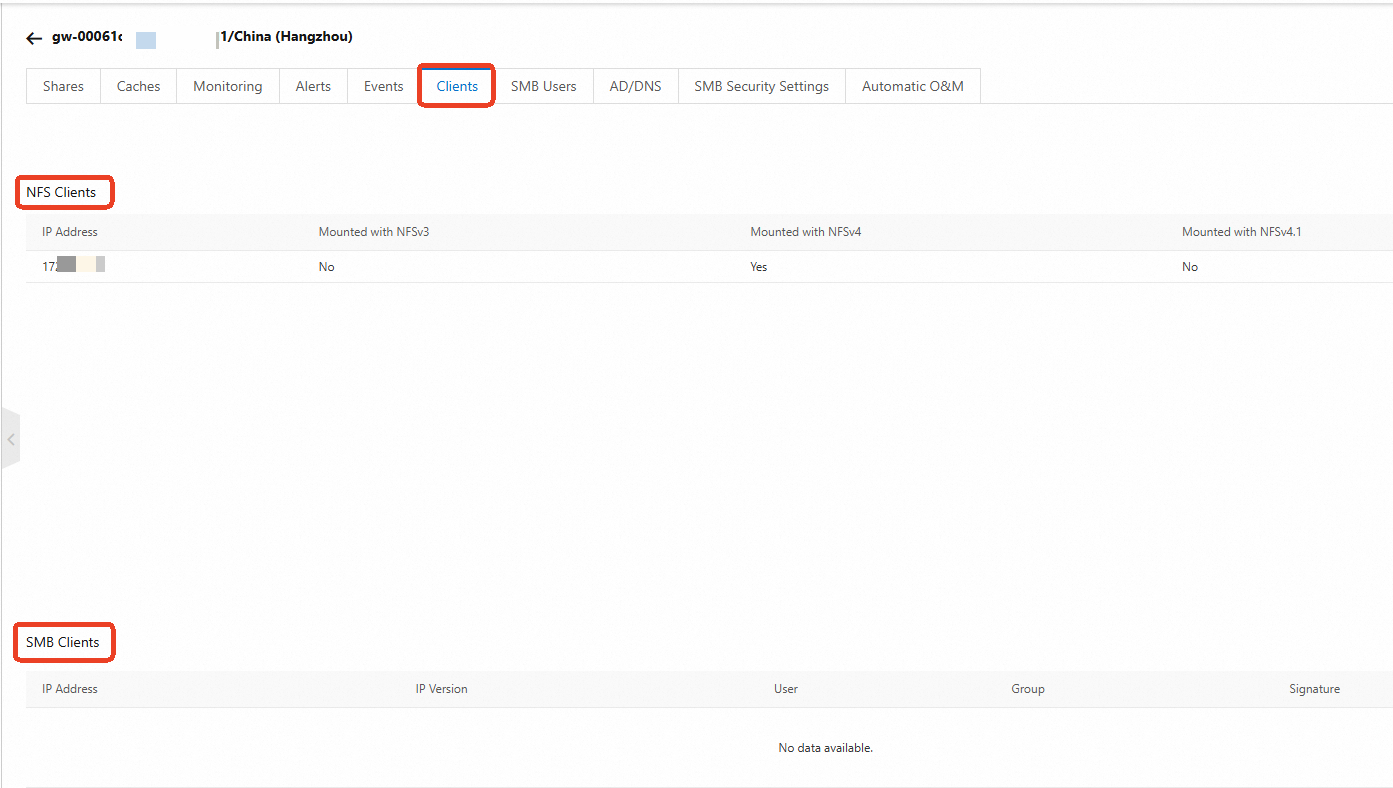
NFS share:
When a client performs an umount, shutdown, or restart operation, information about the client displayed on the gateway will immediately become invalid and be purged.
If a client is deleted, its cached connection information on the gateway will be temporarily retained for several hours before it automatically becomes invalid and is purged.
SMB share:
When a client performs an uninstall (net use /del) operation, information about the client displayed on the gateway will immediately become invalid and be purged.
If a client undergoes a shutdown, restart, or deletion, its cached connection information on the gateway will be temporarily retained for several hours before it automatically becomes invalid and is purged.