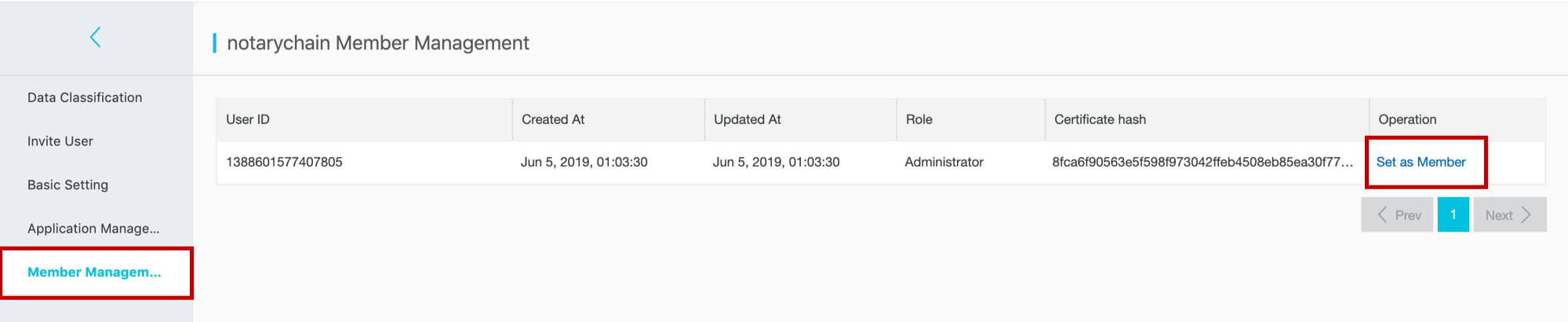
Use Member Management to view all members in a consortium blockchain and change their roles between member and administrator.
Roles
A consortium blockchain has two roles:
| Role | Description |
|---|---|
| Member | A participant in the consortium blockchain network. |
| Administrator | A member with elevated privileges, including the ability to view other members' information and change member roles. |
Note
An administrator cannot change their own role.
Change a member's role
Prerequisites
Before you begin, ensure that you have:
Logged in to the BaaS platform
The administrator role in the consortium
Steps
Go to the management page and click Member Management to view all consortium members of the current blockchain.
Locate the member whose role you want to change, then click the corresponding button:
To promote a member to administrator: click Set as Administrator.
To demote an administrator to member: click Set as Member.
In the confirmation dialog, click OK.