The Applications page displays the name, technology stack, agent type, number of requests, number of errors, response time, and trace quality of each monitored application. You can also bind tags to applications and use the tags to filter applications.
Filter applications
Log on to the Managed Service for OpenTelemetry console.
In the left-side navigation pane, click Applications. In the top navigation bar, select a resource group and a region.
You can perform a fuzzy search by application name, or filter applications by selecting a tag or selecting Only view online application.

The Applications page displays the name, technology stack, agent type, number of requests to provided services, number of errors in provided services, response time of provided services, and trace quality score of each application.
NoteThe request types include the types that are supported by provided services except user_method. For more information about the supported request types, see Provided services.
Bind tags to applications
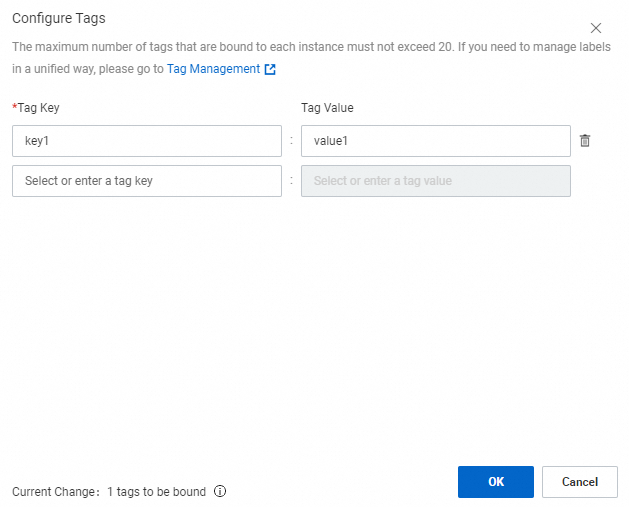
On the Applications page, find the application that you want to manage and click the  icon to bind tags to the application. Application tags can be used in the same way as Alibaba Cloud resource tags. You can use application tags to filter applications and control access to applications
. For more information, see Use tags to control access to resources.
Application topology
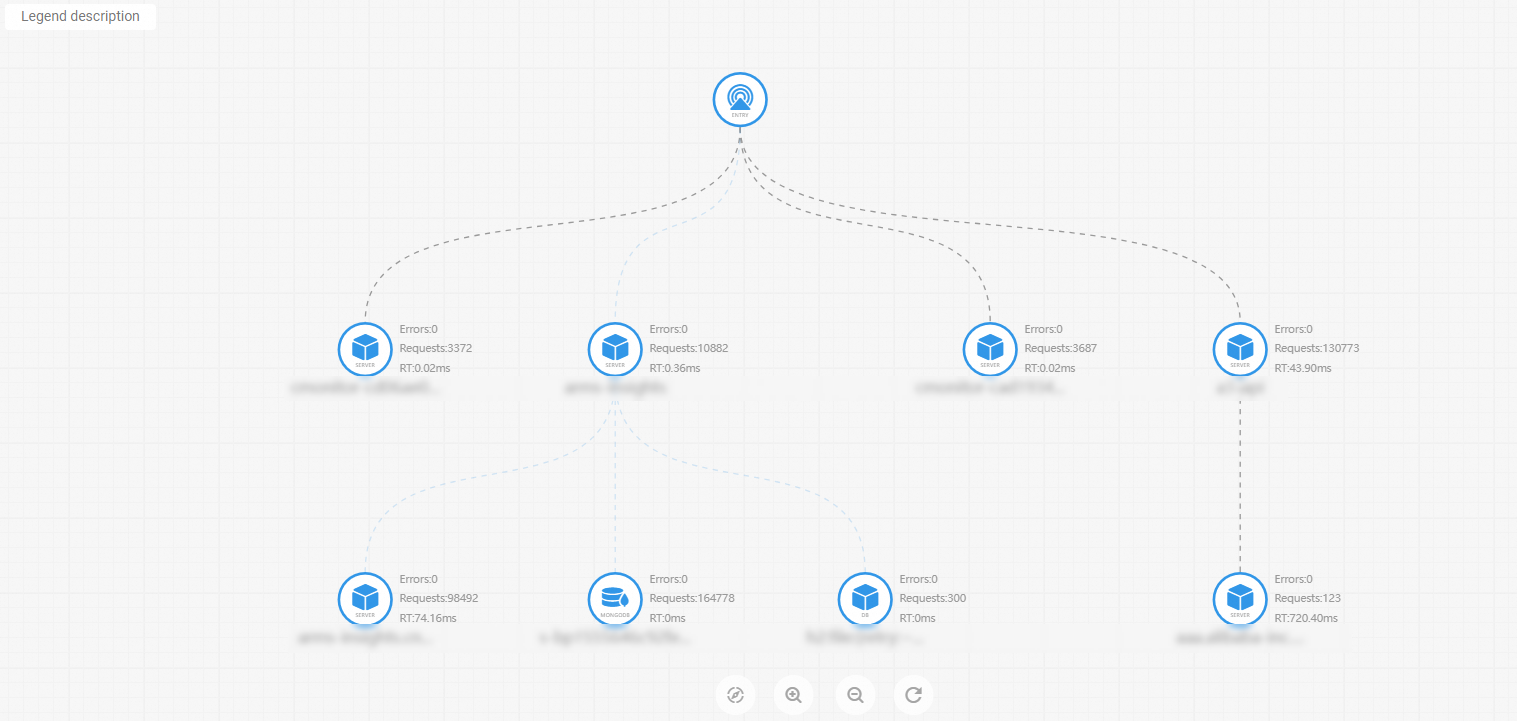
On the Applications page, click the  icon in the upper-right corner to view the global topology of applications.