Navicat is a fast, reliable, and affordable database management tool designed to simplify database management and reduce system administration costs. Navicat provides a graphical user interface (GUI) that lets you easily create a remote connection from your local machine to an AnalyticDB for MySQL cluster and then manage your data.
Prerequisites
Before you start, complete the following tasks:
-
Understand the compatibility between Navicat and AnalyticDB for MySQL. For more information, see Compatibility overview.
-
Install the Navicat software. Navicat Premium or Navicat for MySQL 16.0.14 or later is recommended. This topic uses Navicat for MySQL as an example.
-
Add your device's IP address to the IP address whitelist of your AnalyticDB for MySQL cluster.
-
If you need to connect to your AnalyticDB for MySQL cluster over the internet, apply for a public endpoint first.
Procedure
-
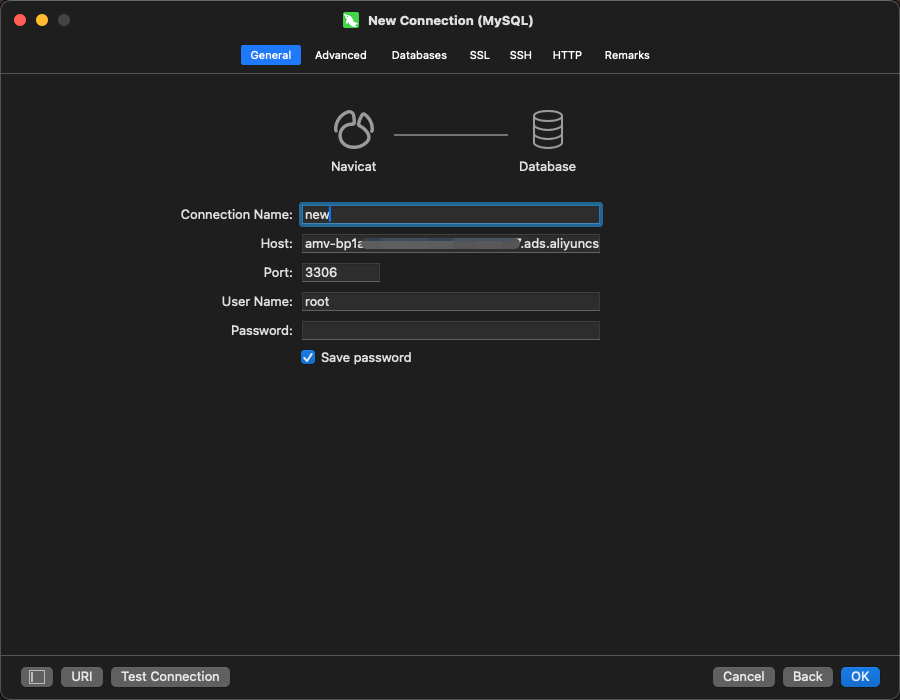
Open Navicat for MySQL and select . In the New Connection window, configure the following parameters.
Parameter
Description
Connection Name
A custom name to identify this connection.
Host
The endpoint of your AnalyticDB for MySQL cluster. You can find the endpoint on the Cluster Information page of the console.
Port
3306
Database Account
The username for a database account in your AnalyticDB for MySQL cluster, which can be a:
-
privileged account.
-
standard account.
Password
The password for the account.
If your operating system is macOS, you must also specify the database name after you configure the connection information.
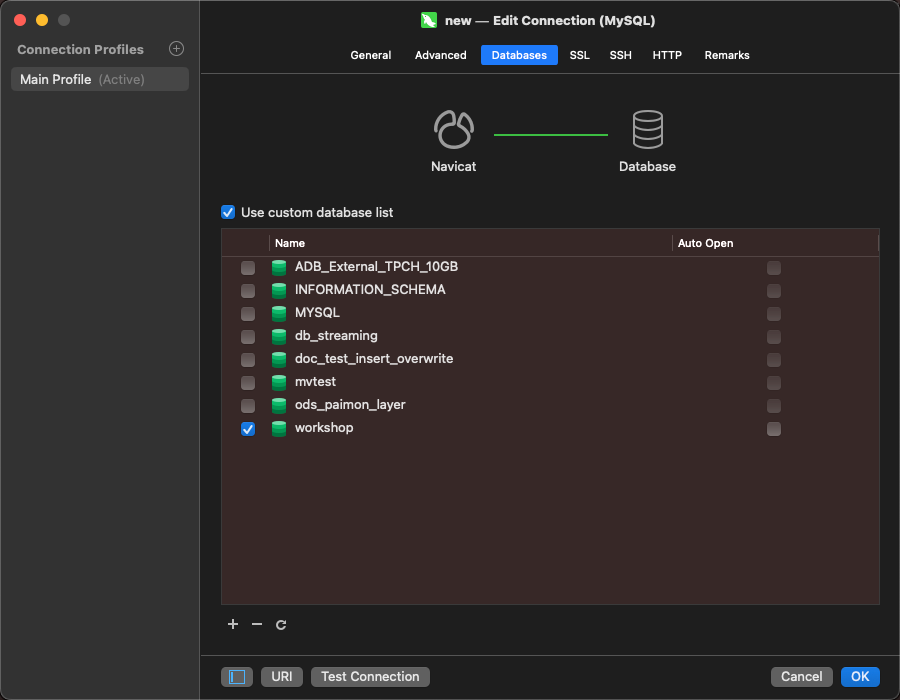
-
-
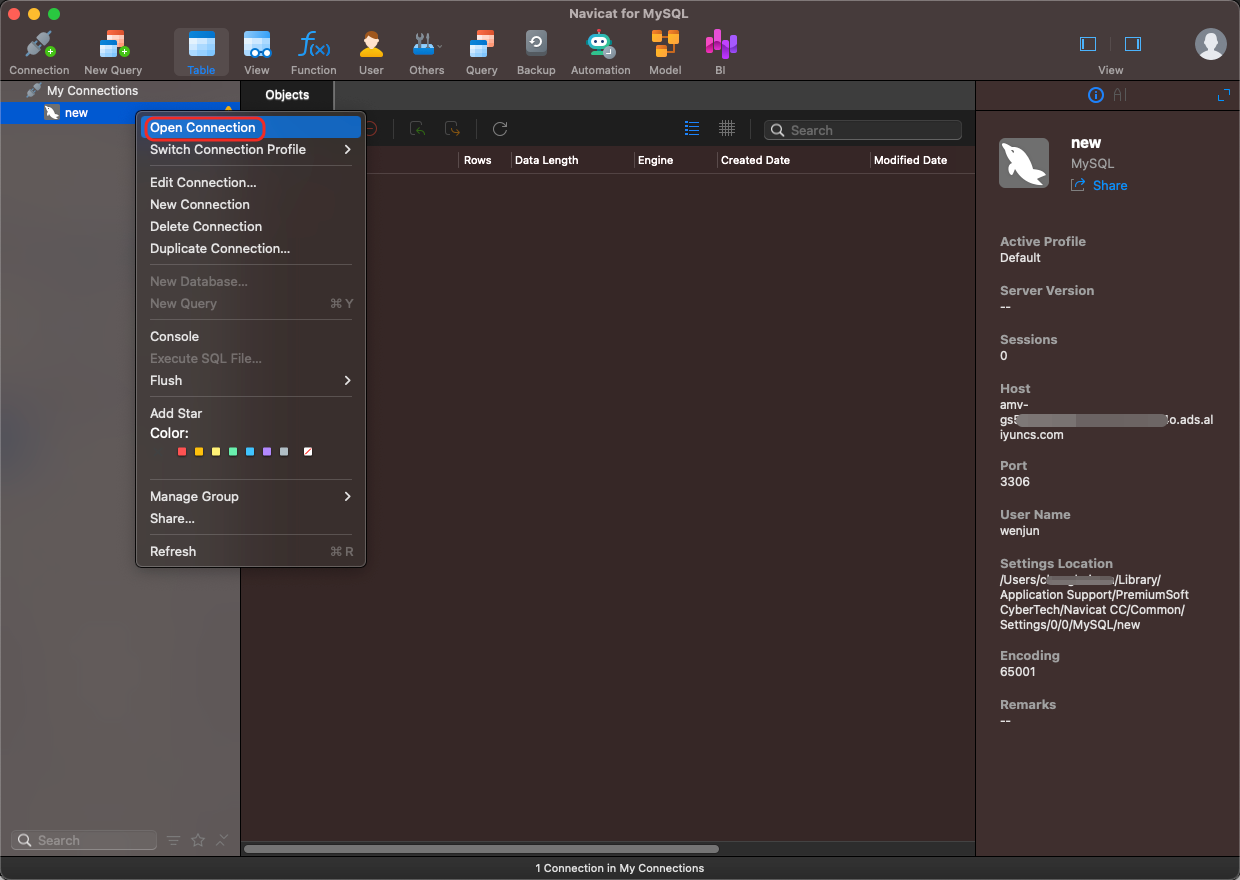
Click Test Connectivity. If the test is successful, click OK. The cluster connection is created but remains inactive. You must open it manually.
-
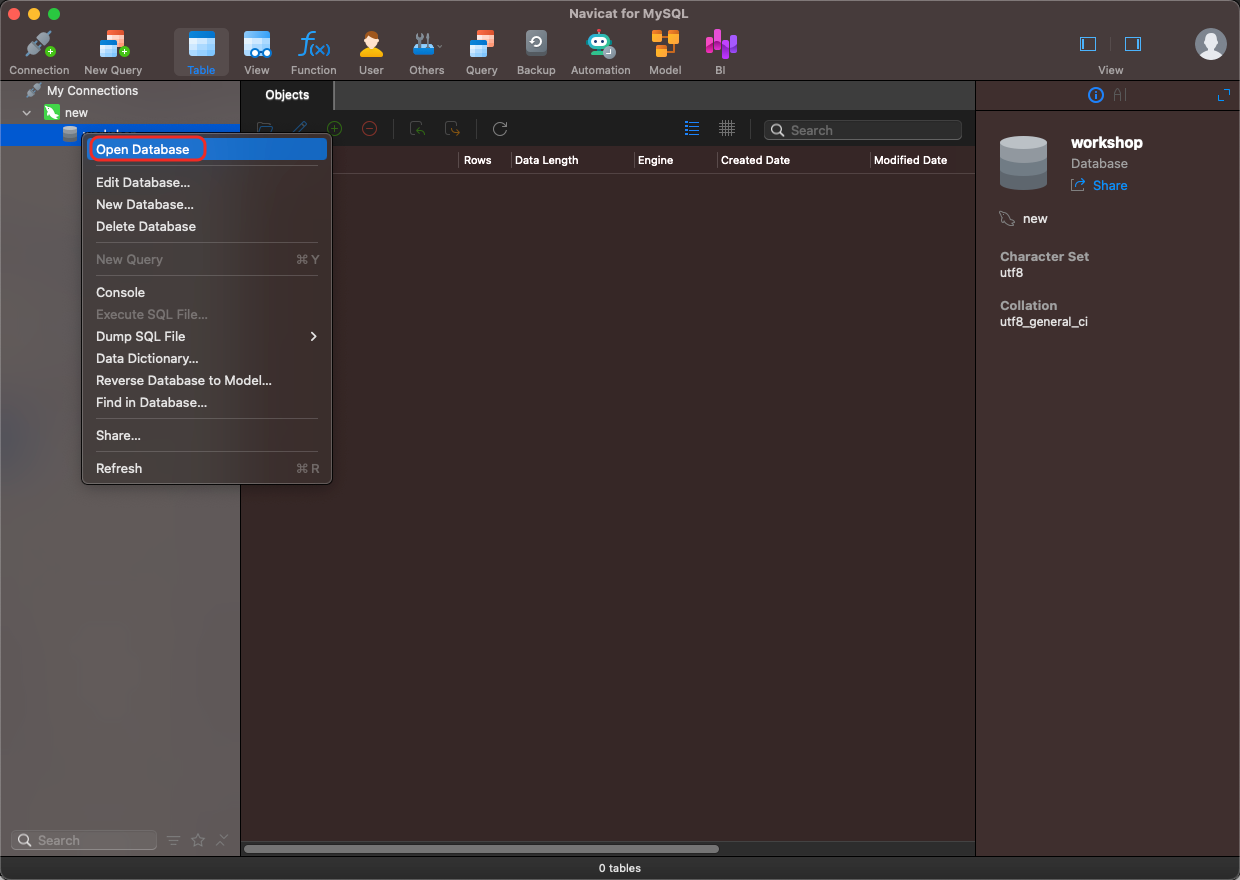
Right-click the . Then, right-click a Database Name to open the database. You can now use Navicat for MySQL to manage your data.