DBVisualizer connects to AnalyticDB for MySQL through the MySQL-compatible driver. This page covers the prerequisites and supported database operations.
Prerequisites
Before you begin, make sure you have:
DBVisualizer 10.0.24 (download)
Java 1.8 installed on your machine
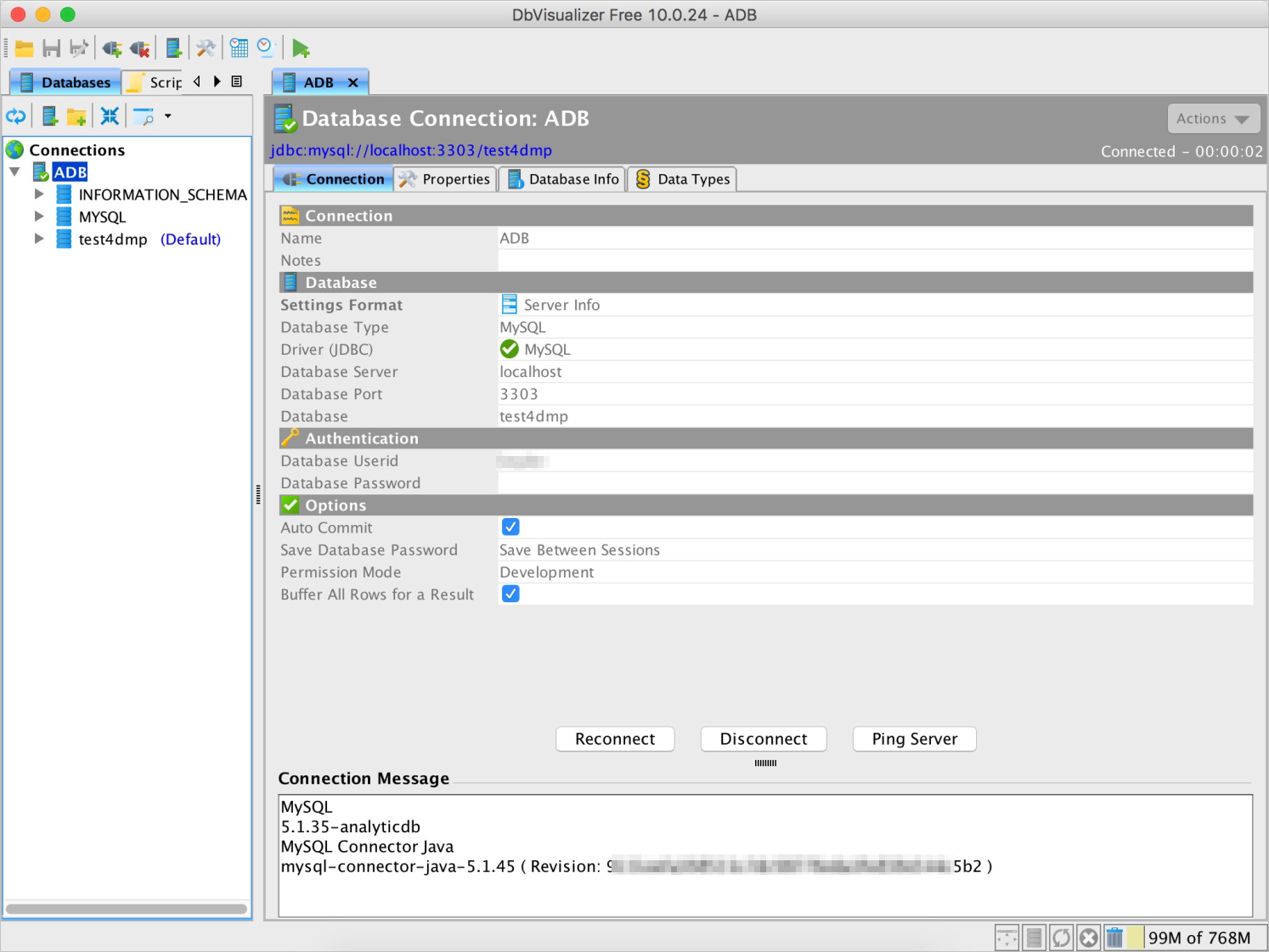
An AnalyticDB for MySQL cluster — note the cluster endpoint, port, database name, username, and password
Supported operations
The following operations were tested against AnalyticDB for MySQL using DBVisualizer 10.0.24.
Test environment
| Component | Version |
|---|---|
| DBVisualizer | 10.0.24 |
| Java | java version "1.8.0_161" — Java HotSpot(TM) 64-Bit Server VM (build 25.161-b12, mixed mode) |
| MySQL client | mysql Ver5.6.46 for osx10.13 on x86_64 (Homebrew) |
Test results
Test connectivity
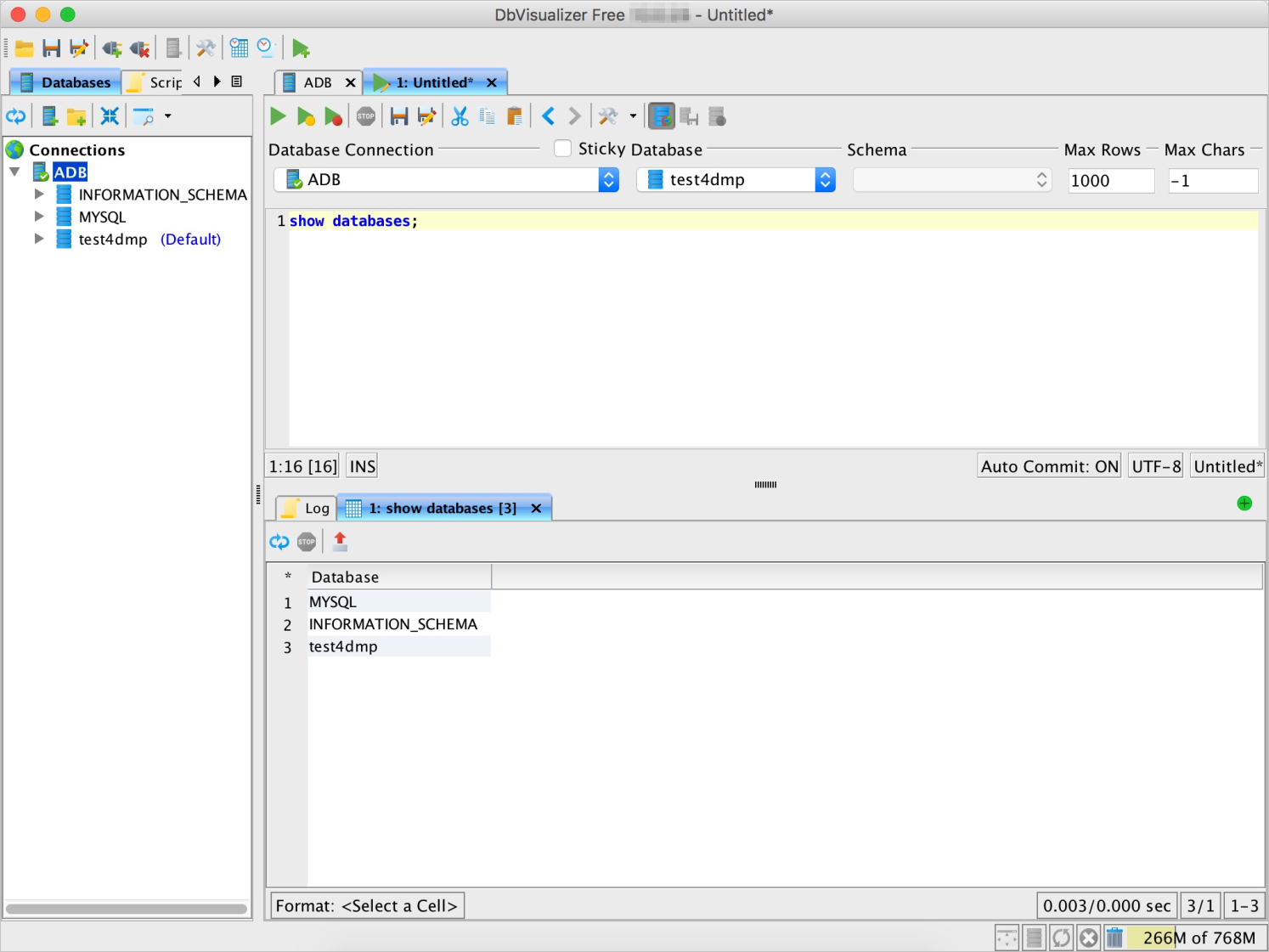
List databases
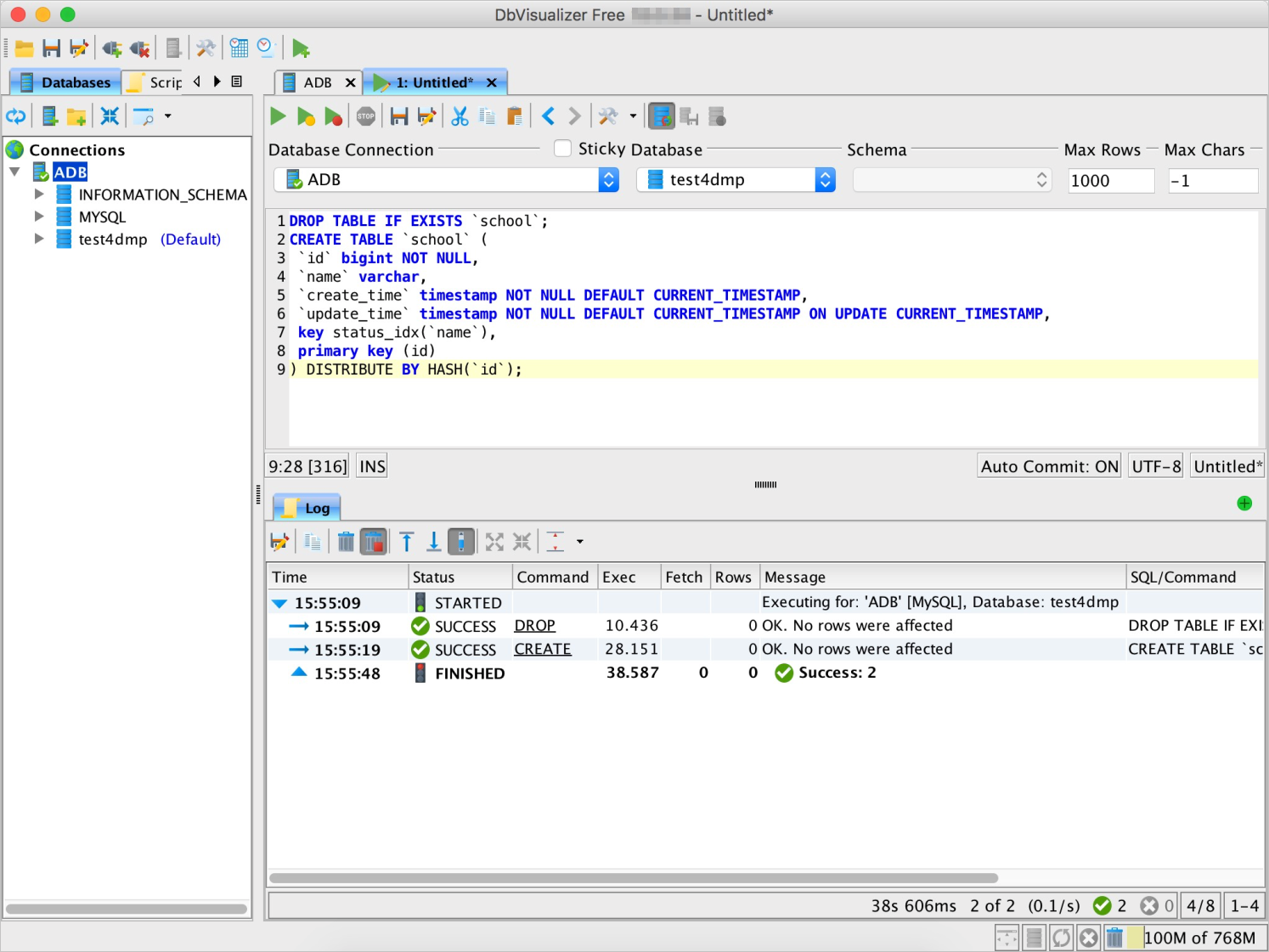
Create a table
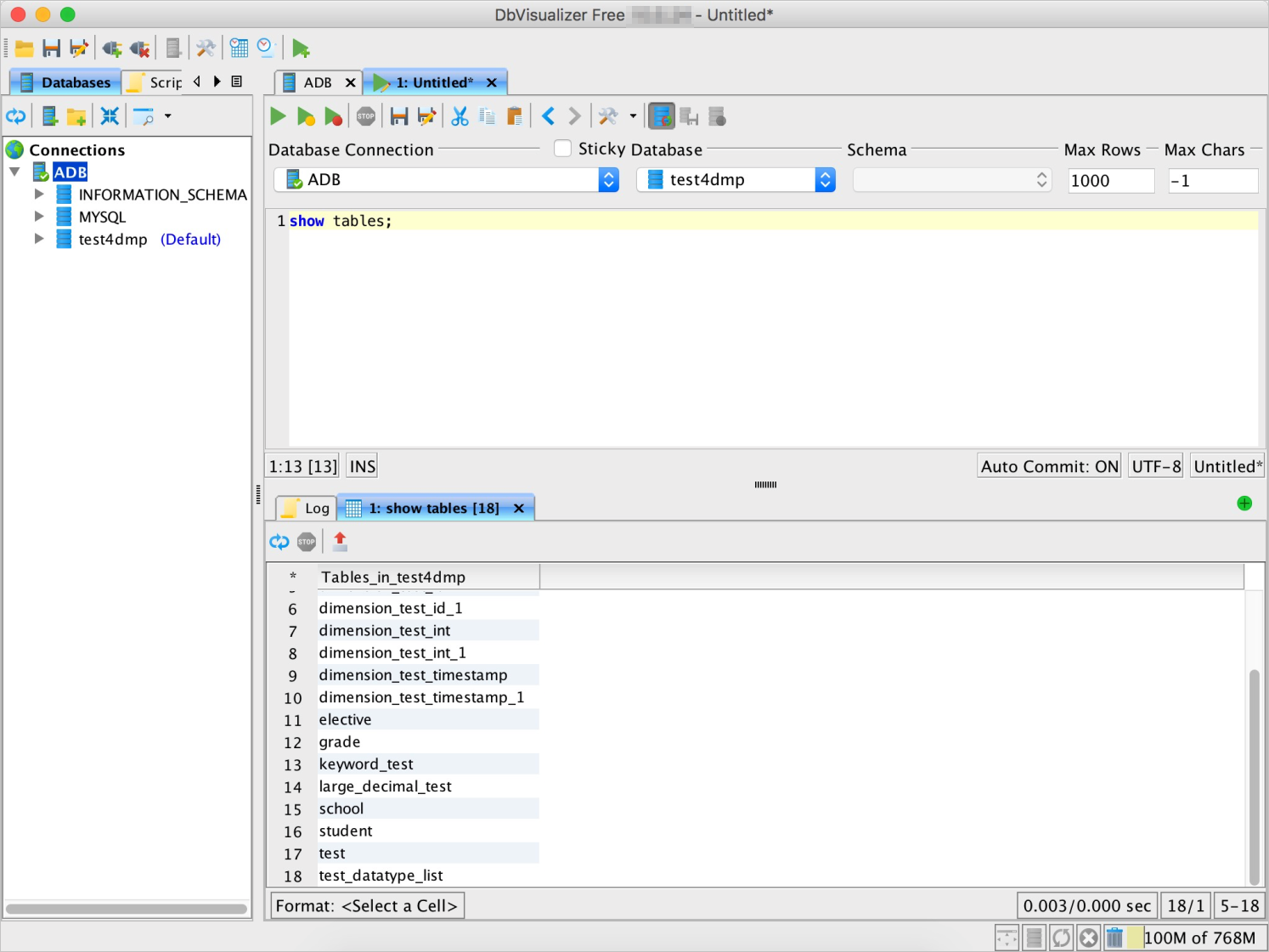
List all tables
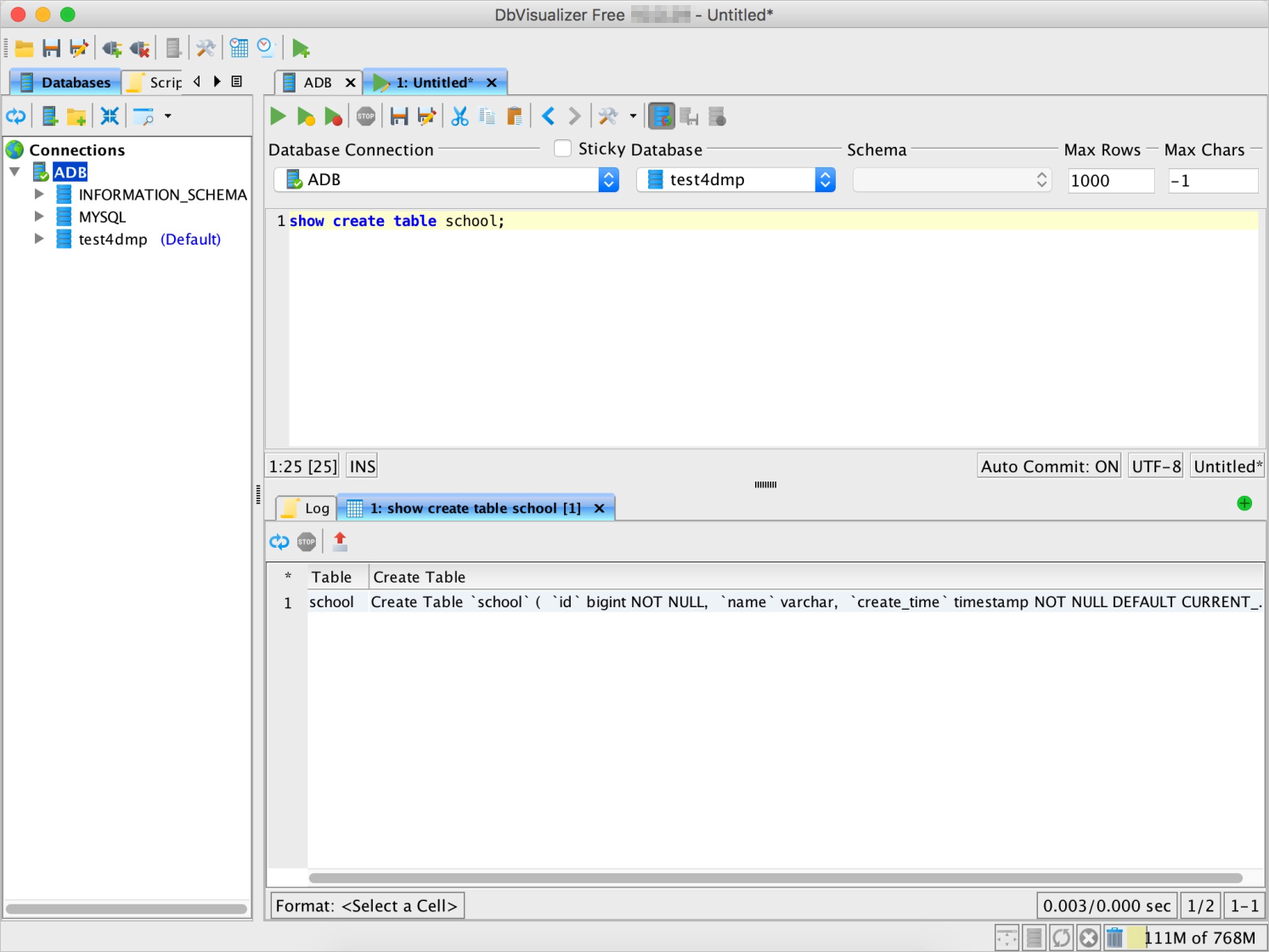
Query the schema of a table
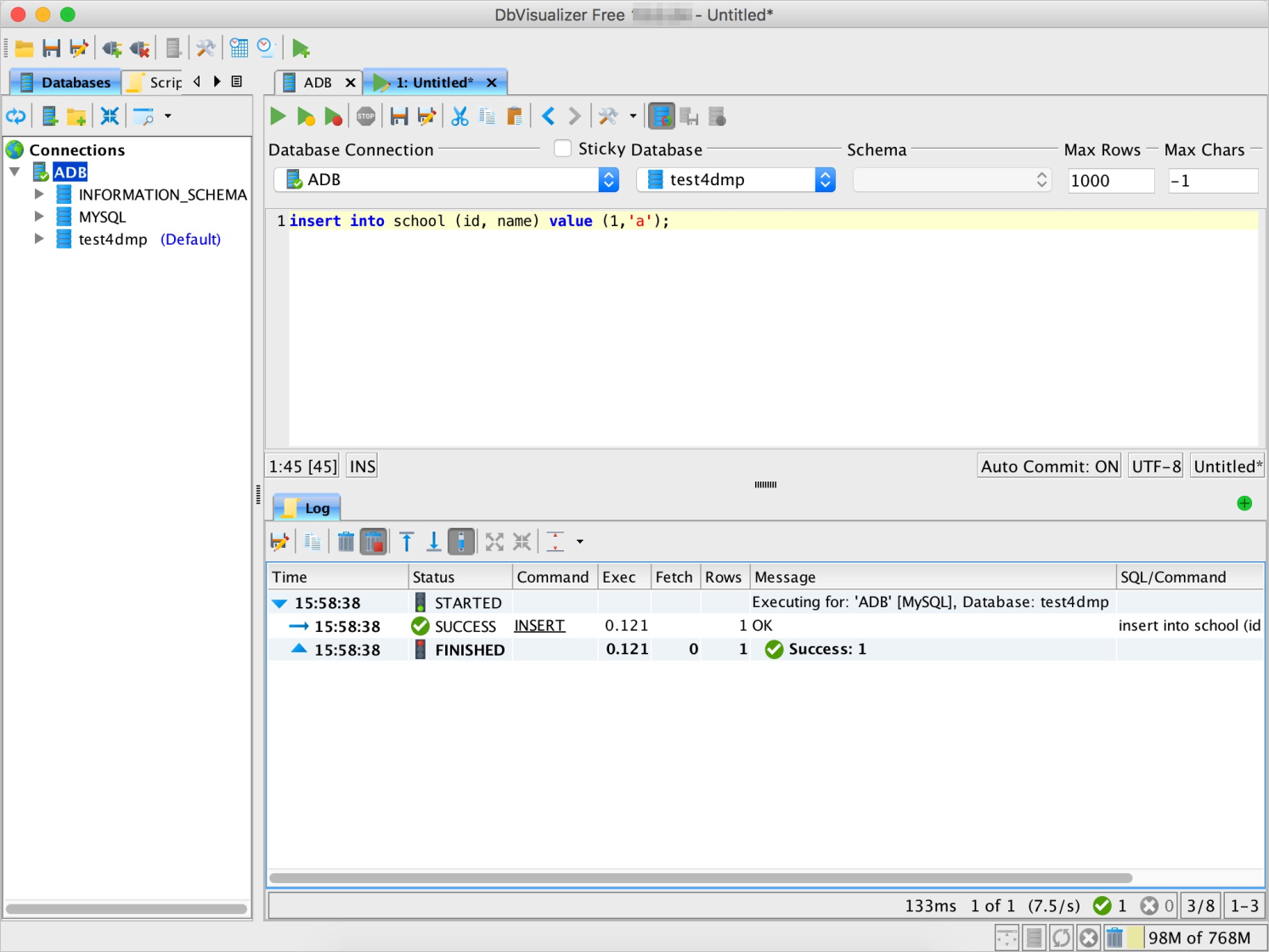
Write data to a table
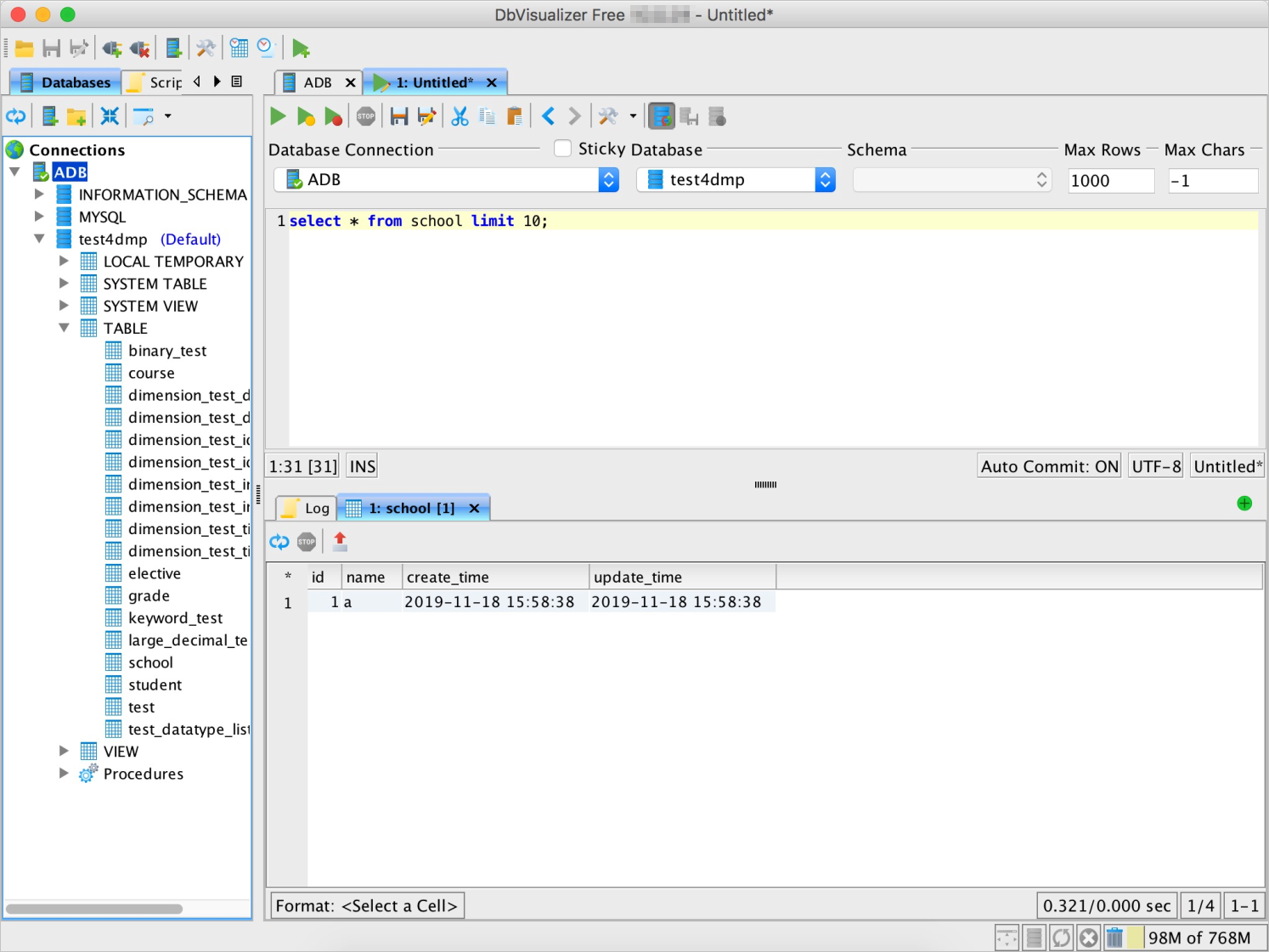
Query the data of a table
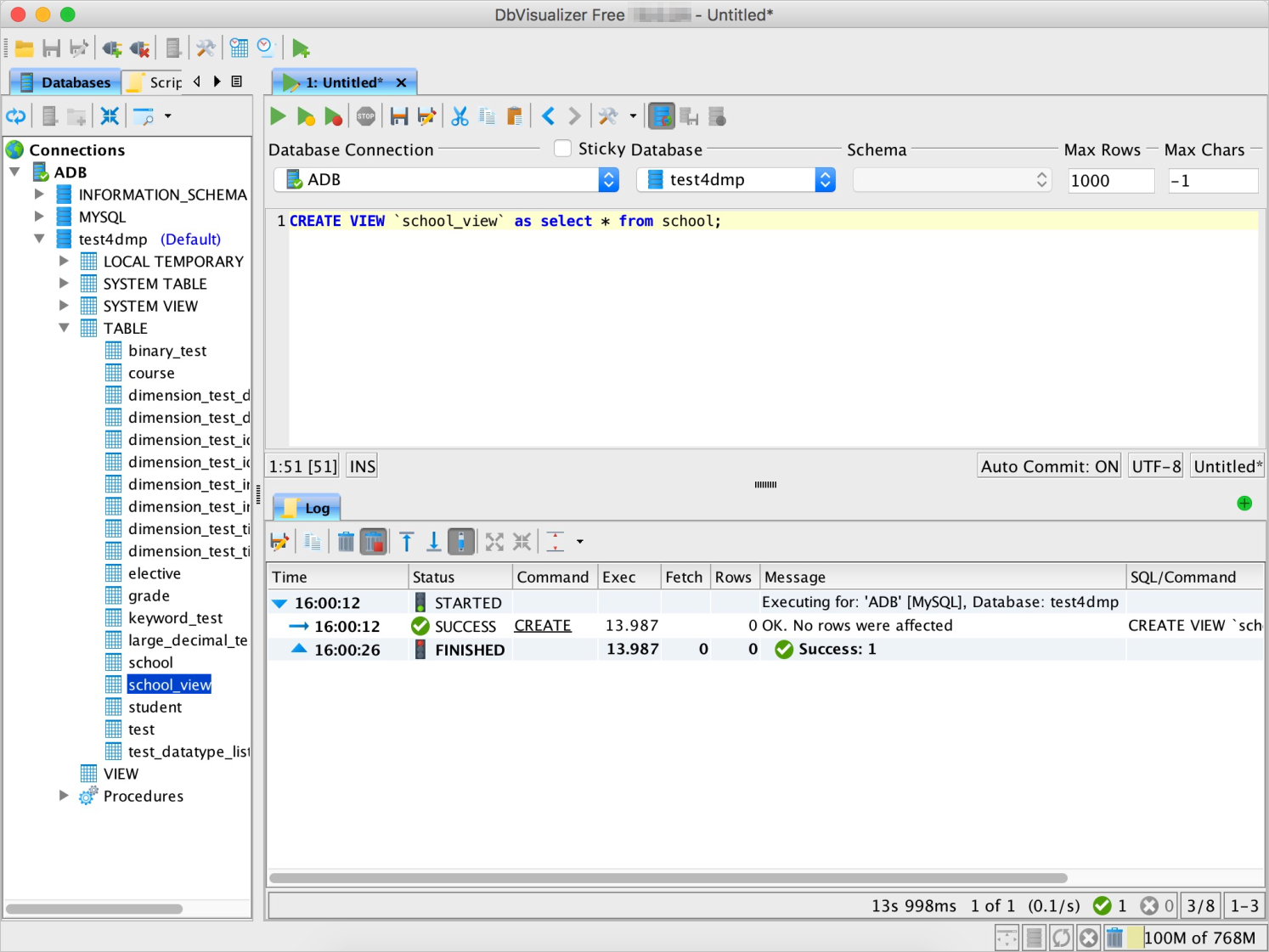
Create a view
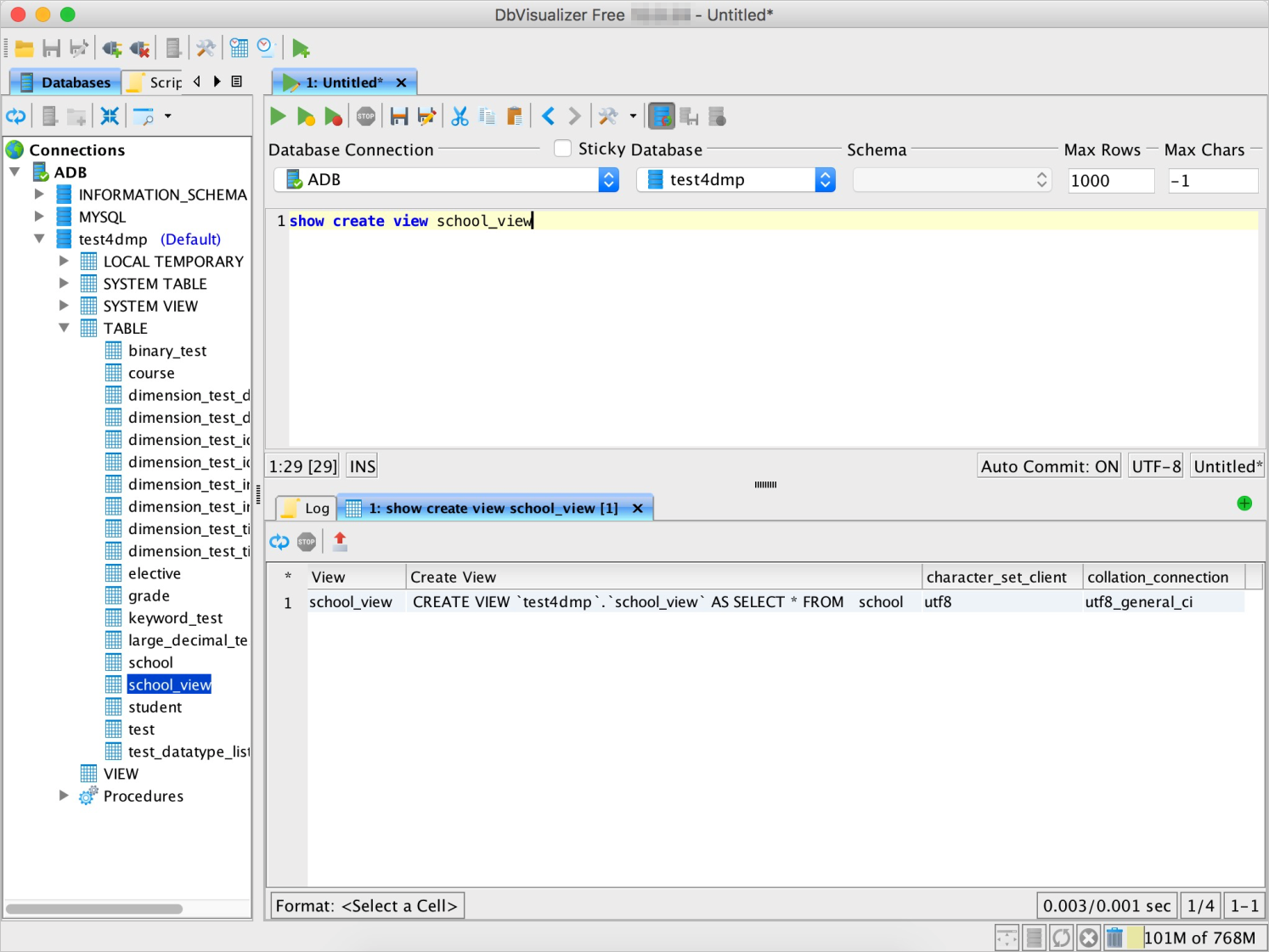
Query the structure of a view
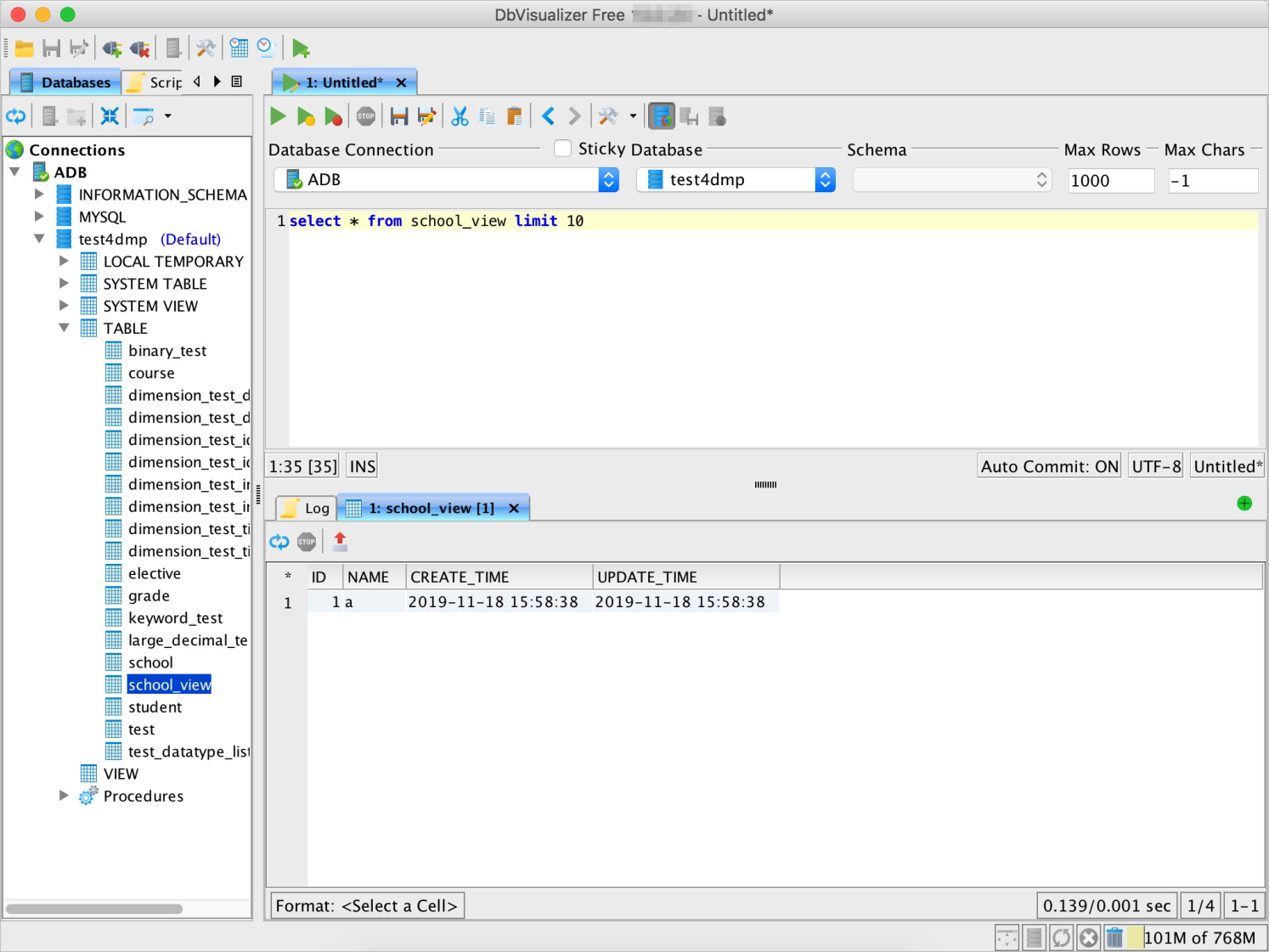
Query a view
What's next
Connect to AnalyticDB for MySQL — explore other supported clients and connection methods
SQL syntax reference — learn about AnalyticDB for MySQL-specific SQL syntax and features