This page describes the compatibility test results for DBeaver 6.1.2 Community Edition with AnalyticDB for MySQL. Ten scenarios are tested, covering connectivity, database operations, and view management.
Prerequisites
Before you begin, make sure you have:
AnalyticDB for MySQL V3.1.0 or later
DBeaver 6.1.2 Community Edition
Java 1.8.0_161 (Java(TM) SE Runtime Environment, build 1.8.0_161-b12; Java HotSpot(TM) 64-Bit Server VM, build 25.161-b12, mixed mode)
MySQL Ver5.6.46 for osx10.13 on x86_64 (Homebrew)
Compatibility test results
All ten scenarios pass compatibility testing. The following sections show the test results.
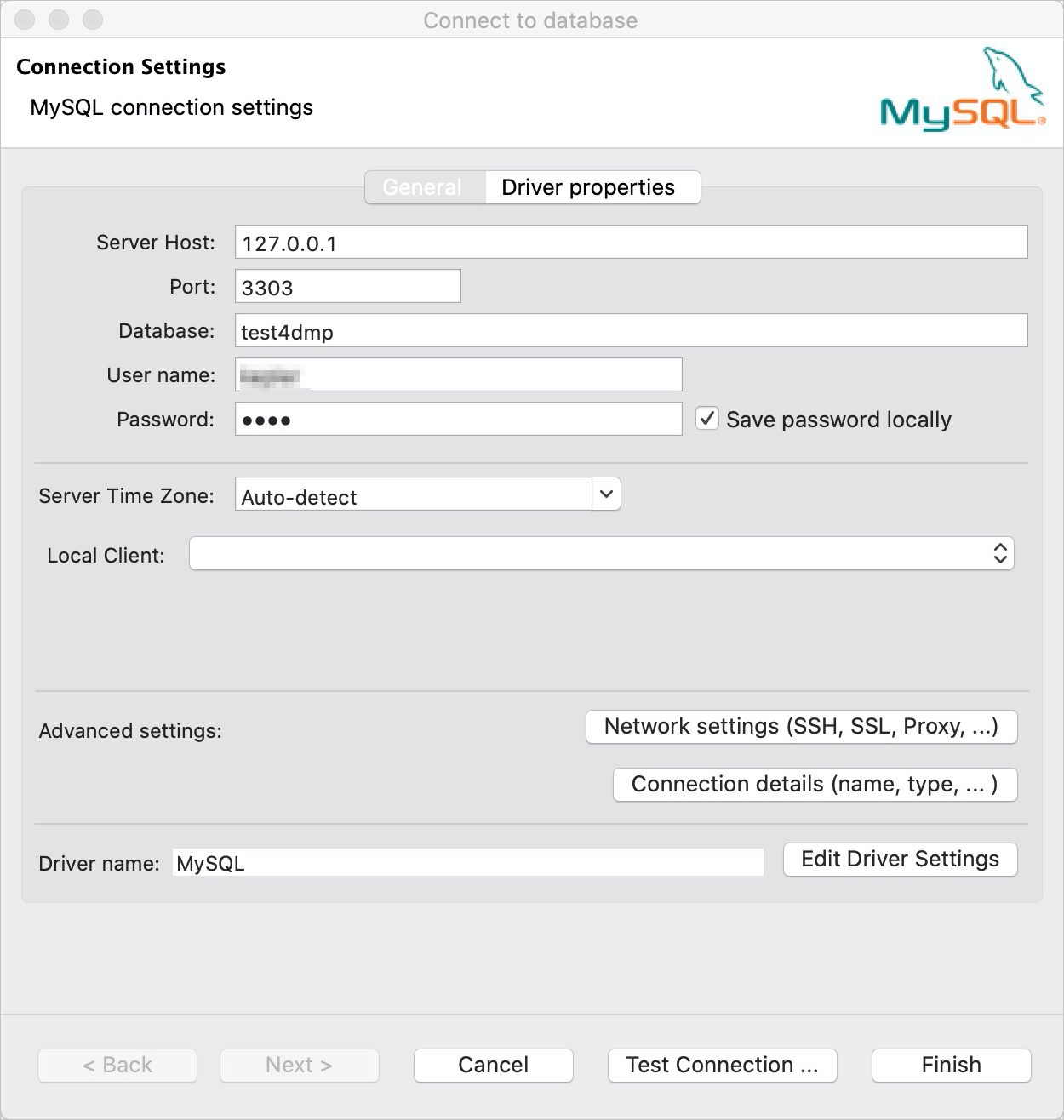
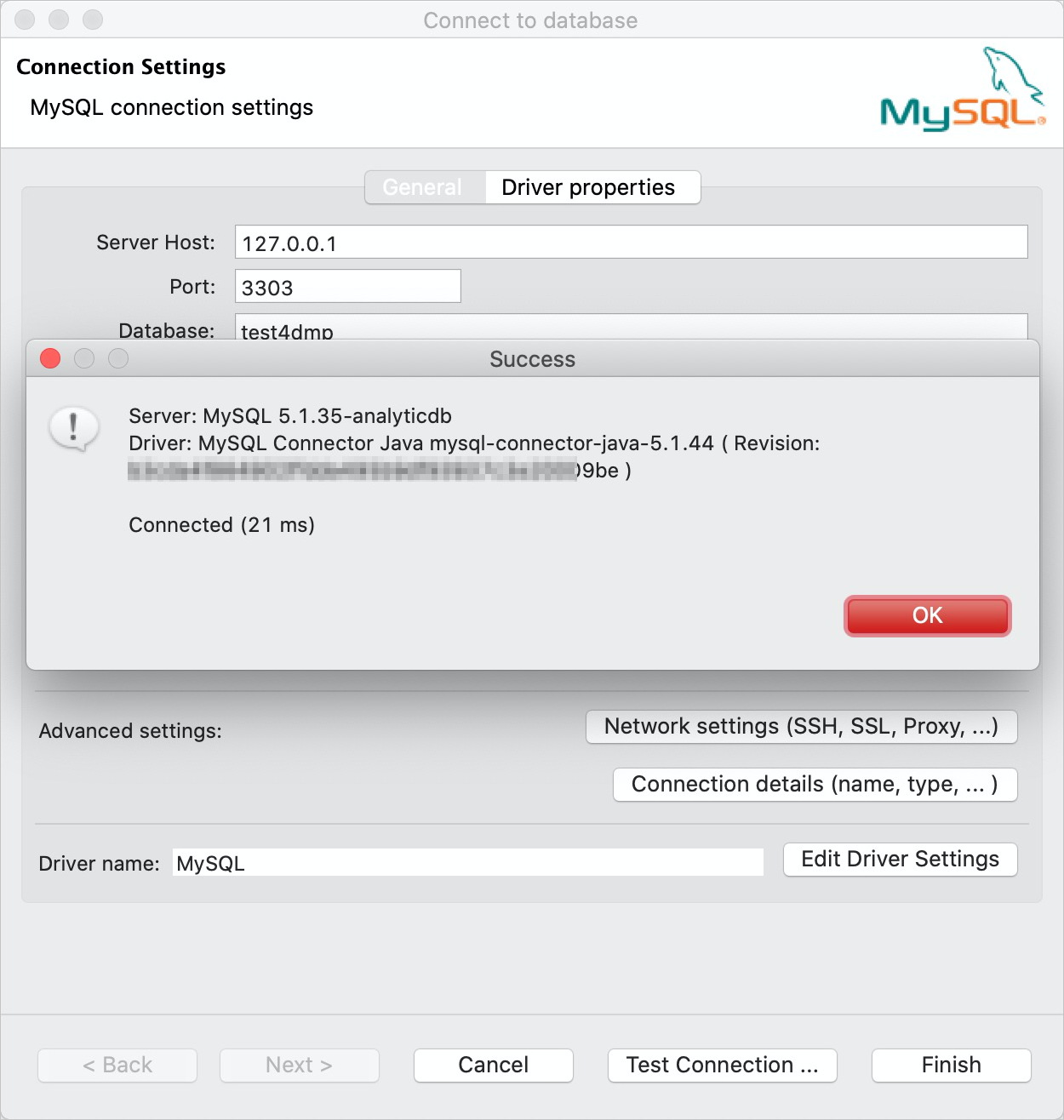
Test connectivity
Connect DBeaver to AnalyticDB for MySQL using the MySQL driver.
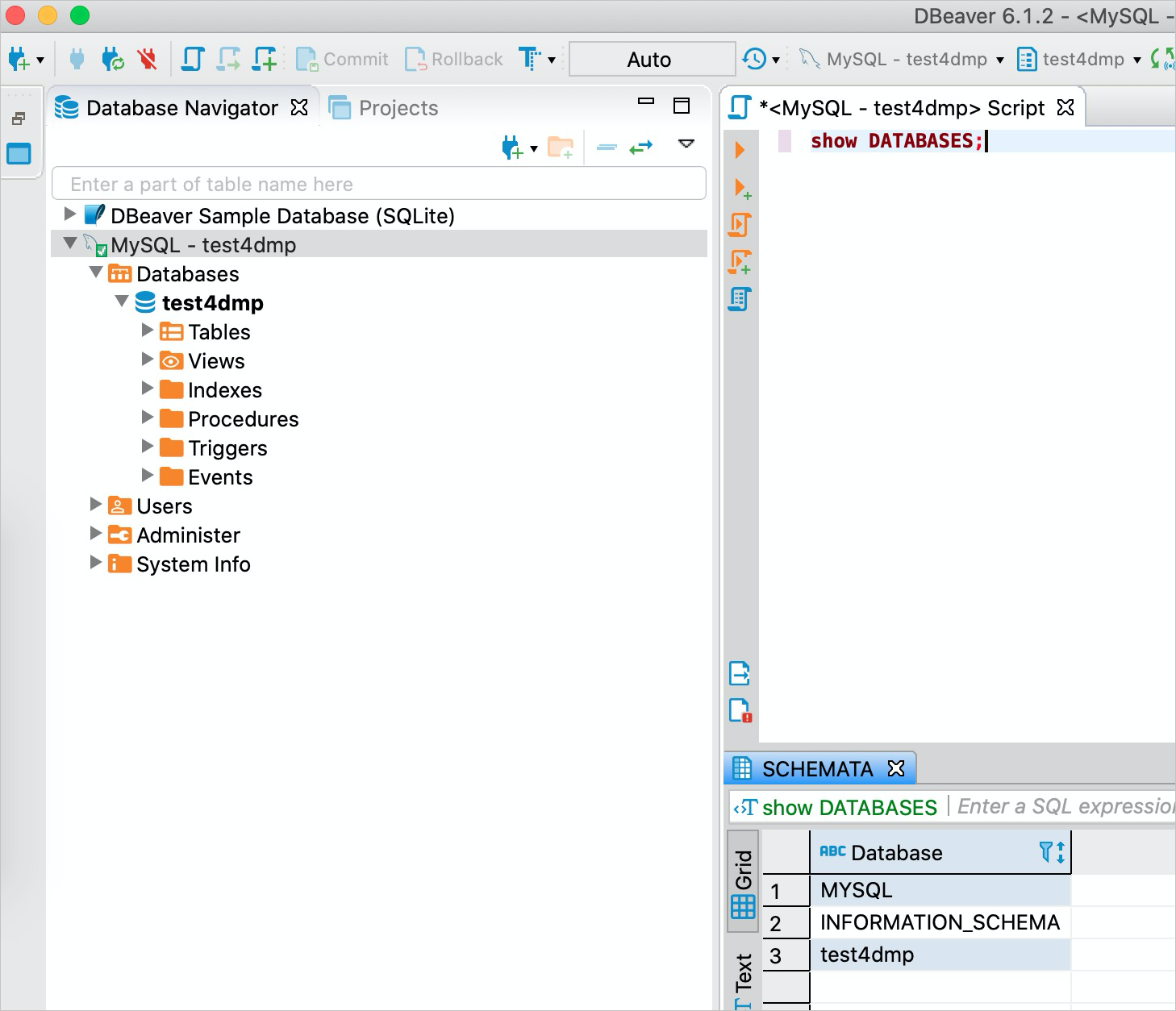
List databases
Browse the available databases after connecting.
Create a table
Create a new table in AnalyticDB for MySQL using DBeaver.
DROP TABLE IF EXISTS `school`;
CREATE TABLE `school` (
  `id` bigint NOT NULL,
  `name` varchar,
  `create_time` timestamp NOT NULL DEFAULT CURRENT_TIMESTAMP,
  `update_time` timestamp NOT NULL DEFAULT CURRENT_TIMESTAMP ON UPDATE CURRENT_TIMESTAMP,
  key status_idx(`name`),
  primary key (id)
) DISTRIBUTE BY HASH(`id`);
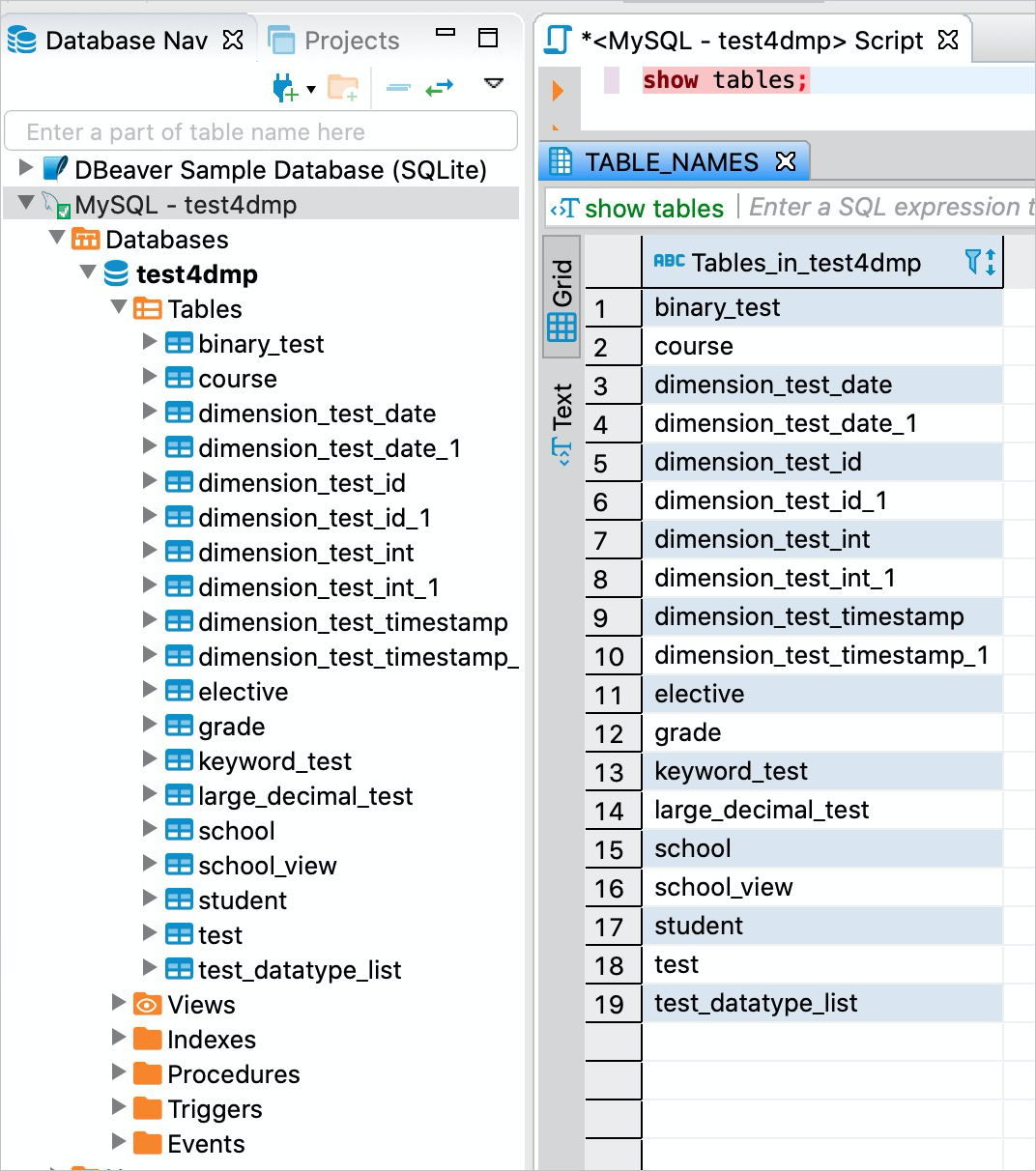
List all tables
View all tables in a database.
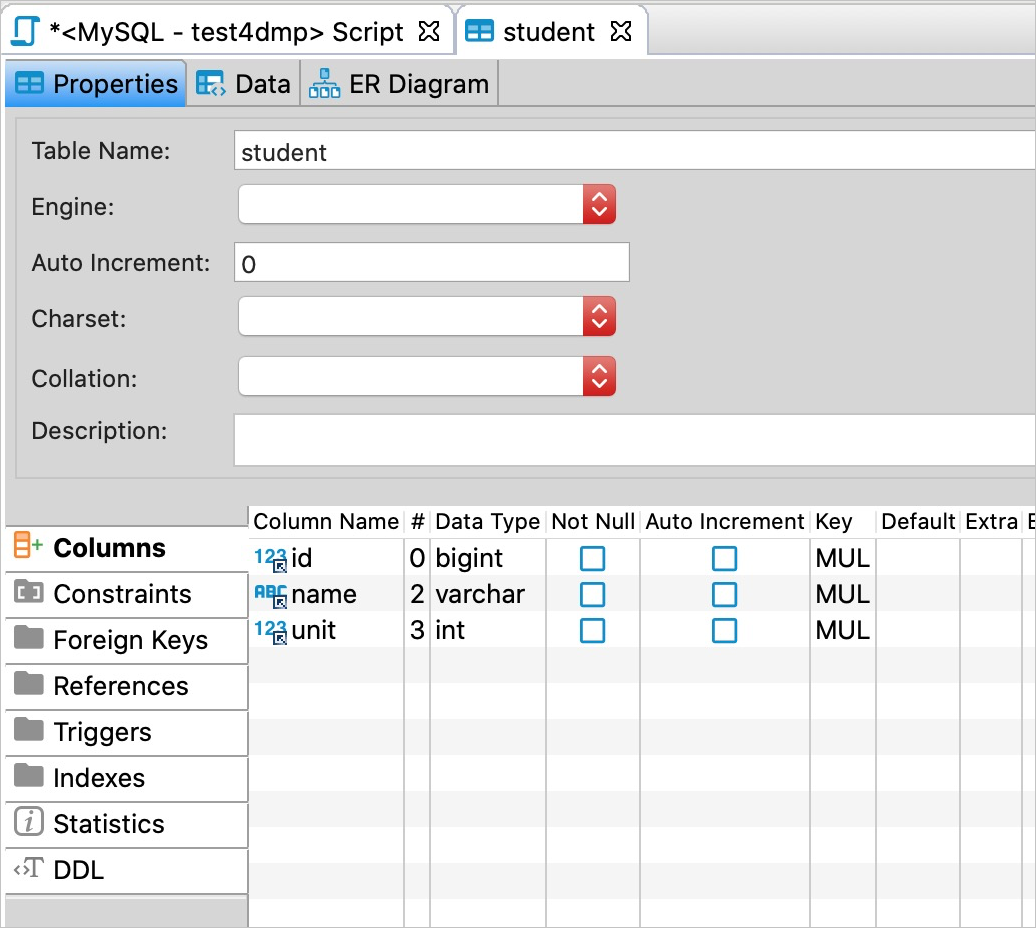
Query the schema of a table
Inspect the column definitions and structure of a table.
show create table school;

-- Result:
-- Table: school
-- Create Table: Create Table `school` (¶ `id` bigint NOT NULL,¶ `name` varchar,¶ `create_time` timestamp NOT N...
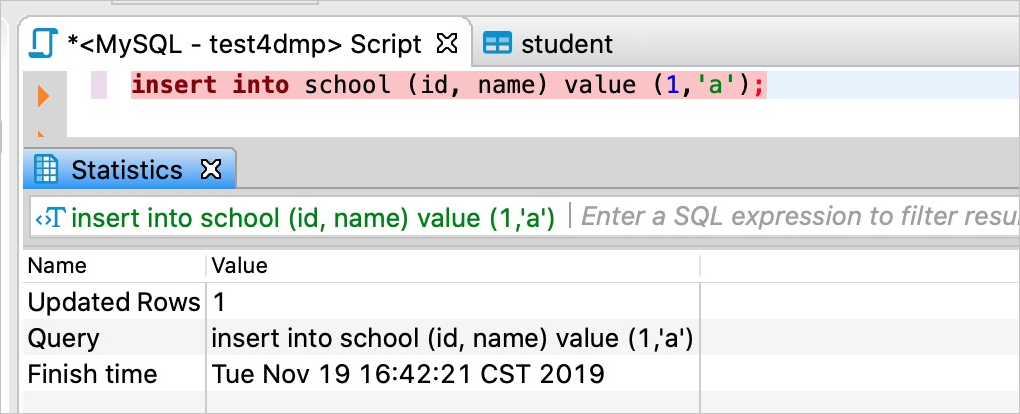
Write data to a table
Insert data into a table.
Query the data of a table
Run a SELECT query and view results in DBeaver.
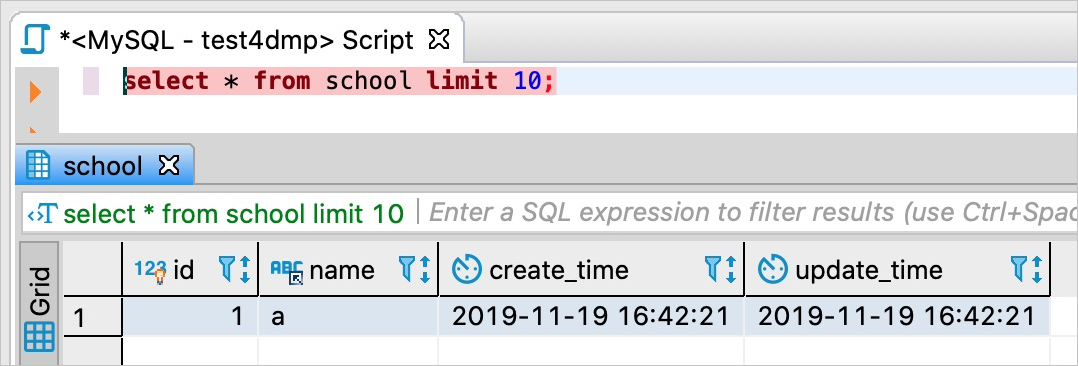
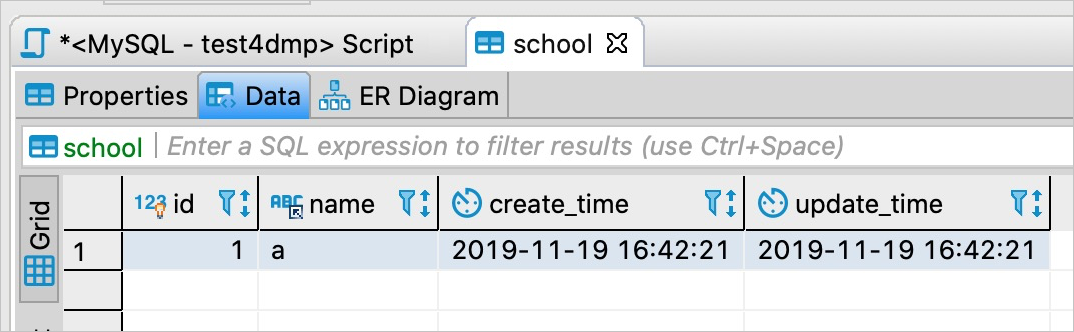
Create a view
Create a view in AnalyticDB for MySQL using DBeaver.
CREATE VIEW `school_view` as select * from school;

Statistics:
Updated Rows: 0
Query: CREATE VIEW `school_view` as select * from school
Finish time: Tue Nov 19 16:45:56 CST 2019
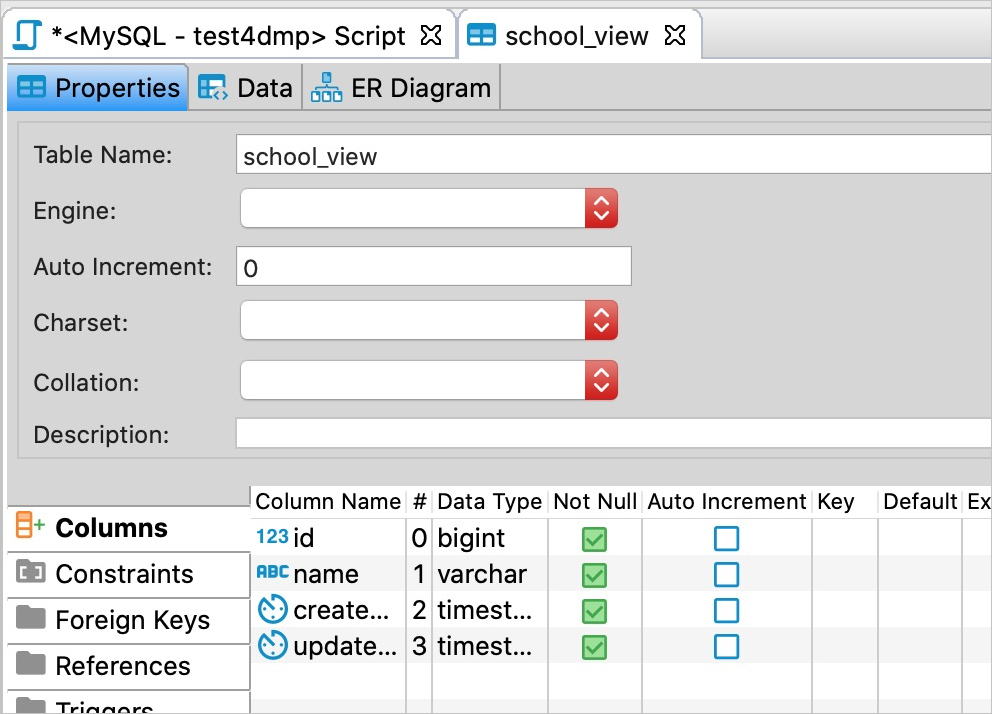
Query the structure of a view
Inspect the definition of a view.
SHOW CREATE VIEW school_view;

-- Result:
-- View: school_view
-- Create View: CREATE VIEW `test4dmp`.`school_view` AS SE...
-- character_set_client: utf8
-- collation_connection: utf8_general_ci
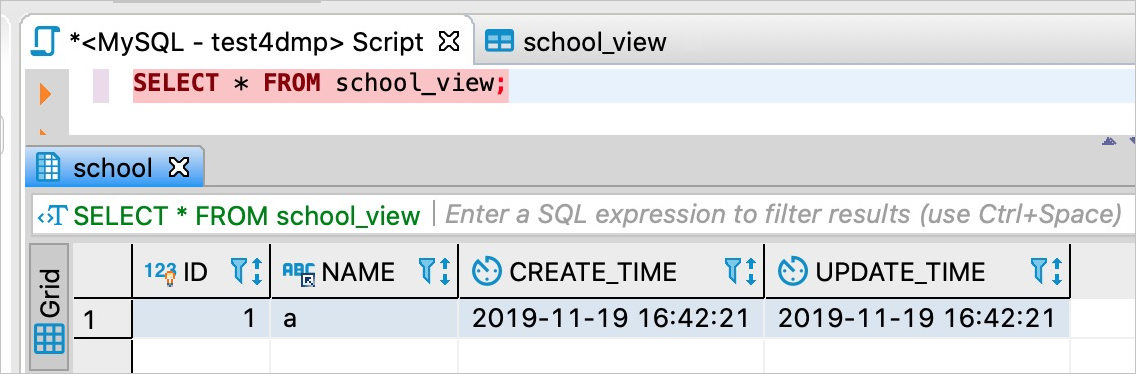
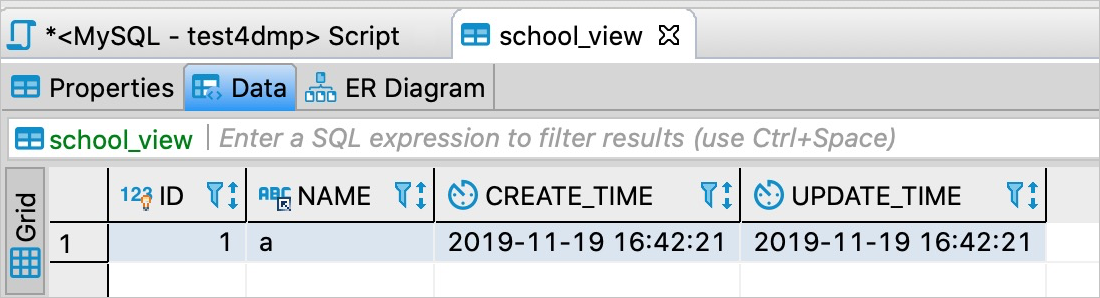
Query a view
Run a query against a view and review the results.