Recover historical emails from a deleted employee account using Transfer Emails or Restore Account — within the 30-day retention window.
Recovery methods
When an employee account is deleted, Alibaba Mail retains it for 30 days. During this window, the postmaster can recover the account's historical emails using one of two methods:
Restore Account — reactivates the deleted account so you can log in, browse, and download emails directly. Use this method when the former employee has returned or a new hire needs to take over the account.
Transfer Emails — copies historical emails to a folder in another active account. The deleted account remains in the recycle bin. Use this method when you need access to the email history without reactivating the original account.
For most cases, Transfer Emails is recommended because it does not require reactivating the account.
Recover email data
Log in to the Alibaba Mail Domain Management page with the postmaster account.
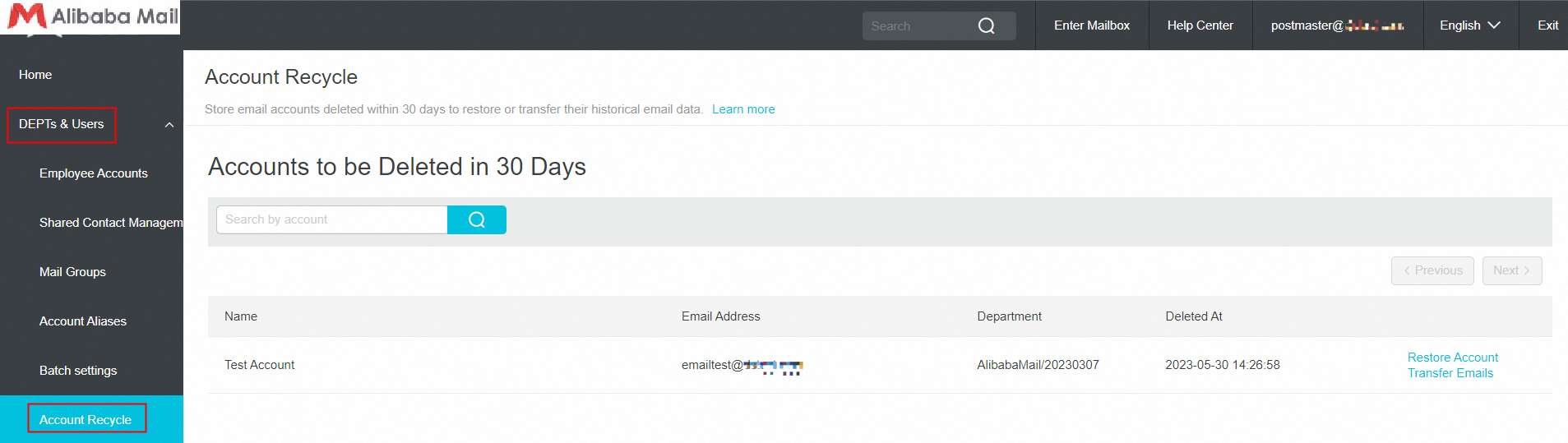
Choose DEPTs and Users > Account Recycle.
On the Account Recycle page, find the deleted email account and click Restore Account or Transfer Emails.
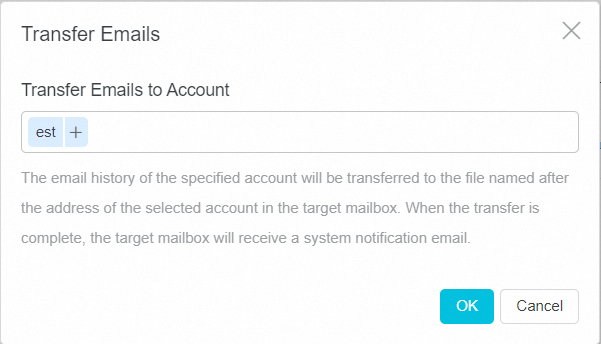
a. To transfer emails to another account: click Transfer Emails, enter the destination account in the Transfer Emails to Account field, and click OK. The historical emails are copied to a folder in the destination account.
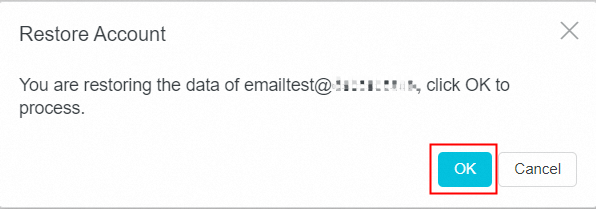
b. To reactivate the deleted account: click Restore Account and click OK. The account is restored and available for login.