Reset the secure phone or security questions for a postmaster account when the bound phone is no longer in use or you forgot your security question answers.
Alibaba Mail requires two-factor authentication for postmaster account logons.
If the bound secure phone is no longer in use or you forgot your security question answers, reset them as follows.
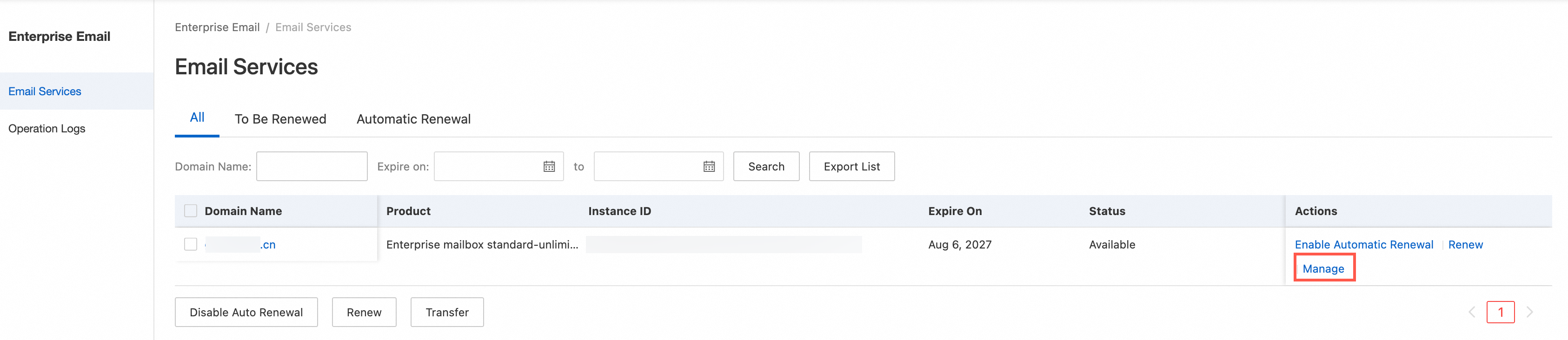
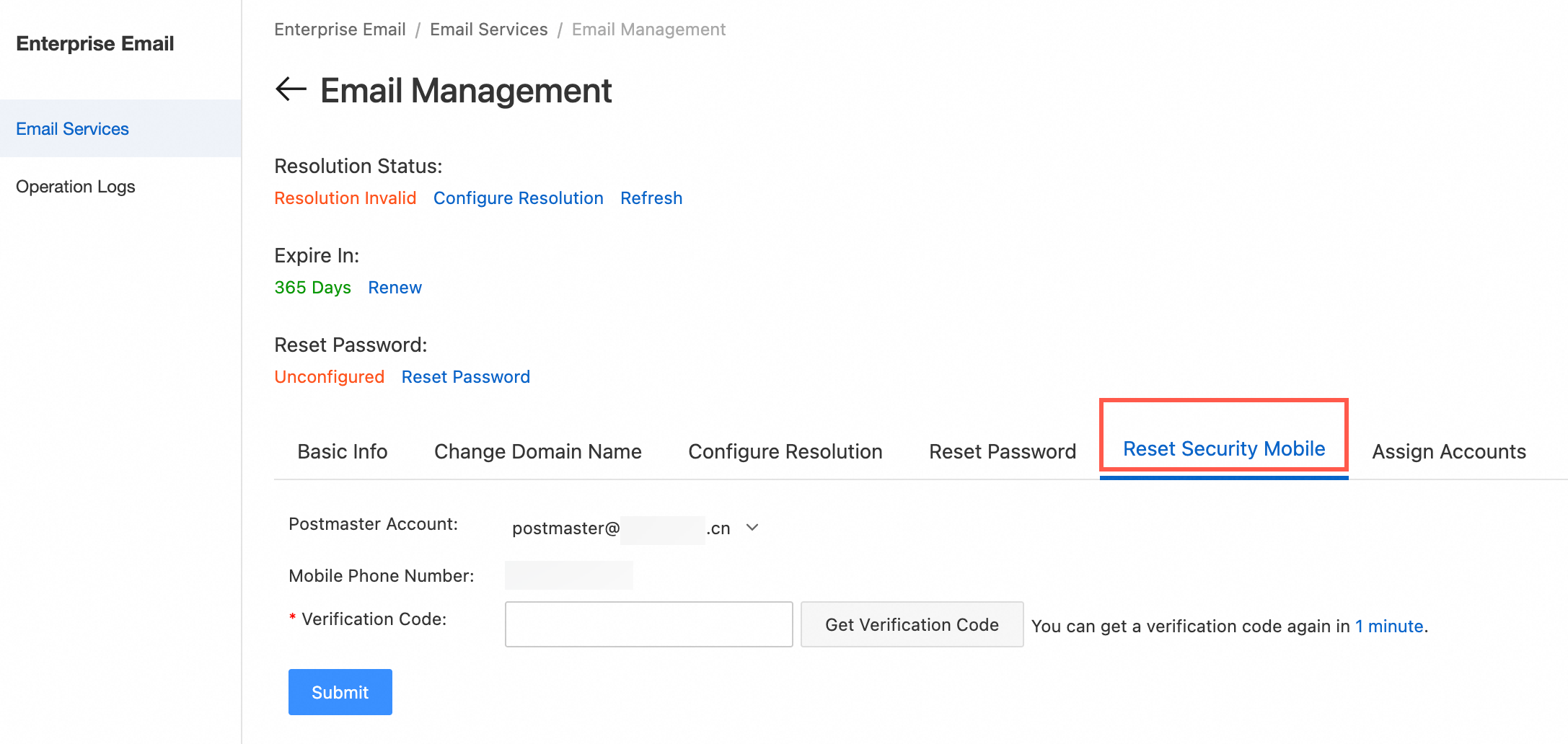
Log on to the Alibaba Cloud Management Console. Click Manage next to the mailbox, then click Reset Secure Phone. Enter the CAPTCHA and click Submit. This resets both the secure phone and the security questions. On next logon, you can bind a new phone number or set new security questions.
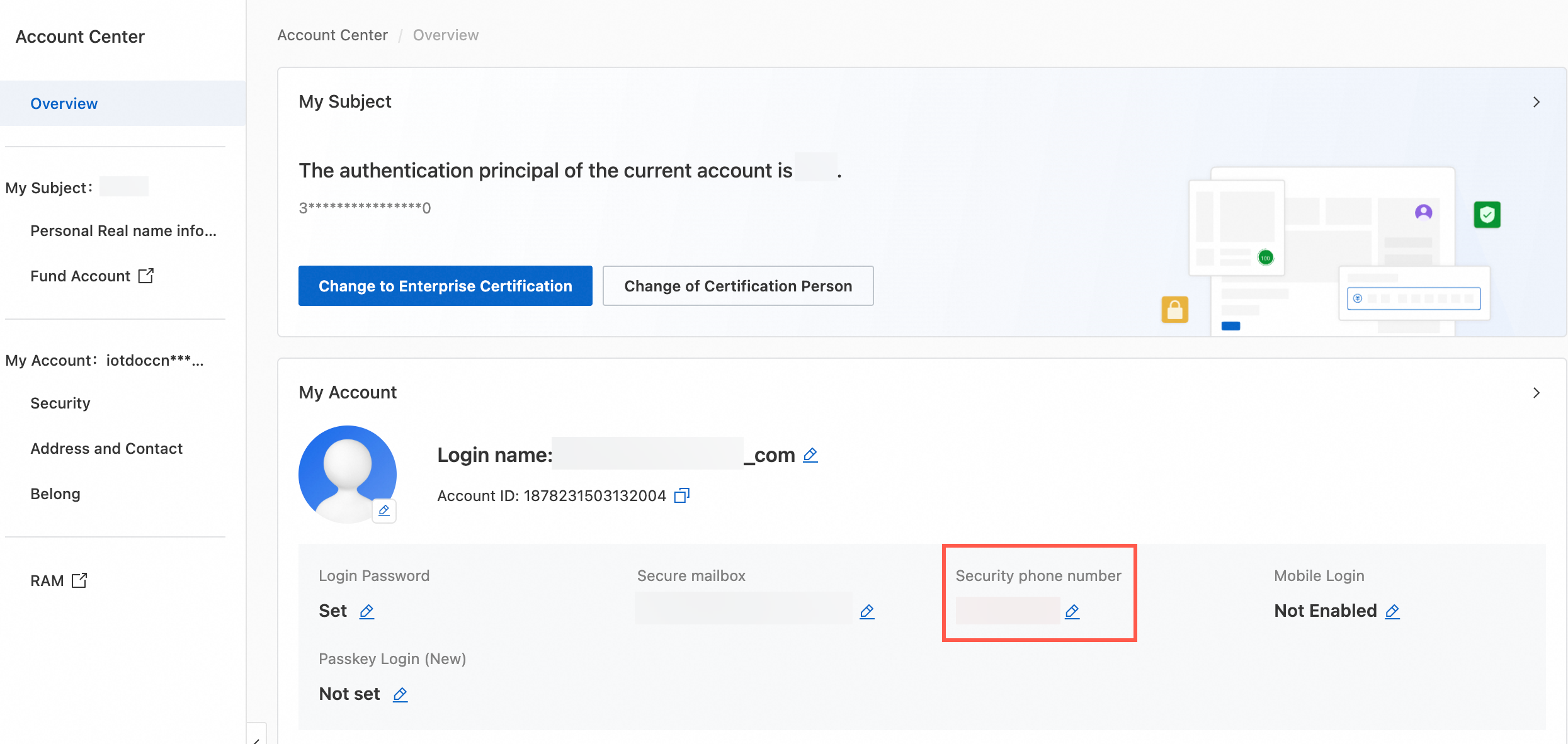
 "Your mobile phone number" in the console refers to the phone number bound to your Alibaba Cloud account. To change it, go to Account Center -> Security Settings -> Phone Binding -> Modify.