Solutions
If you enter the correct password but cannot log on, the error message that appears after you click Log on indicates the cause of the failure.
1. An Incorrect username or password message indicates that the username and password do not match.
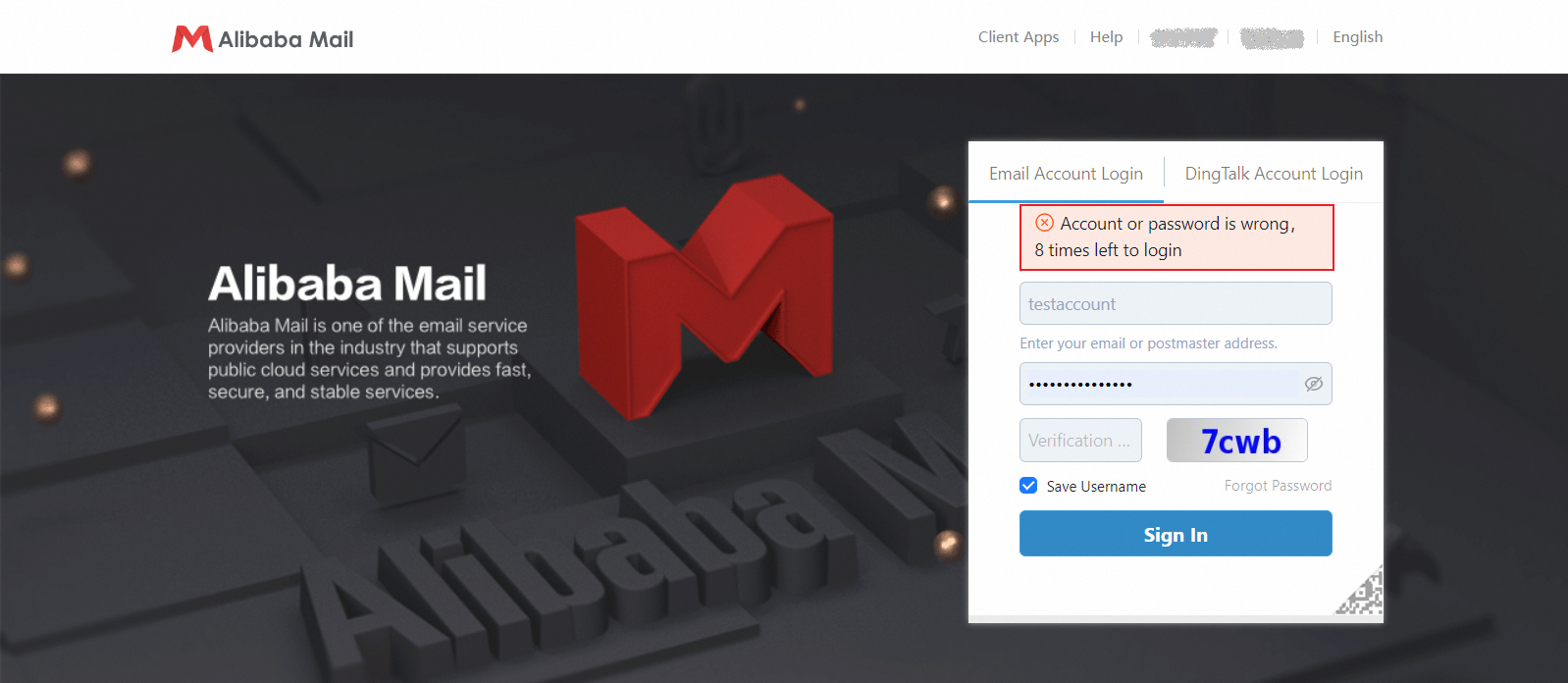
Check the following:
If logon fails for all accounts, your mailbox service has likely expired. You must renew the service to continue using it. If logon fails for only some accounts, proceed with the following checks.
Check whether the username is spelled correctly. Hidden characters can be included when you copy and paste. We recommend that you type the username manually.
Verify that the password is correct. Check for extra or missing characters and ensure that the case is correct.
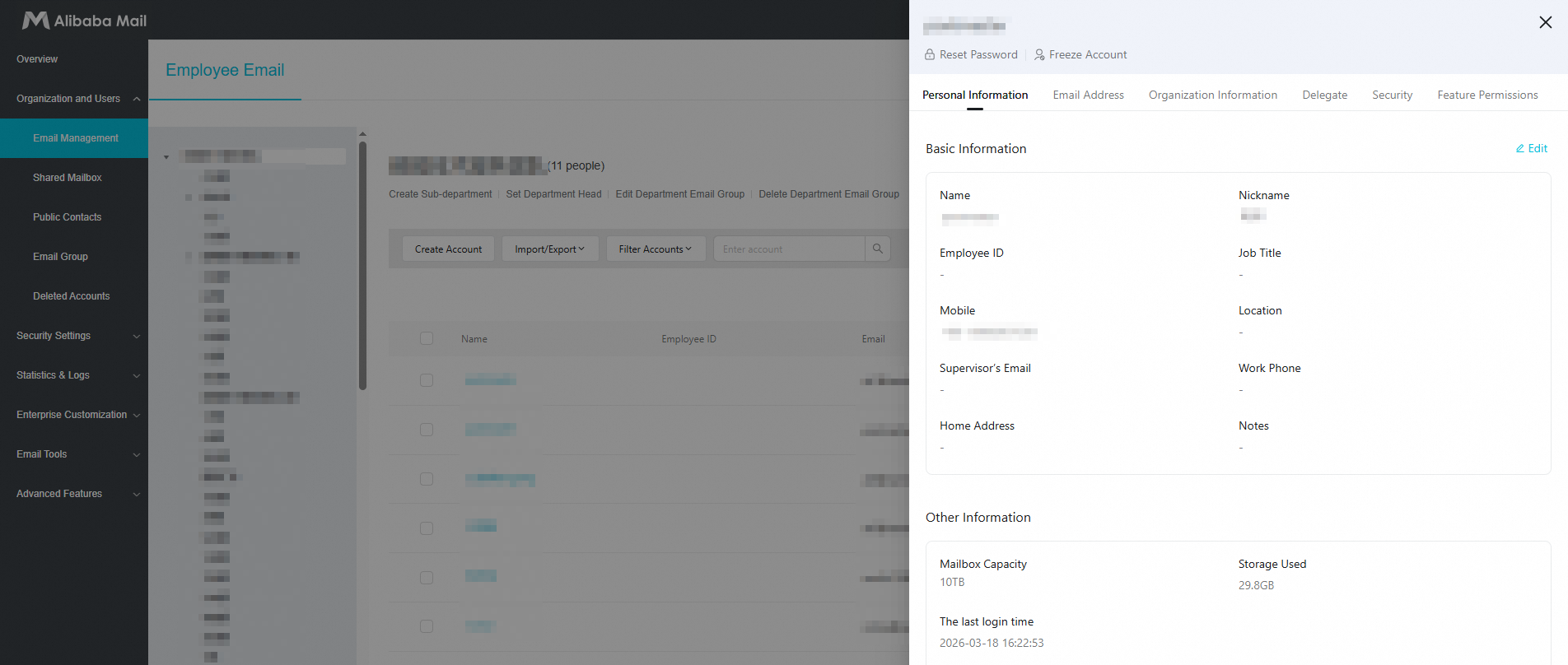
If you still cannot log on after several attempts, contact your mailbox administrator. The administrator can go to the domain management page, edit your mailbox account, and then select Reset Password to set a new password.
2. The Incorrect Captcha message appears if the characters you enter do not match the Captcha image. The system requires a Captcha after three failed password attempts.
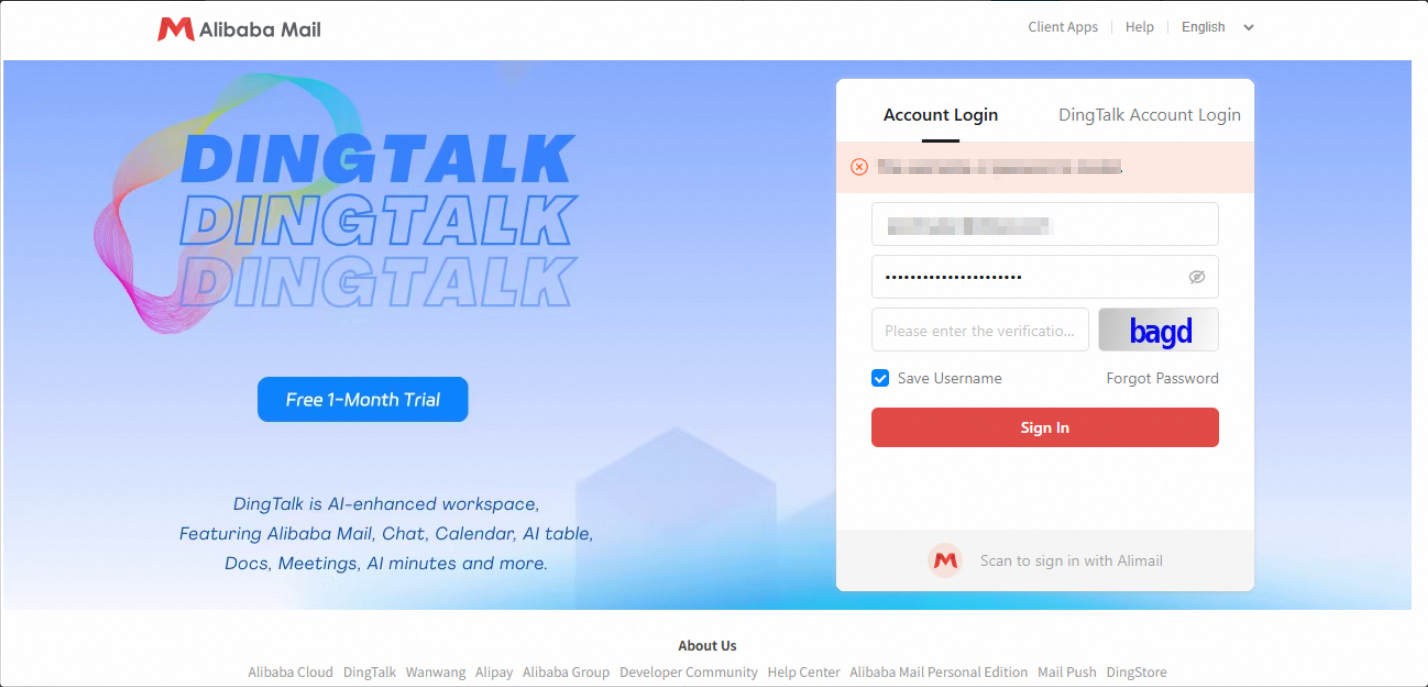
Enter the characters again. You can also click the Captcha to refresh it, and then enter the new characters.
If the error continues after you enter the correct Captcha, the issue might be caused by your browser cache. You can refresh your browser by pressing F5 or Ctrl+F5. Then, enter the Captcha again to log on.