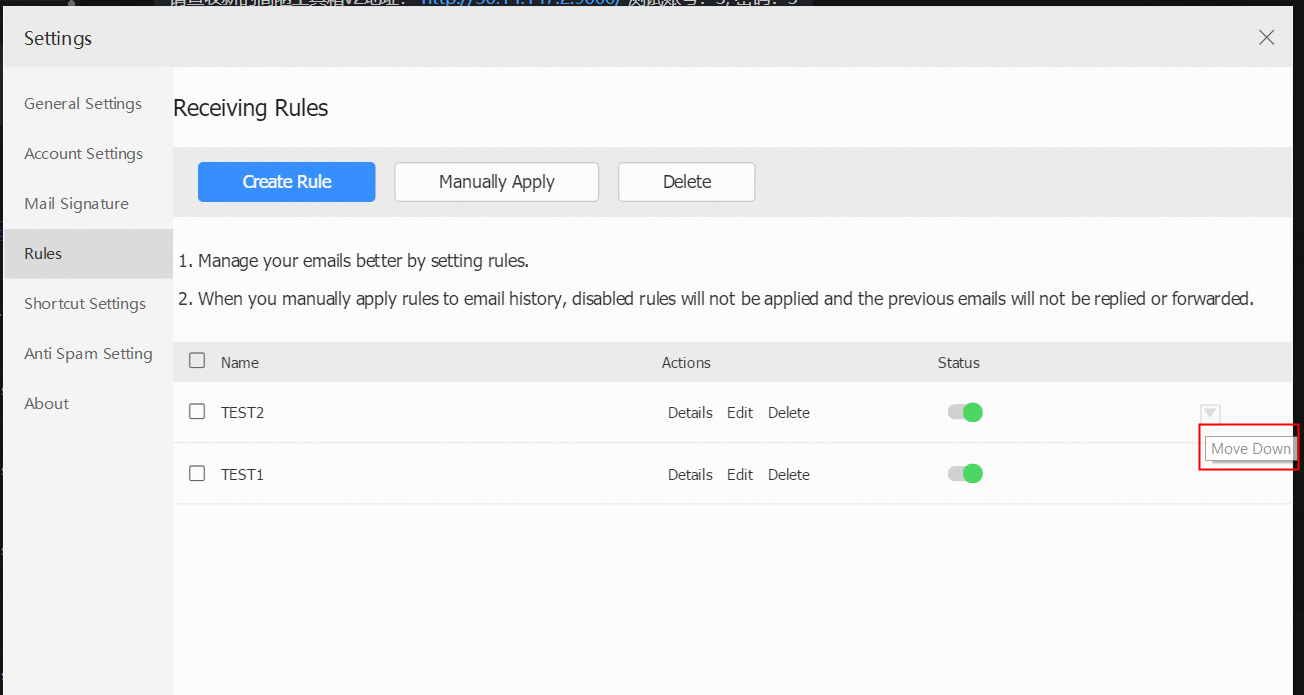
The receiving rule at the top of the order has a higher priority. If an email hits several different rules at the same time and one of the rules needs to be executed first, users can adjust the priority of the receiving rule.
Procedure
Webmail:
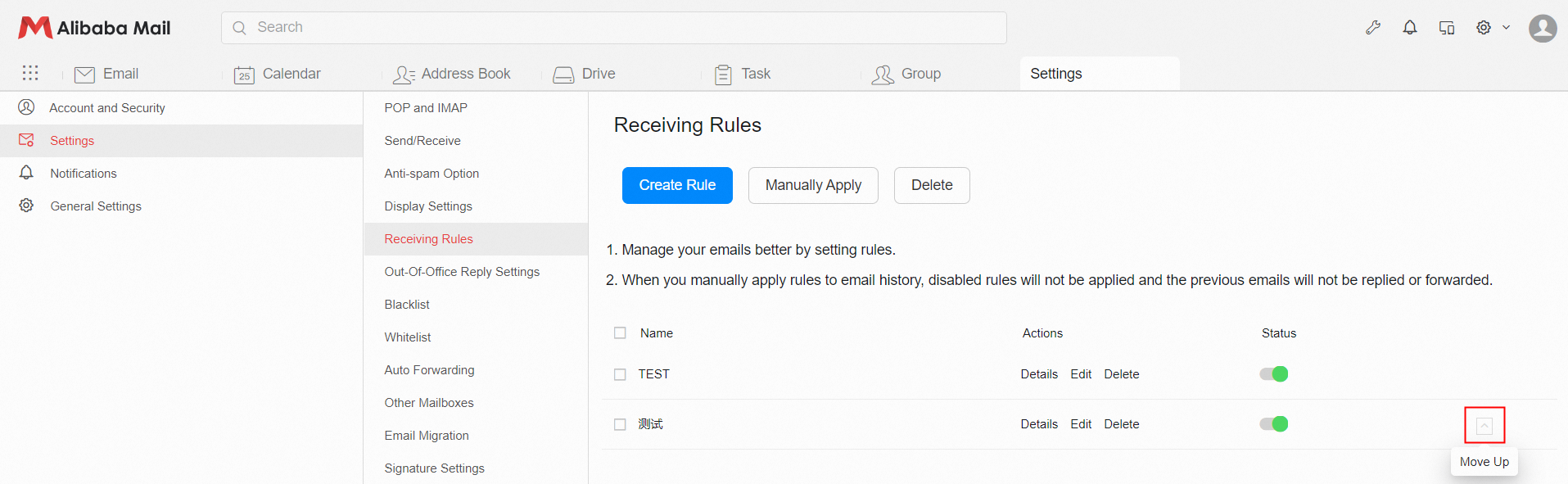
Put the mouse suspended on the receiving rule, and the icons of "Move up" and "Move down" will appear on the right. Click "Move up" or "Move down" to adjust the sequence.
Client:
Put the mouse suspended on the receiving rule, and the icons of "Move Up" and "Move Down" will appear on the right. Click "Move Up" and "Move Down" to adjust the sequence.