Alibaba Mail support the mass mailing feature, and users can use the following methods.
The Alibaba Mail mainly provides users with mail for normal business transactions. The delivery rate cannot be guaranteed for large-scale mass promotion and spam. Please also pay attention not set too many recipients of each email, so as to minimize the delivery of mass sending of promotional email. You can send a large number of mails that need to be sent through multi-time and low-frequency delivery respectively, so as not to affect the use.
Operation Procedure:
1. Edit the new email window and click the To address bar. A list of common recipient associations will appear. You can also manually enter multiple contacts in the input box.
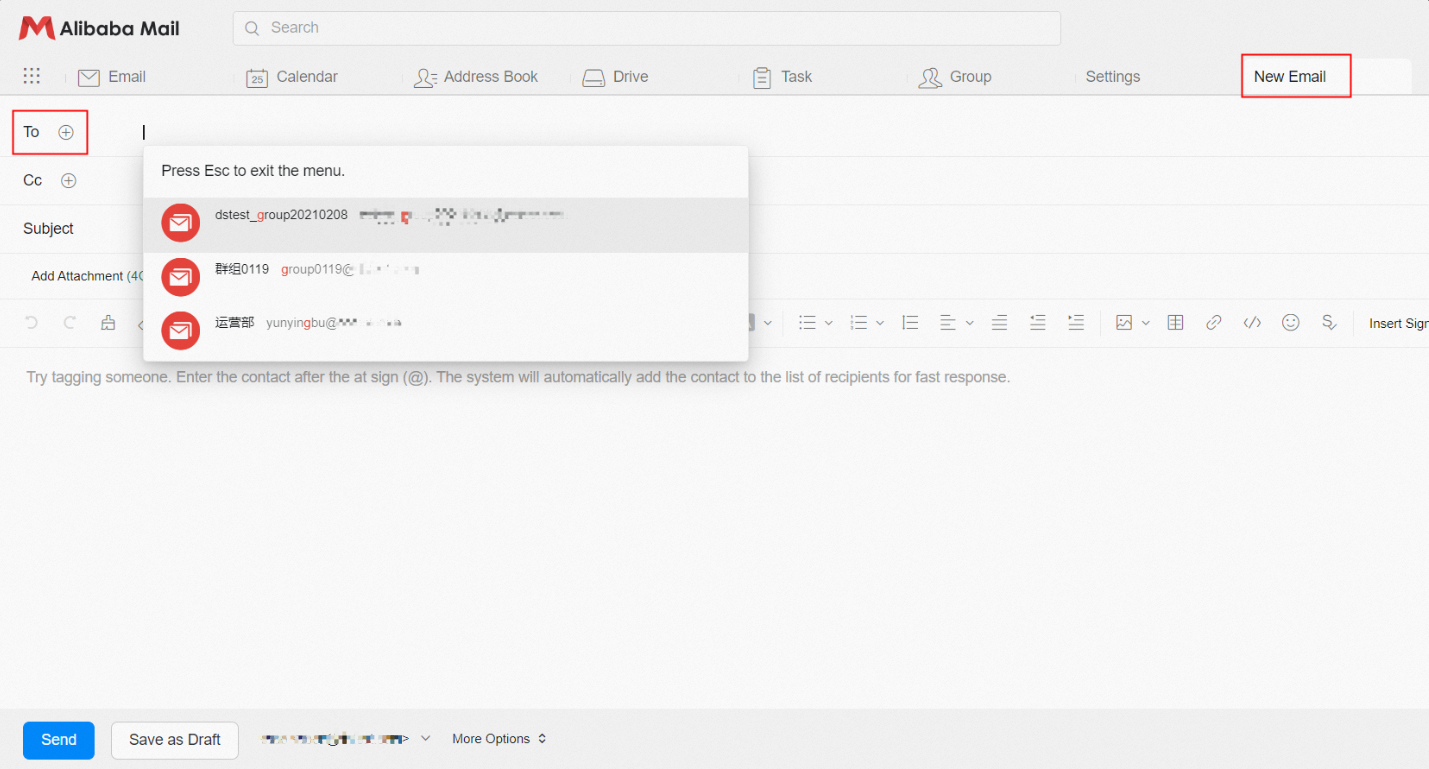
2. Click To to expand the email address book and select the address book to add multiple recipients at a time.

If you want to send emails to all contacts in the contact group, click the + icon next to the contact group name to add all contacts in the group.

3. If you need to send mass emails to mailboxes in the same domain, it is recommended to use the Alibaba Mail Mail Group function to quickly send mass emails within the domain.