Add other mailboxes to Alibaba Mail to fetch and back up emails from external accounts.
Procedure
1. Back up emails by fetching. Log on to the Alibaba Mail web client. Go to Settings > Mailbox Settings > Other Mailboxes and click Add Other Mailbox.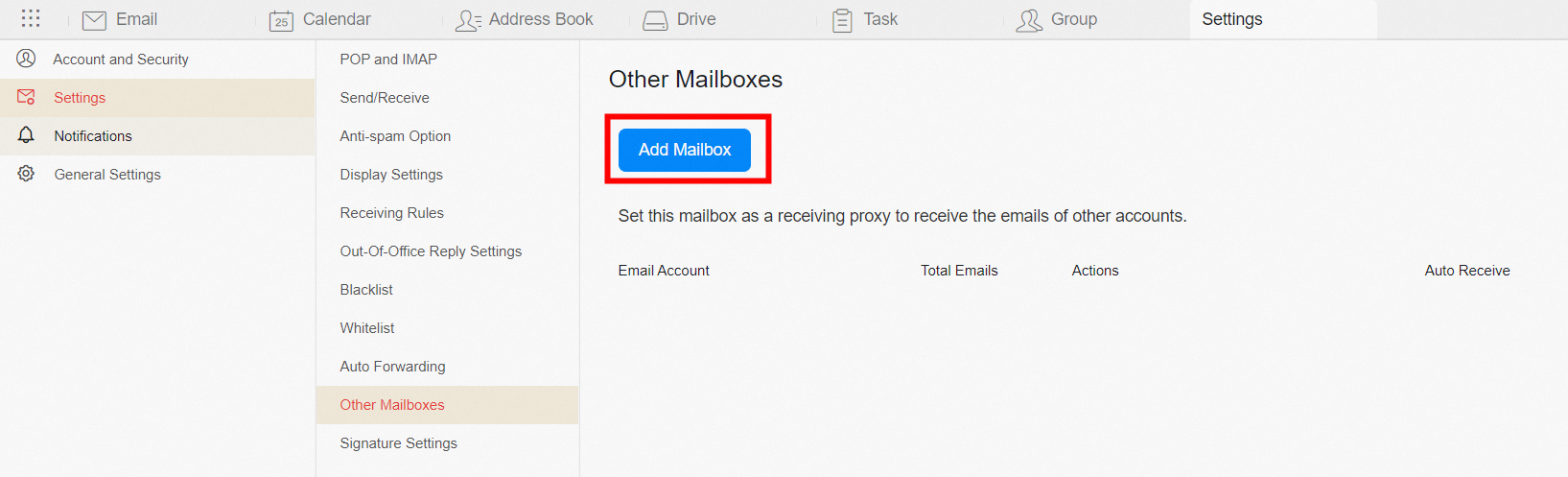
Receiving emails:
Ensure that the POP protocol is enabled on the target mailbox, and then use the auto-detect POP server feature.
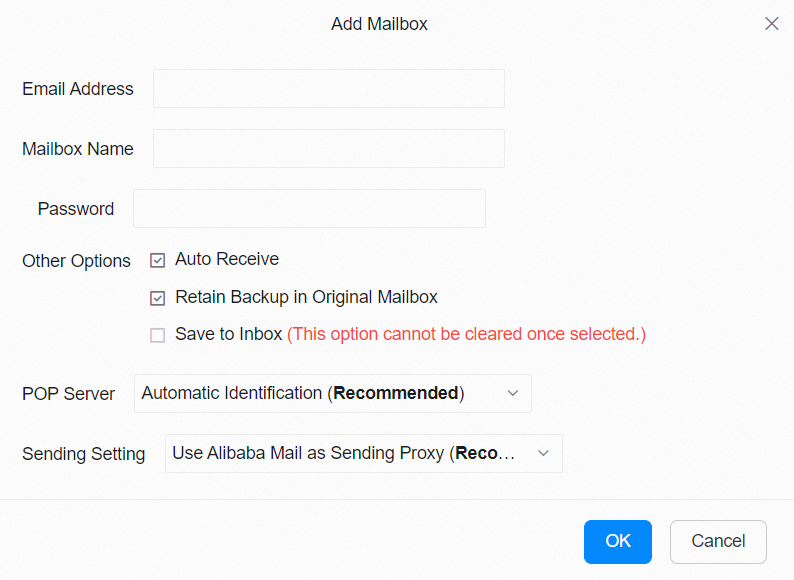
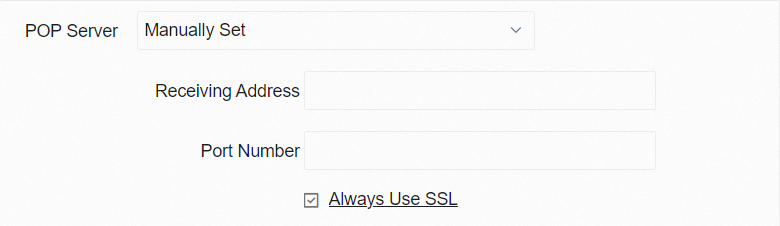
You can also enter the POP server information for the target mailbox manually.
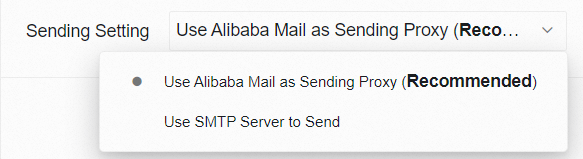
Sending emails:
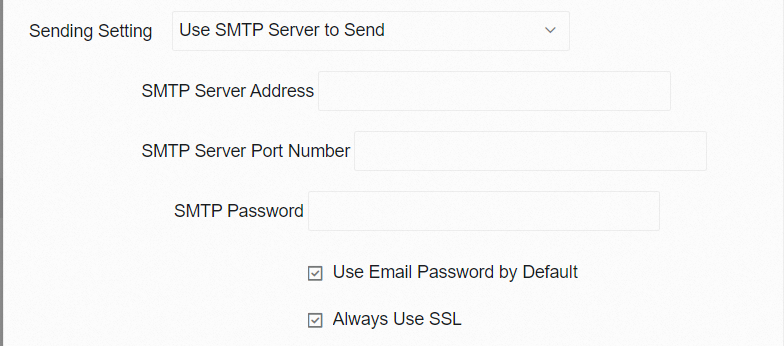
Configure the SMTP server information for the target mailbox, or select Alibaba Mail to send the emails.
2. Back up emails by syncing with IMAP. This method backs up historical emails to your local computer. You must configure IMAP sync for each mailbox account separately.
In your desktop email client, set the receiving protocol to IMAP to sync and download emails to your local computer.
IMAP server address: imap.sg.aliyun.com
Port: 143
Secure Sockets Layer (SSL) encryption port: 993
-
Email fetching is typically delayed by about 20 minutes. Delays of up to one hour are normal.
-
The original .eml file of a fetched email contains the text "by imap4agent with Migrated".