Reset employee passwords from the Alibaba Mail management console.
Log on to Alibaba Mail with the postmaster account and go to the mail management console.
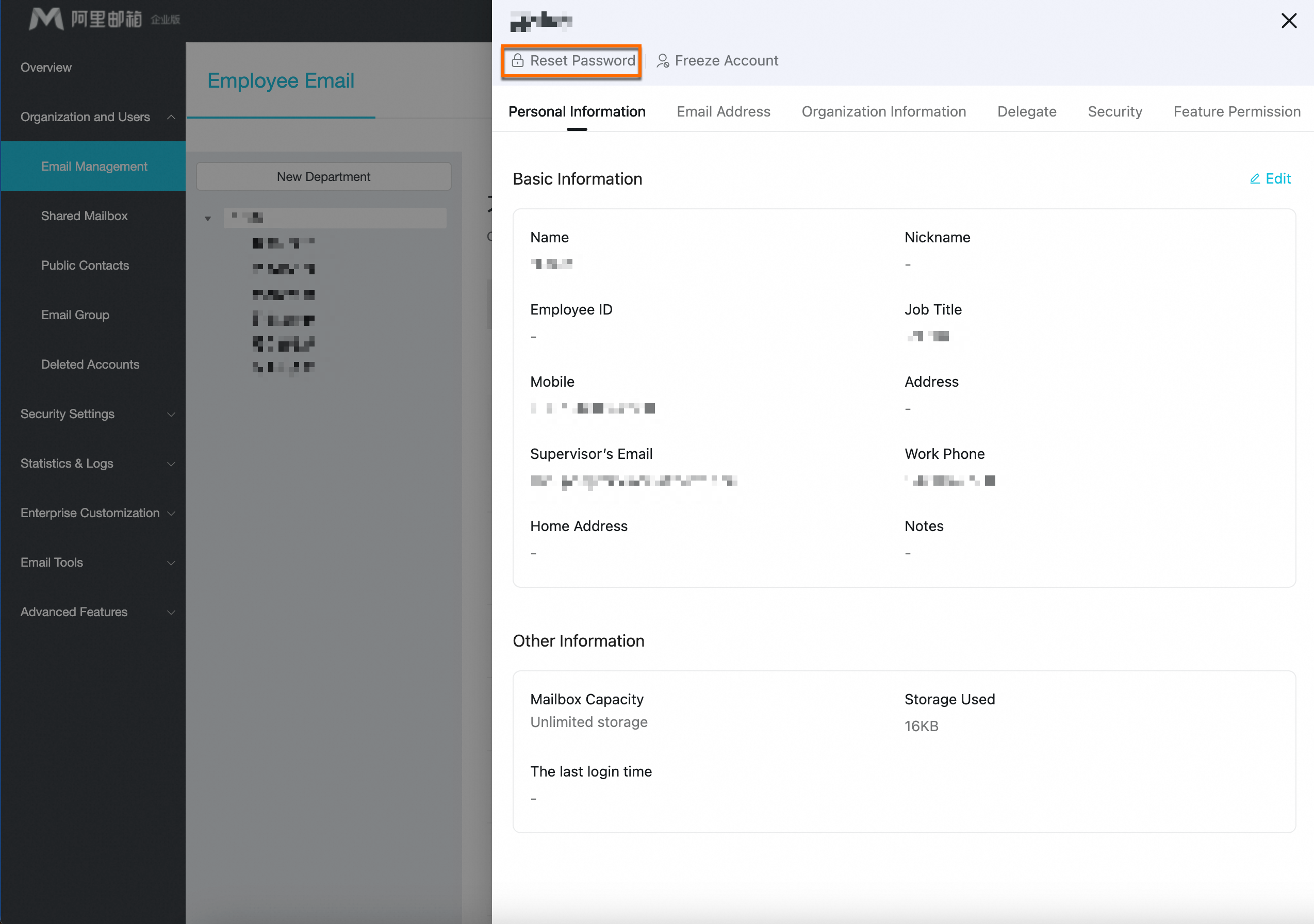
Under , find the target employee account and click its Name. On the editing page, click Reset Password.
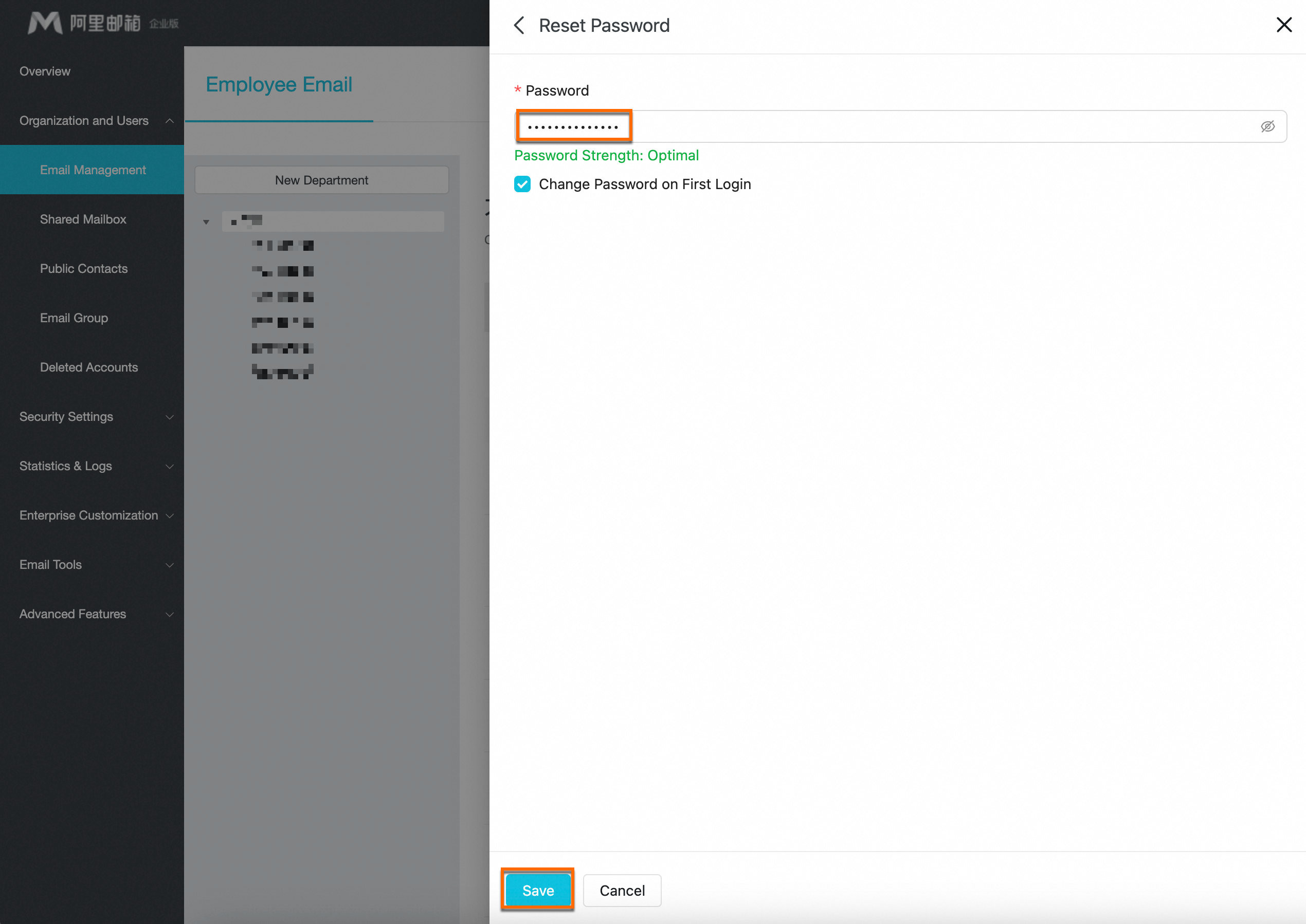
Enter a new password and click Save.
 Note
NoteChange Password on First Logon is selected by default. When enabled, the user must set a new password upon next login.
NoteThe new password must meet the following format requirements or the reset will fail.
Password requirements: 8–64 characters, combining at least three of: uppercase letters, lowercase letters, numbers, and special characters. The password cannot contain the email account name, and it must also pass the backend password strength check.