This topic describes how to modify a department name.
Scenario:
1. After the domain name bound to the Alibaba Mail is changed, the department name named after the domain name in the Alibaba Mail will not be automatically updated. The postmaster must manually reset the department name.
2. If the company department name has changed, the department name in the enterprise address book needs to be renamed and changed.
Procedure:
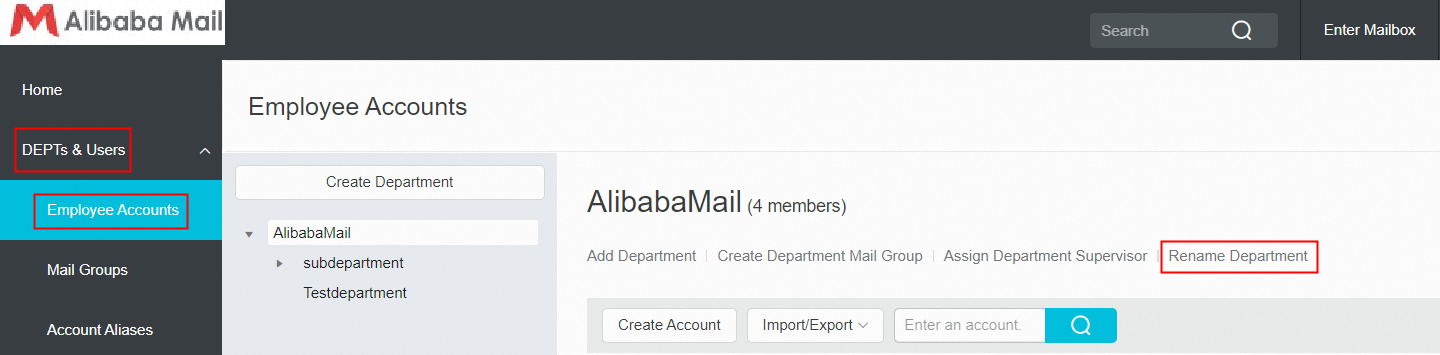
1. Use postmaster account login Alibaba Mail and enter the domain management page by default, click DEPTs & Users-> Employee Accounts.
2. Rename the root department. Select the root department and click Rename Department.
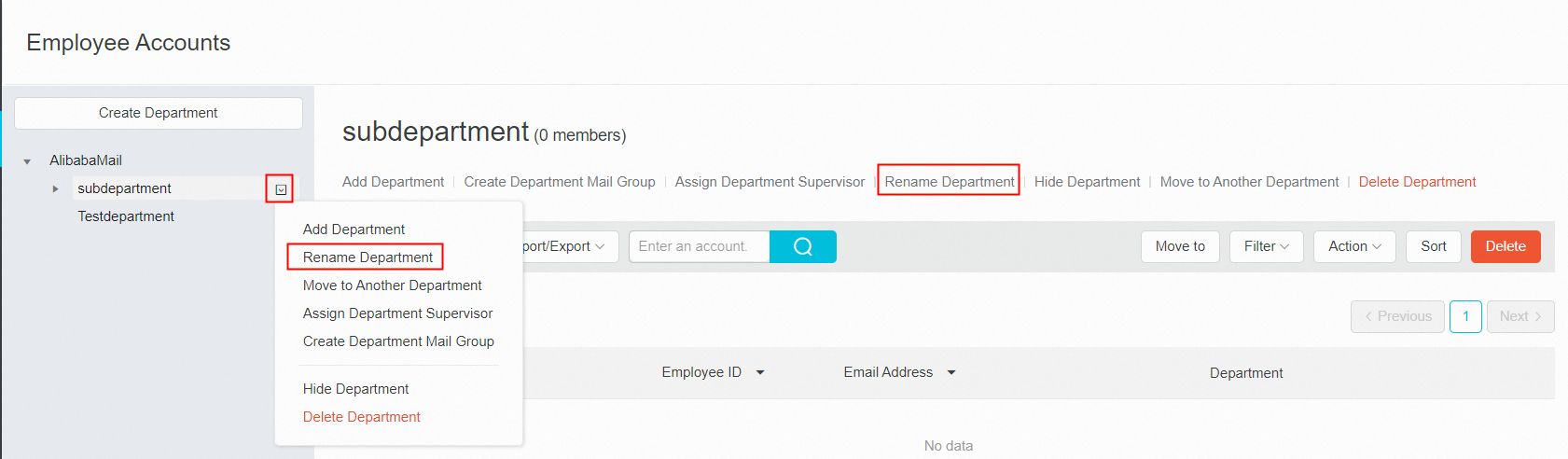
3. Rename the sub-department. Select a sub-department and click Rename Department. Alternatively, move the pointer to the right of the department to open the hidden menu and click Rename Department.