1. Export The Address Book
Please refer to the document: How to Import/Export Personal Address Book in Batch?
2. Import to Foxmail
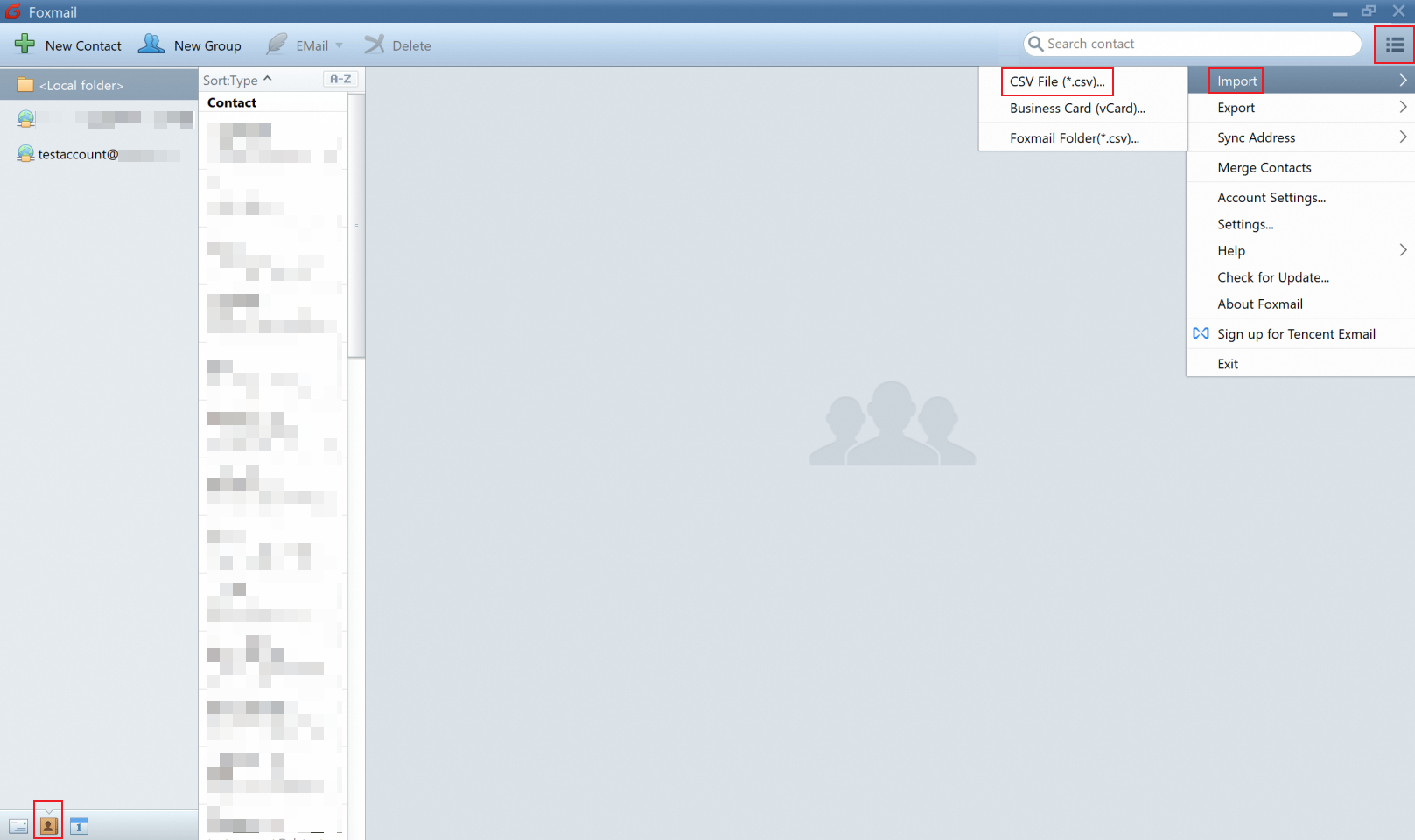
Open the Foxmail, switch to the Contacts icon, click Import-- CSV file (*.csv).
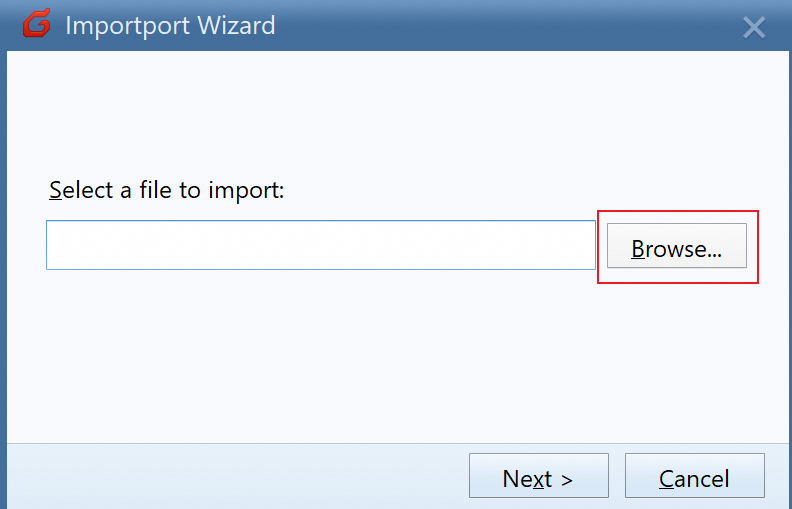
In the Import Wizard dialog box, click Browse and select the CSV file.
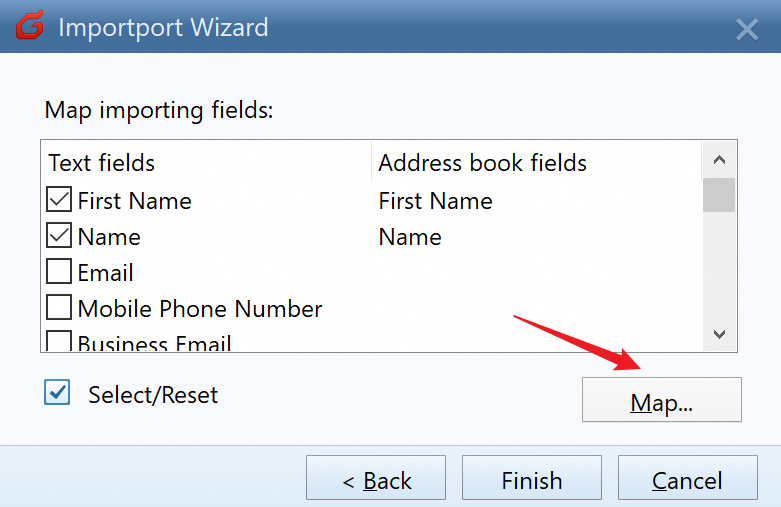
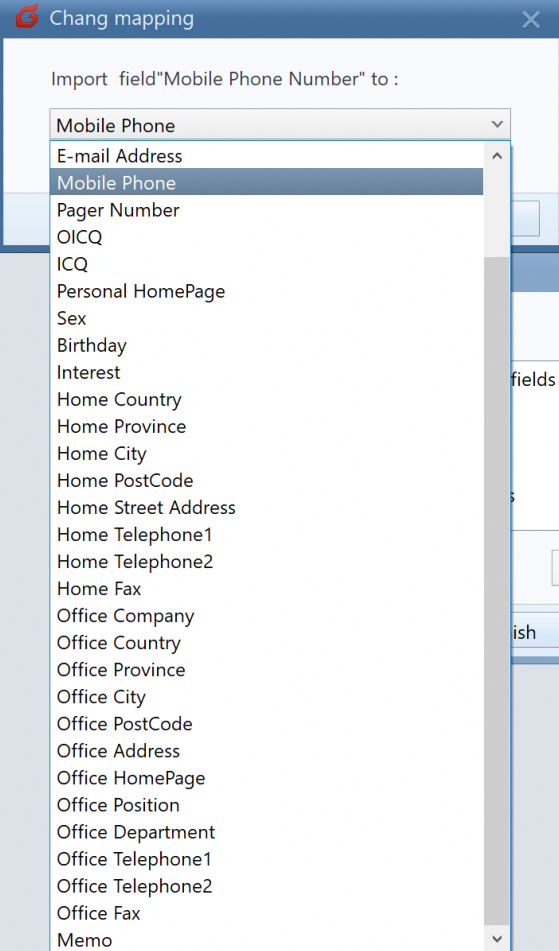
Click Map to associate the Alibaba Mail Address Book and Foxmail Address Book fields.
Click the Finish button. 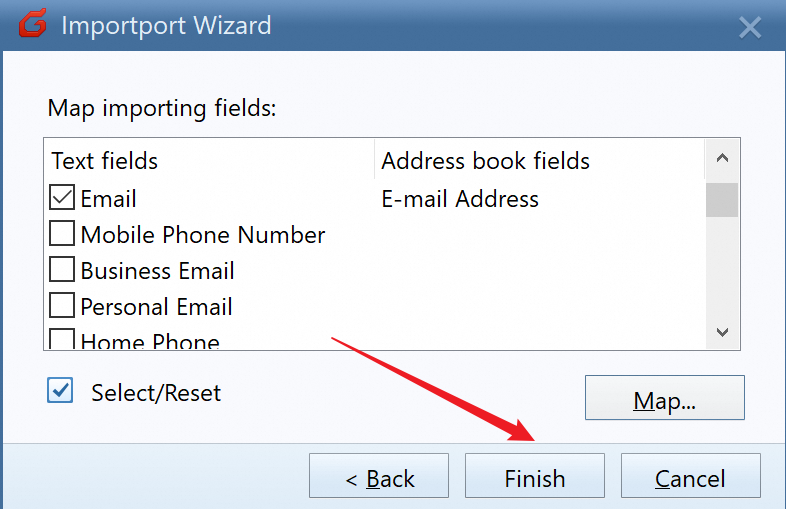
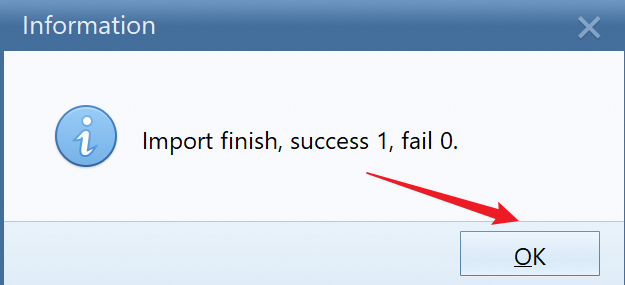
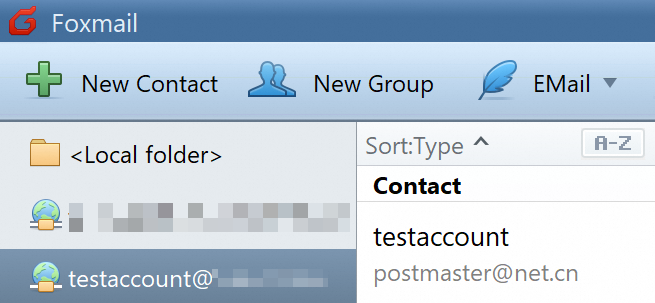
The contact is imported successfully.