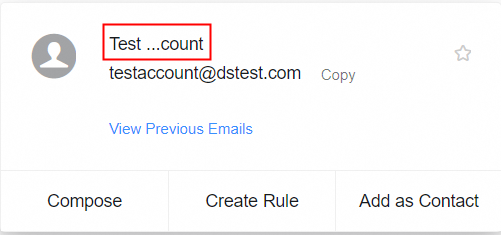
Set a nickname for your mailbox so that recipients in other domains see your custom name as the sender.
Procedure
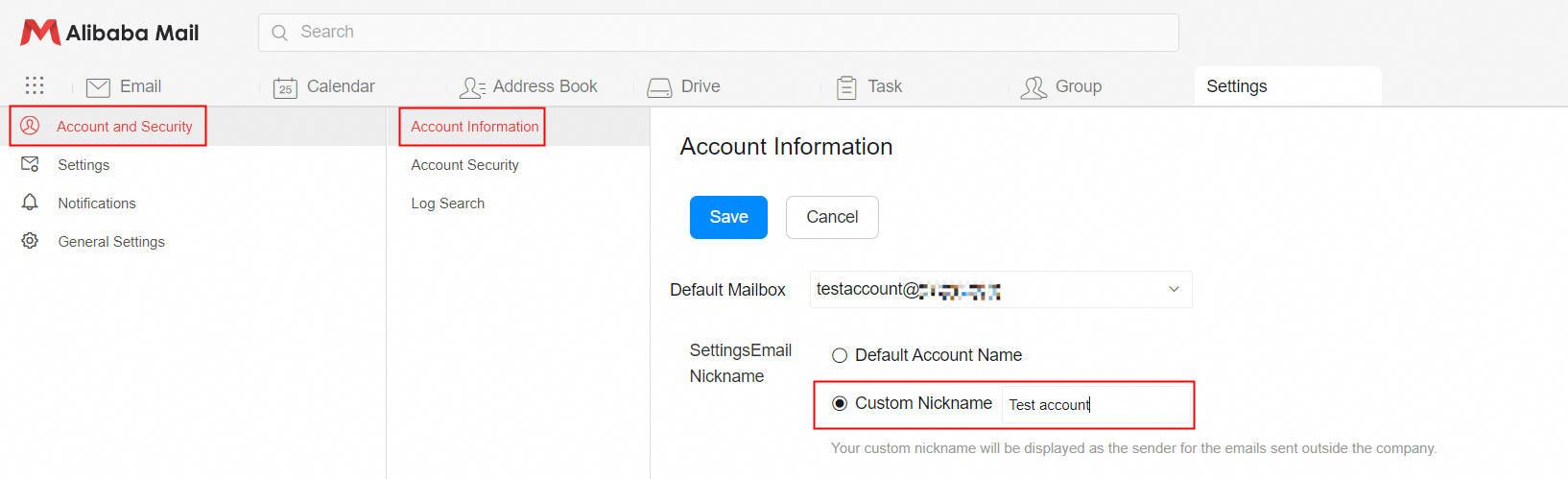
1. Log on to Alibaba Mail. Go to Settings > Account and Security > Account Information > Set Mailbox Nickname. Select Use Custom Nickname.
2. Enter a nickname and click Save.
Note
The recipient's mail client may prioritize the name from their address book. To confirm that the nickname is set, check the decoded From field in the original email source.
Your custom nickname is displayed as the sender name for emails sent outside your organization.