Set a default display language in your settings or quickly switch languages from the Alibaba Mail homepage.
Set the default language
-
Log on to the web client for your email instance. Using the wrong site causes logon failure:
Singapore site: mail.sg.aliyun.com
Hong Kong (China) site: mail.hk.aliyun.com
Germany site: mail.de.alibabacloud.com
US site: mail.us.alibabacloud.com
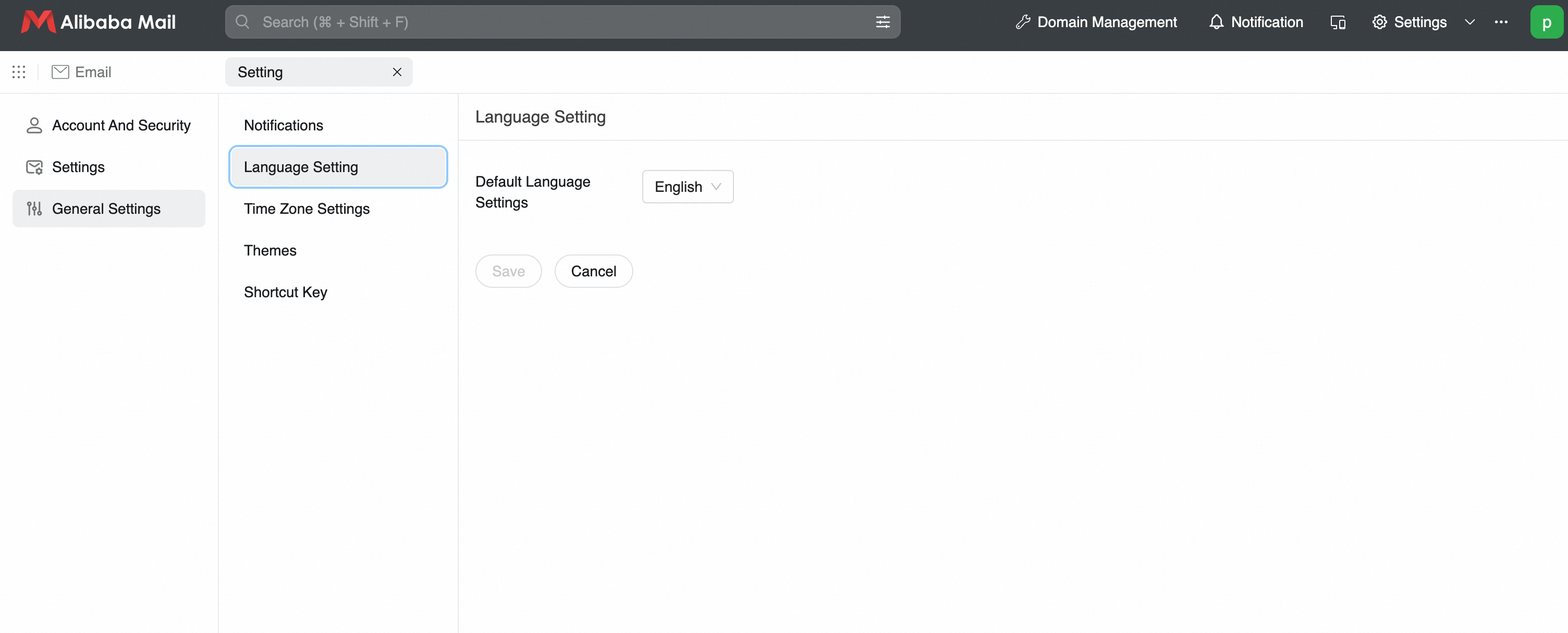
Go to Settings > See More Settings > General Settings > Language Settings.
-
Select a language from the list and click Save.
Switch the language
On the mailbox homepage, click the  icon next to Settings to switch languages.