Grant a delegate account Full Access to all user mailboxes in your Exchange organization using Exchange Management Shell, then verify the permissions were applied correctly.
What is a delegate account?
A delegate account is an account granted permission to access another user's mailbox or resources.
Set mailbox delegation
Prerequisites
Before you begin, make sure that you have:
Access to Exchange Management Shell
A dedicated account to use as the delegate, such as
superman@example.com(do not use the default admin account)
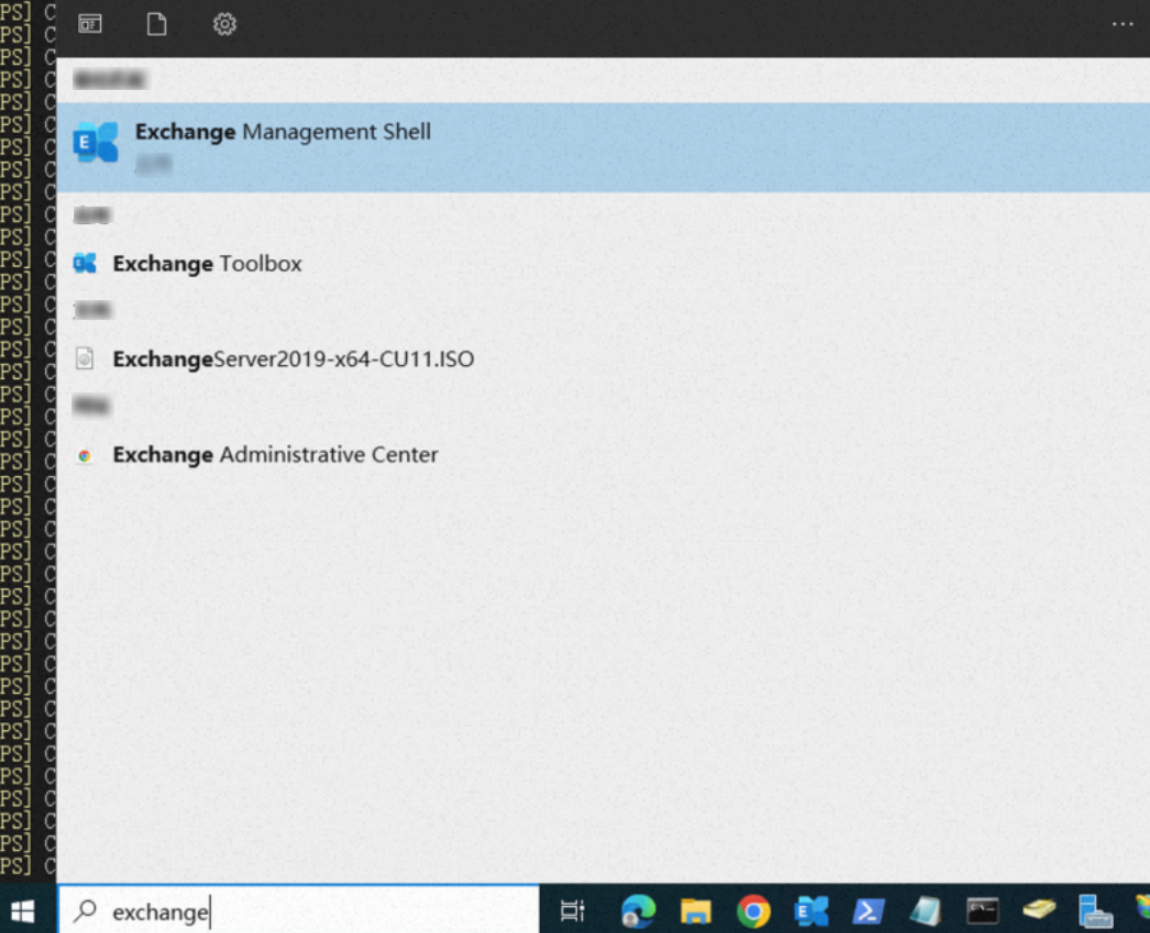
Open Exchange Management Shell.
1. Run the command
The following command grants the delegate account superman@example.com Full Access to all UserMailbox accounts in your Exchange organization. -AutoMapping $false prevents Outlook from automatically mounting all delegated mailboxes into the delegate's mail view — recommended when granting access to a large number of mailboxes.
Get-Mailbox -ResultSize unlimited -Filter {(RecipientTypeDetails -eq 'UserMailbox')-and(Alias -ne 'superman@example.com')}|Add-MailboxPermission -User superman@example.com -AccessRights fullaccess -InheritanceType all -AutoMapping $falseThe command chains two cmdlets:
Get-Mailbox: Filters mailboxes that match the specified criteria.Add-MailboxPermission: Adds permissions to each filtered mailbox.
Create one or more dedicated accounts to use as delegate accounts, such as superman@example.com. Do not use the default admin account.

2. Verify the permissions
Method 1: Log on validation — suitable for a quick spot-check on a single mailbox
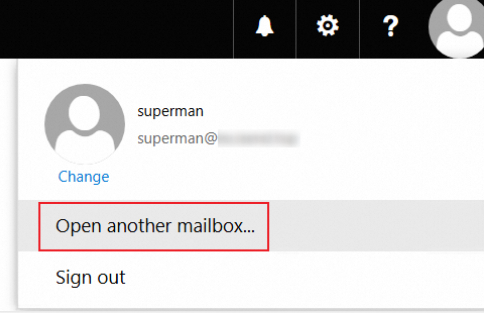
Log on to the delegate mailbox — for example, the superman Exchange mailbox — and attempt to open another user's mailbox. Search for an employee mailbox to which you were granted access. If you can open that mailbox, the permissions were applied successfully.

When you search for a user, contacts from outside your Exchange organization may also appear. Select the correct account carefully — choosing the wrong one during testing increases troubleshooting time.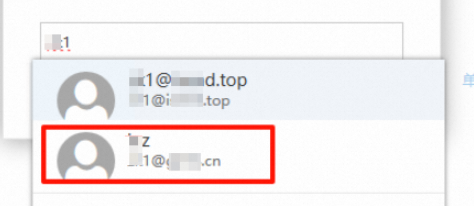
Method 2: Command line — recommended for verifying permissions at scale or in automated pipelines
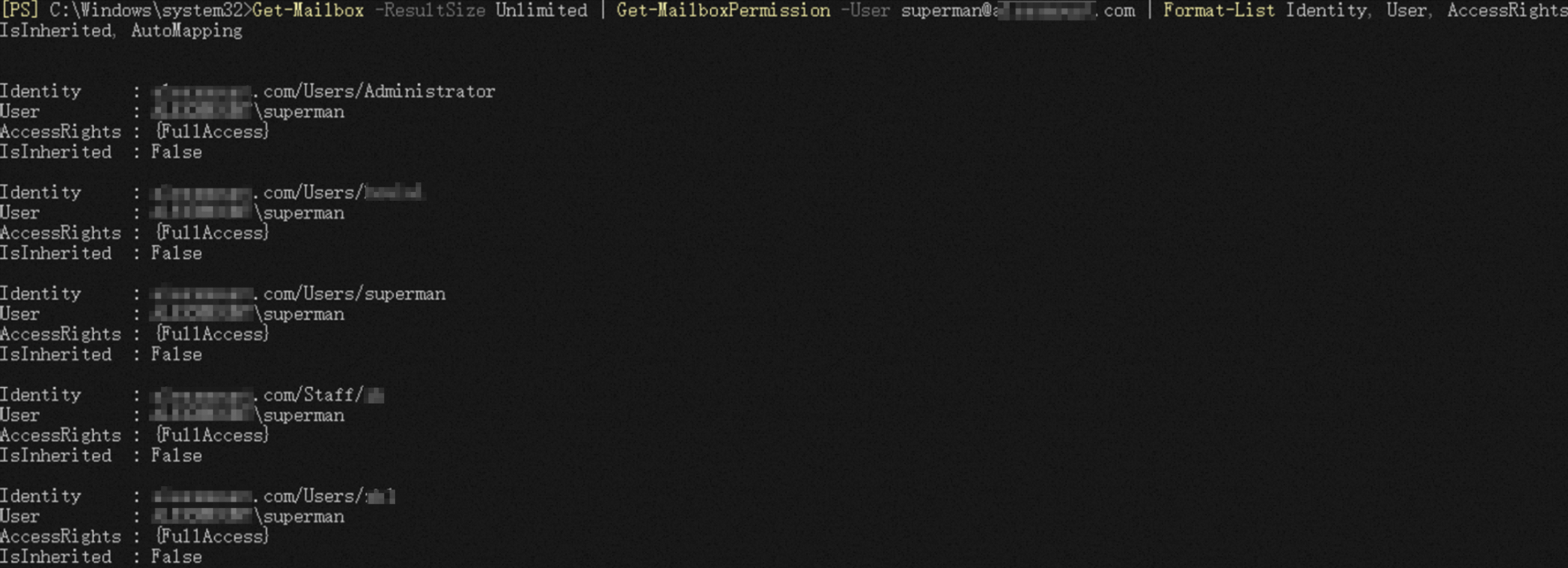
A {FullAccess} value in the AccessRights field confirms the permission was applied successfully.
Verify a single account:
Get-MailboxPermission -Identity "user@example.com" | Where-Object {$_.User -like "superman"} | Format-List -Property Identity, User, AccessRights, IsInherited, AutoMapping
Verify all accounts:
Get-Mailbox -ResultSize Unlimited | Get-MailboxPermission -User superman@example.com | Format-List Identity, User, AccessRights, IsInherited, AutoMapping