Alibaba Mail provides data statistics for monitoring email activity, including account usage statistics, account-level send/receive statistics, and domain-level send/receive statistics.
Account usage statistics
This feature has been upgraded. To export account usage statistics, go to Organization and Users > Employee Accounts > Import/Export > Export Accounts.
Account mail send/receive statistics
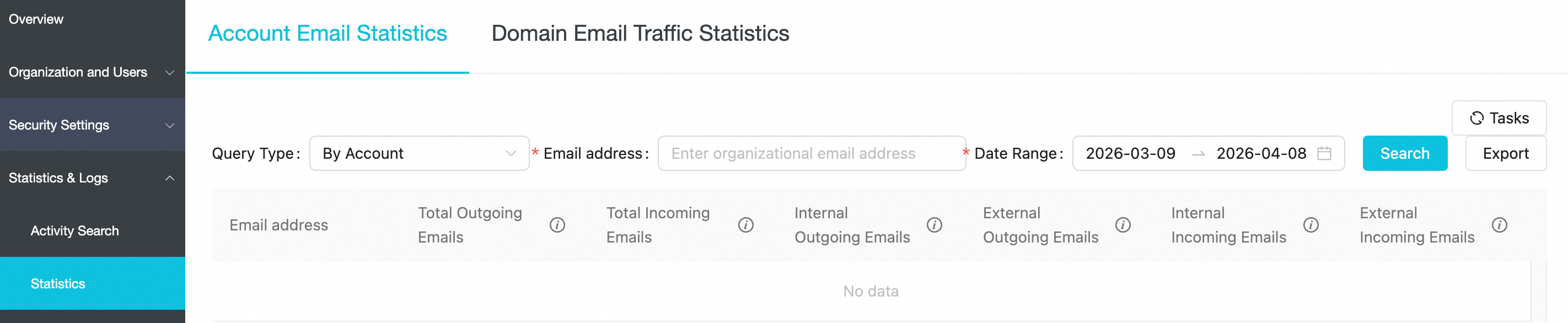
Mail administrators can view send/receive statistics for a specific account or all accounts within a specified time range, including total emails received, emails received from external domains, total emails sent, and emails sent to external domains. You can query data from the last 180 days, but each query is limited to a 30-day time range.
Domain mail send/receive statistics
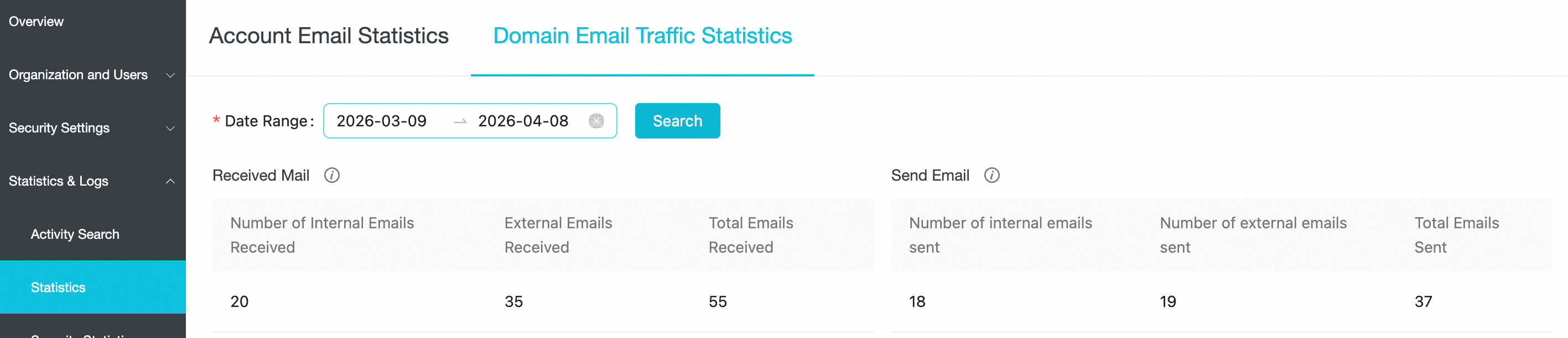
Emails are classified as internal or external. Internal emails are exchanged between accounts within your organization, while external emails are exchanged with accounts outside your organization. Mail administrators can view email traffic statistics for the entire domain over a specified time range. You can query data from the last 180 days, but each query is limited to a 30-day time range.