This topic describes how to set /insert signatures on the email editing page.
The following list describes the process:
1. On the email editing page, click Insert Signature in the text editor, and select Create Signature or Signature Settings. 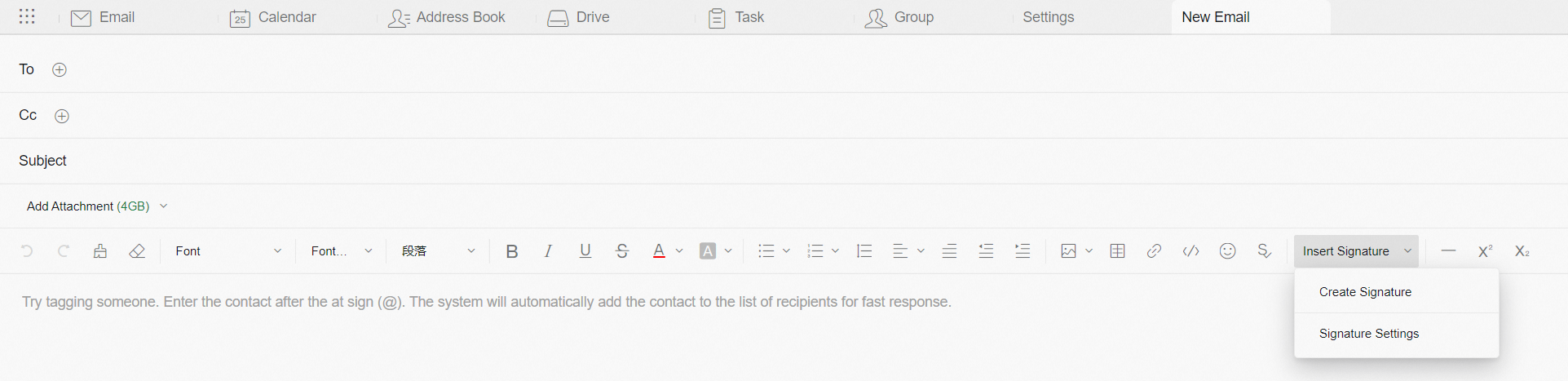
2. Click Create Signature to enter the editing page.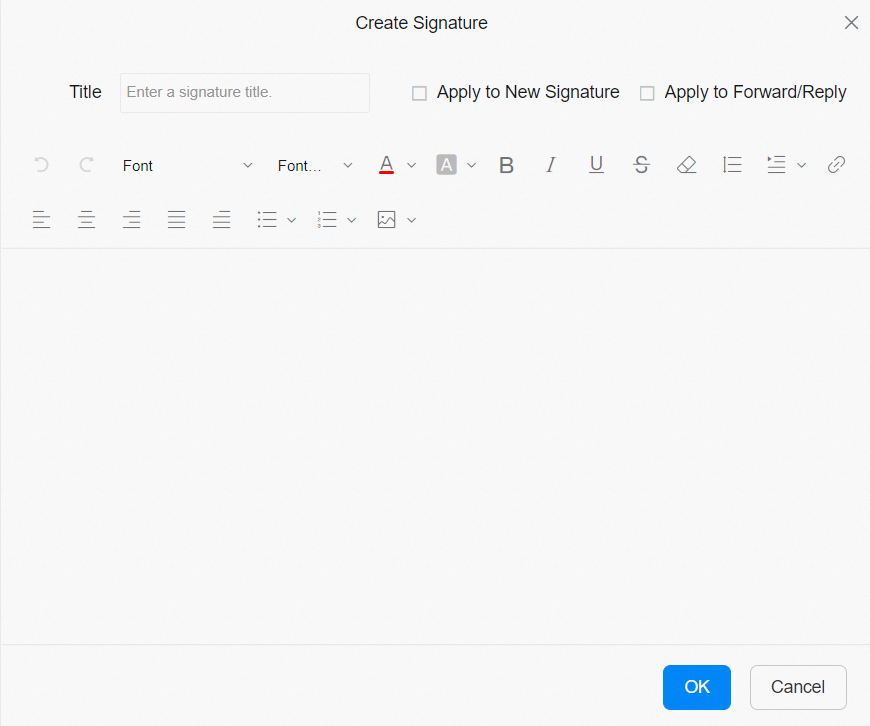
Note: The email signature is limited to 307200 html characters in size.