The cloud-native AI suite is free. You are charged for the ACK cluster it runs on and any other cloud services it uses.
Billable items
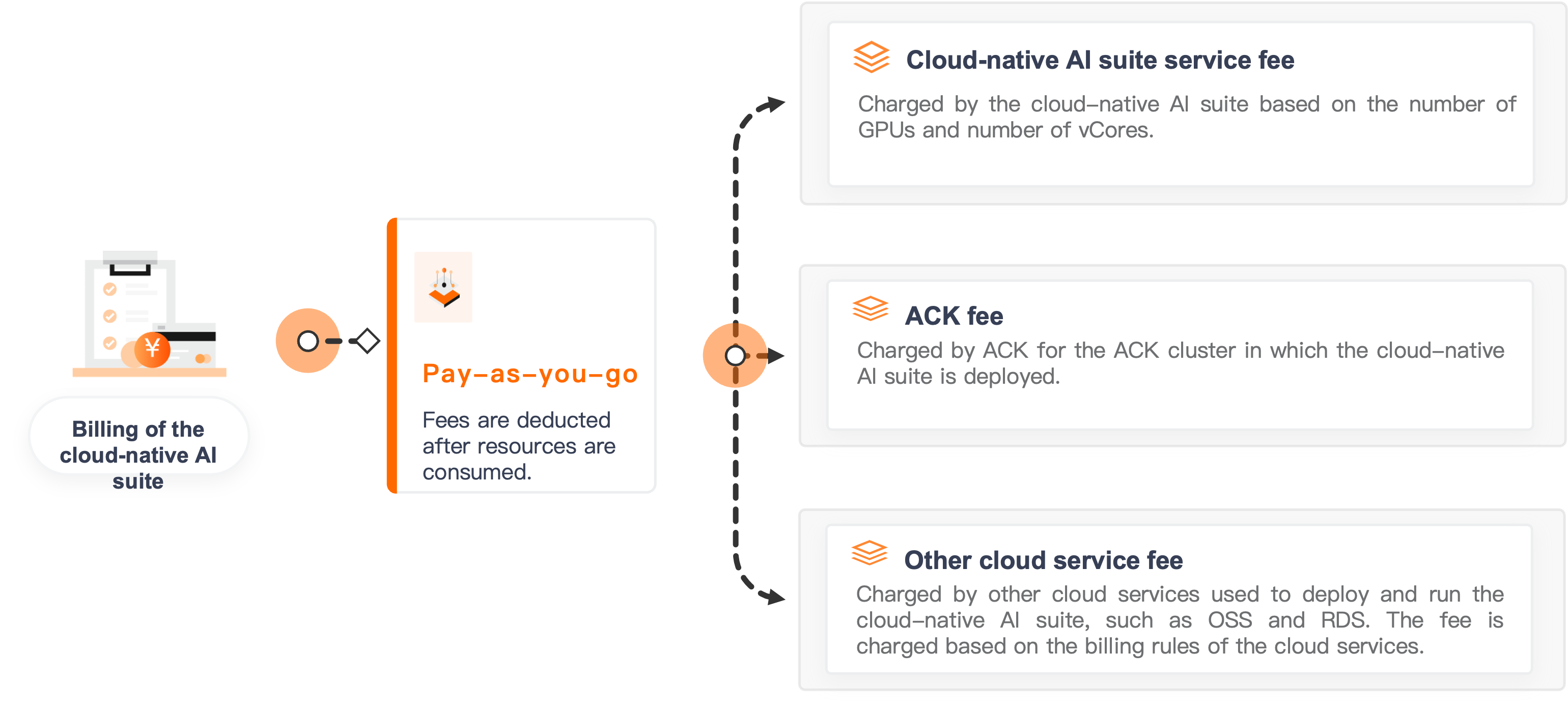
Cloud-native AI suite service fee = Cloud-native AI suite fee (free) + ACK cluster fee + Other cloud service fees
| Billing item | When it applies | How to control costs |
|---|---|---|
| ACK cluster | Always — the suite runs inside an ACK cluster | See Billing rules |
| Built-in MySQL storage | When you use the built-in MySQL service | A disk is created from a StorageClass each time you deploy the suite. Delete unused disks after uninstalling. |
| Kubeflow Pipelines storage | When Kubeflow Pipelines uses the built-in MinIO service | A disk is created from a StorageClass each time you deploy the suite. Delete unused disks after uninstalling. |
| Other cloud services | When you use additional cloud services alongside the suite | See Cloud service billing |
ACK does not manage the lifecycle of disks created for built-in storage. When you uninstall the suite, the associated persistent volume (PV) and persistent volume claim (PVC) are deleted, but the underlying disk is retained. Each reinstallation creates a new PV and disk. Delete disks that are no longer in use to avoid ongoing charges.
View billing details
See View your bills.
Overdue payments
The suite has been free since 00:00:00 (UTC+8) on June 6, 2024. For overdue payment policies on ACK clusters and other cloud services, see Overdue payments.
Billing FAQ
Does the system count physical GPUs or vGPUs?
Physical GPUs. The system counts the number of physical GPUs on GPU-accelerated nodes, not vGPUs.
Are NotReady nodes counted toward cluster size?
No. NotReady nodes are excluded when ACK measures cluster size.
Why are disks automatically created and billed when I deploy the suite?
If you use the built-in cluster storage for the suite or Kubeflow Pipelines, a disk is created to persist data. The disk is not deleted when you uninstall the suite — only the PV and PVC are removed. The next installation creates a new PV and disk. Delete any disks you no longer need to avoid ongoing charges.