Activate the MaxCompute service before you create and manage MaxCompute projects. This topic describes the activation process.
Prerequisites
Before you begin, ensure that you have:
-
An Alibaba Cloud account. For details, see Create an Alibaba Cloud account
-
(Optional) A RAM user with the AliyunBSSOrderAccess and AliyunDataWorksFullAccess policies attached. For details, see Prepare a RAM user
If this is your first time using MaxCompute, activate the service with your Alibaba Cloud account rather than a RAM user.
Activate MaxCompute
-
Go to the MaxCompute product page and click Buy Now.
-
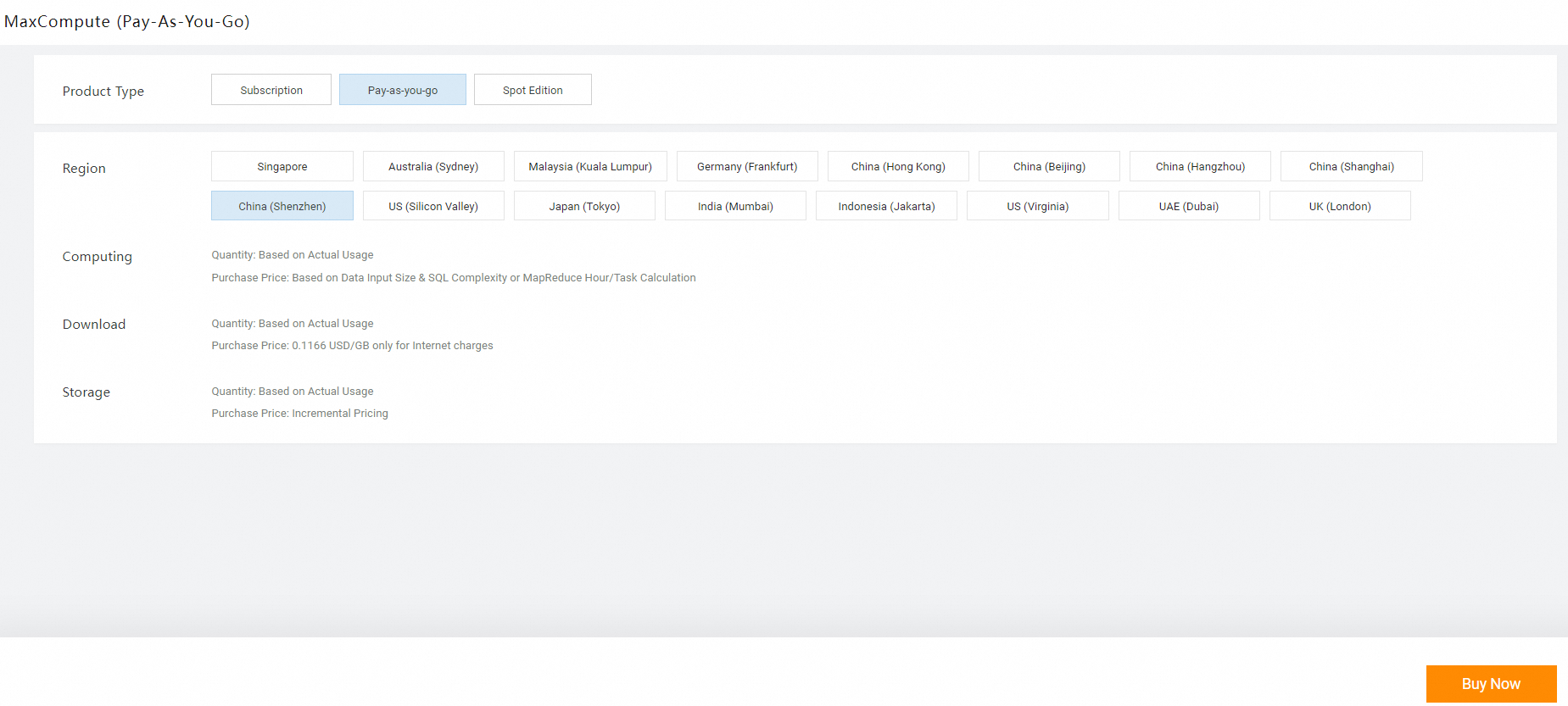
Configure the following parameters on the buy page, then click Buy Now.
-
Product Type: Select Pay-as-you-go to get started. You can purchase subscription resources later based on your workload. For pricing details, see Subscription and Pay-as-you-go.
-
Region: The region where MaxCompute is deployed. Select a region that matches your existing Alibaba Cloud resources, such as Elastic Compute Service (ECS) instances and data sources.
-
-
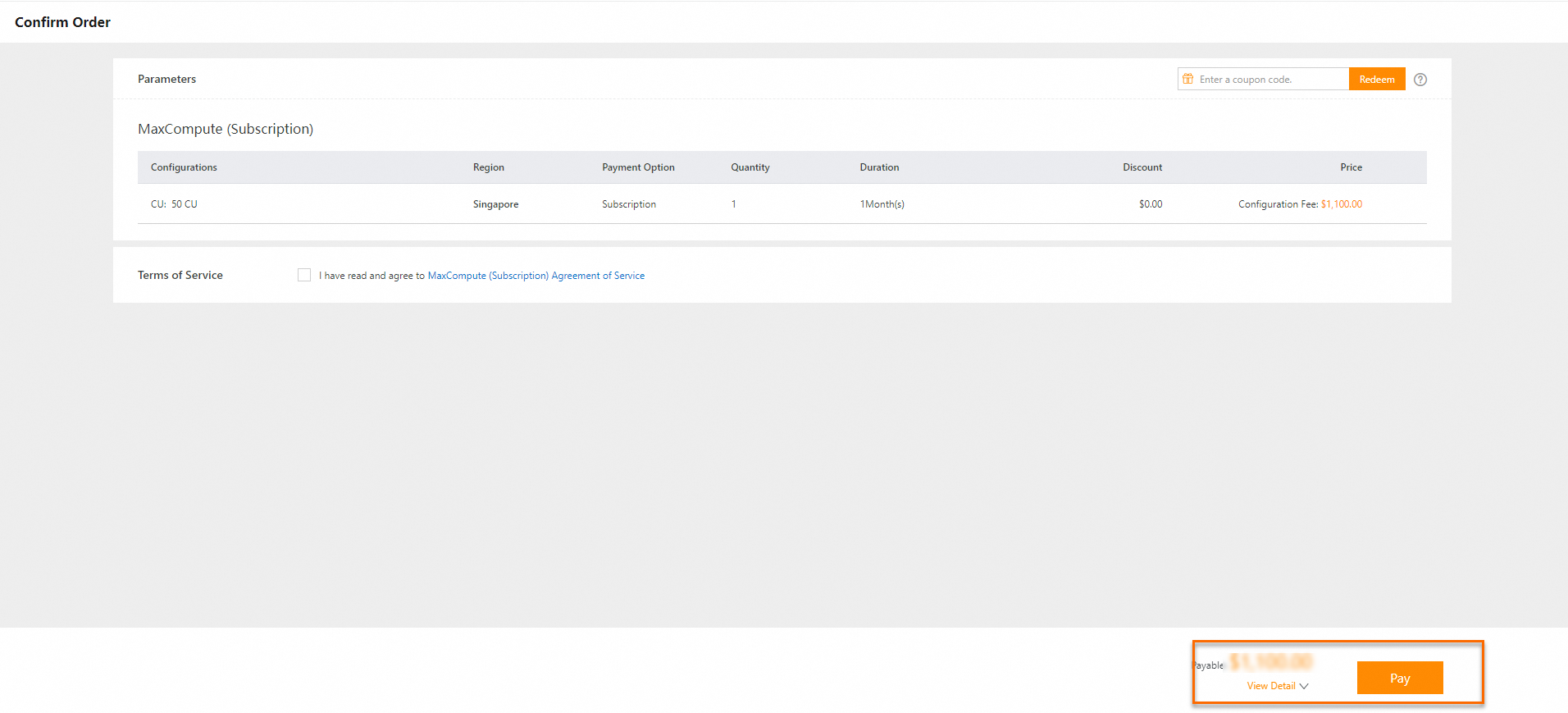
On the Confirm Order page, review your settings and the Terms of Service, and click Activate Now.
-
(Optional) Activate DataWorks in the same region as MaxCompute. For activation details, see Purchase guide.
Next steps
After activating MaxCompute, choose your next steps based on your role:
-
Administrators: Create a MaxCompute project and manage your workspace.
-
Developers: Start exploring MaxCompute with the development tools.
-
Start the MaxCompute client to run quick demos in an existing project
-
Prepare an environment and install required development tools to set up your local development environment
-