The computing service/instance in Alibaba Cloud is called Elastic Compute Services, we will take one of them to run the most powerful model in today's era.
Create an instance with the base image as Linux and the instance type as t5 which has almost around 20 GB of disk.
Install the Ollama on the linux instance.
Run the command to install Ollama
curl -fsSL https://ollama.com/install.sh | shThen, Start the Ollama service
ollama serveVerify Ollama Installation
After installation check wether it is properly installed or not by running
ollama –version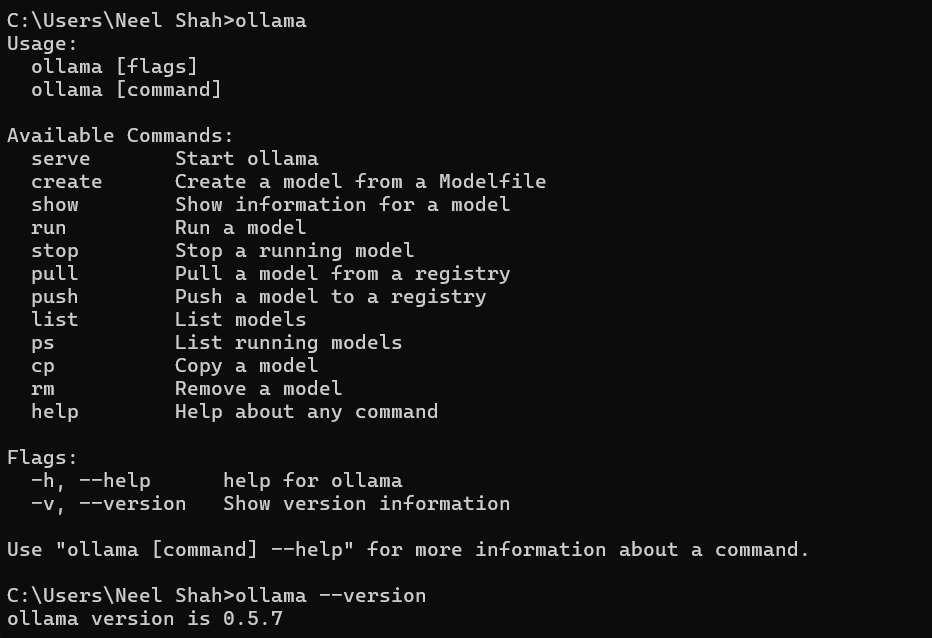
Download and install DeepSeek- R1 model
Run the command to pull deepseek from Ollama’s library
ollama pull deepseek-r1 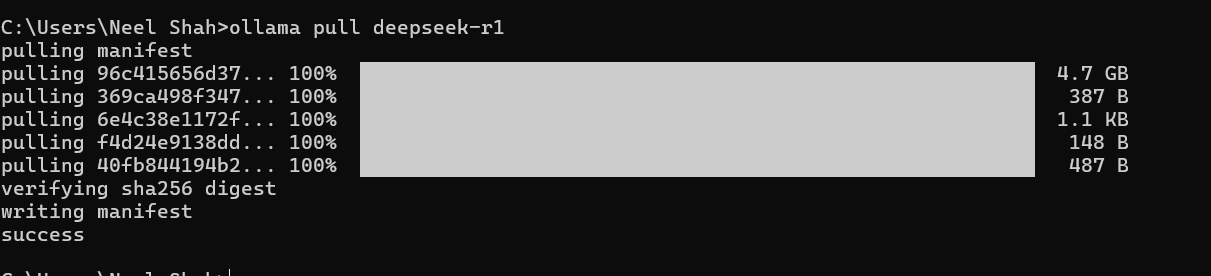

Run the Deepseek to create anything with it.

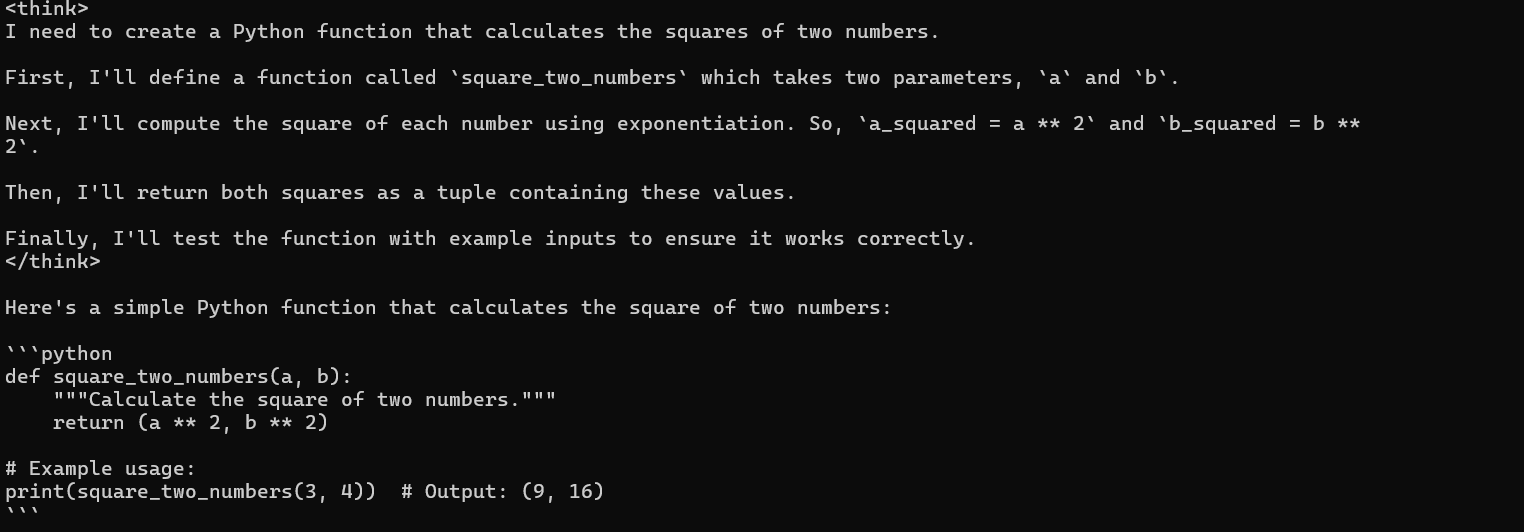
Output from DeepSeek
<think>
I need to create a Python function that calculates the squares of two numbers.

First, I'll define a function called `square_two_numbers` which takes two parameters, `a` and `b`.

Next, I'll compute the square of each number using exponentiation. So, `a_squared = a ** 2` and `b_squared = b **
2`.

Then, I'll return both squares as a tuple containing these values.

Finally, I'll test the function with example inputs to ensure it works correctly.
</think>
Here's a simple Python function that calculates the square of two numbers:
def square_two_numbers(a, b):
    """Calculate the square of two numbers."""
    return (a ** 2, b ** 2)

# Example usage:
print(square_two_numbers(3, 4))  # Output: (9, 16)
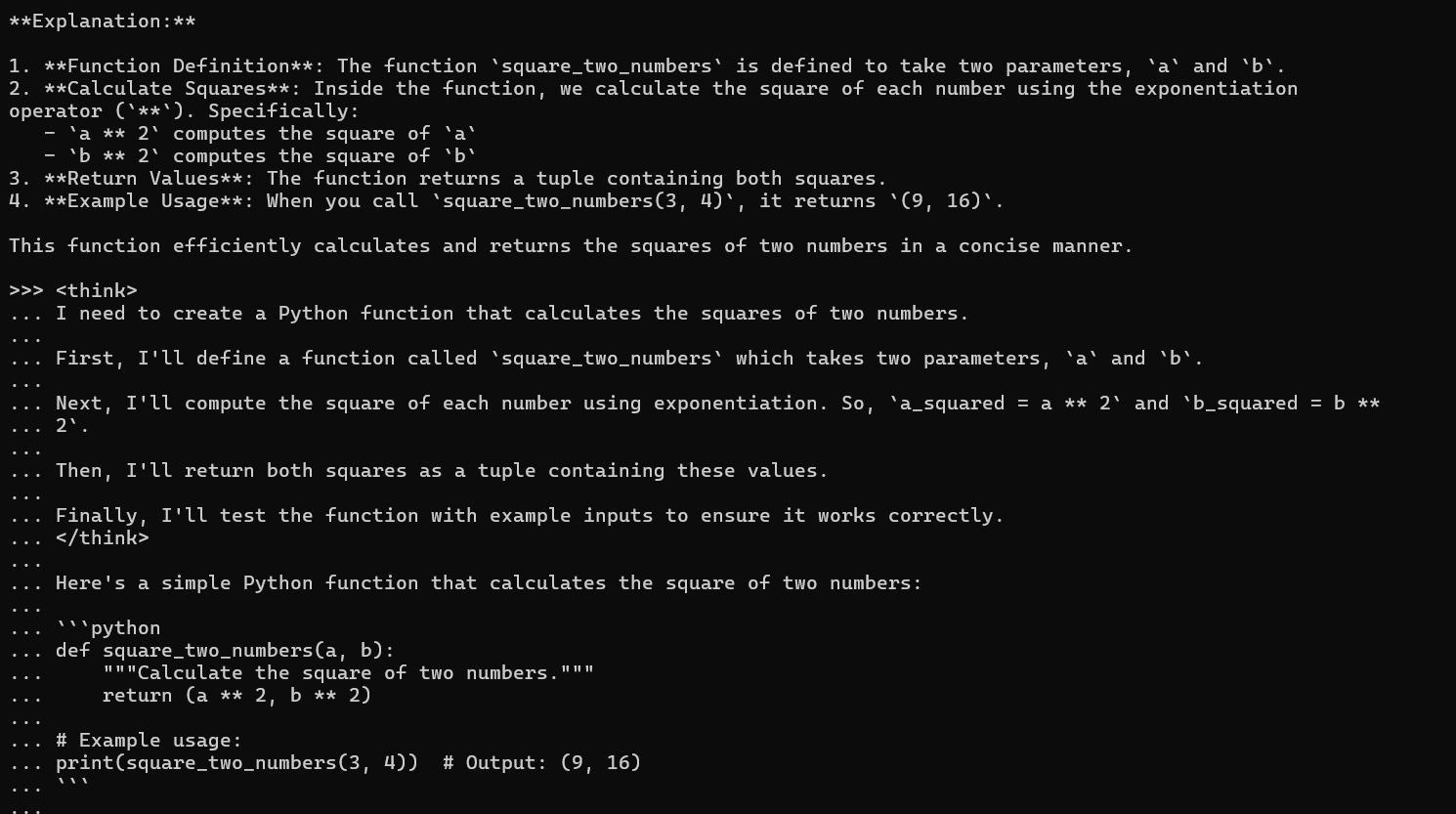
Explanation:
1. Function Definition: The function square_two_numbers is defined to take two parameters, a and b.
2. Calculate Squares: Inside the function, we calculate the square of each number using the exponentiation
operator (**). Specifically:
a ** 2 computes the square of a
b ** 2 computes the square of b
3. Return Values: The function returns a tuple containing both squares.
4. Example Usage: When you call square_two_numbers(3, 4), it returns (9, 16).
This function efficiently calculates and returns the squares of two numbers in a concise manner.
That’s it DeepSeek is running completely fine and fast.
Disclaimer: The views expressed herein are for reference only and don't necessarily represent the official views of Alibaba Cloud.
Alibaba Container Service - May 27, 2025
Alibaba Cloud Native Community - February 20, 2025
Alibaba Container Service - May 19, 2025
Alibaba Cloud Native Community - February 26, 2025
Alibaba Container Service - July 10, 2025
Alibaba Cloud Native Community - March 13, 2025
 ECS(Elastic Compute Service)
Elastic and secure virtual cloud servers to cater all your cloud hosting needs.
Learn More Container Service for Kubernetes
Alibaba Cloud Container Service for Kubernetes is a fully managed cloud container management service that supports native Kubernetes and integrates with other Alibaba Cloud products.
Learn More
Container Compute Service (ACS)
A cloud computing service that provides container compute resources that comply with the container specifications of Kubernetes
Learn More Elastic Desktop Service
A convenient and secure cloud-based Desktop-as-a-Service (DaaS) solution
Learn MoreMore Posts by Neel_Shah


