百炼 Coding Plan 中的部分模型(如 qwen3.5-plus、kimi-k2.5)原生支持视觉理解,可直接处理图片输入。对于 glm-5、MiniMax-M2.5 等纯文本模型,可通过添加本地 Skill 使其获得视觉能力。
运行图片理解 Skill 会消耗 Coding Plan 额度,无其他收费项。
前提条件
已订阅 Coding Plan,详情请参见快速开始。
已在 Coding Plan 工具中完成接入配置,且能正常对话,详情请参见接入AI工具。
视觉支持情况
模型 | 是否支持视觉 | 说明 |
| 是 | 无需额外配置,可直接传入图片 |
| 否 | 需通过 Skill 或 Agent 辅助模型获得视觉能力 |
方法 1:直接使用视觉模型(推荐)
qwen3.5-plus 和 kimi-k2.5 具备视觉理解能力。如果经常需要处理图片,直接切换到这些模型是最简单、推荐的做法。
工具 | 模型切换方式 |
Claude Code |
|
OpenCode |
|
Qwen Code |
|
更多编程工具中的模型切换方式请参考接入AI工具。切换后可直接在对话中引用图片路径,或拖拽/粘贴图片。
方法 2:通过 Skill 或 Agent 添加视觉能力
如需使用 glm-5、MiniMax-M2.5 等不支持视觉的模型处理图片,可通过配置 Skill 或 Agent 实现。
Claude Code
添加 Skill
在项目目录下的
.claude文件夹中新建skills/image-analyzer目录:mkdir -p .claude/skills/image-analyzer在该目录下创建
SKILL.md文件,并写入以下内容:--- name: image-analyzer description: 帮助没有视觉能力的模型进行图像理解。当需要分析图像内容、提取图片中的信息、文字、界面元素,或理解截图、图表、架构图等任何视觉内容时,使用此技能,传入图片路径即可获得描述信息。 model: qwen3.5-plus --- qwen3.5-plus具有视觉理解能力,请直接使用qwen3.5-plus模型进行图片理解。创建完成后的目录结构如下:
.claude/
└── skills/
    └── image-analyzer/
        └── SKILL.md
开始使用
在项目目录下运行
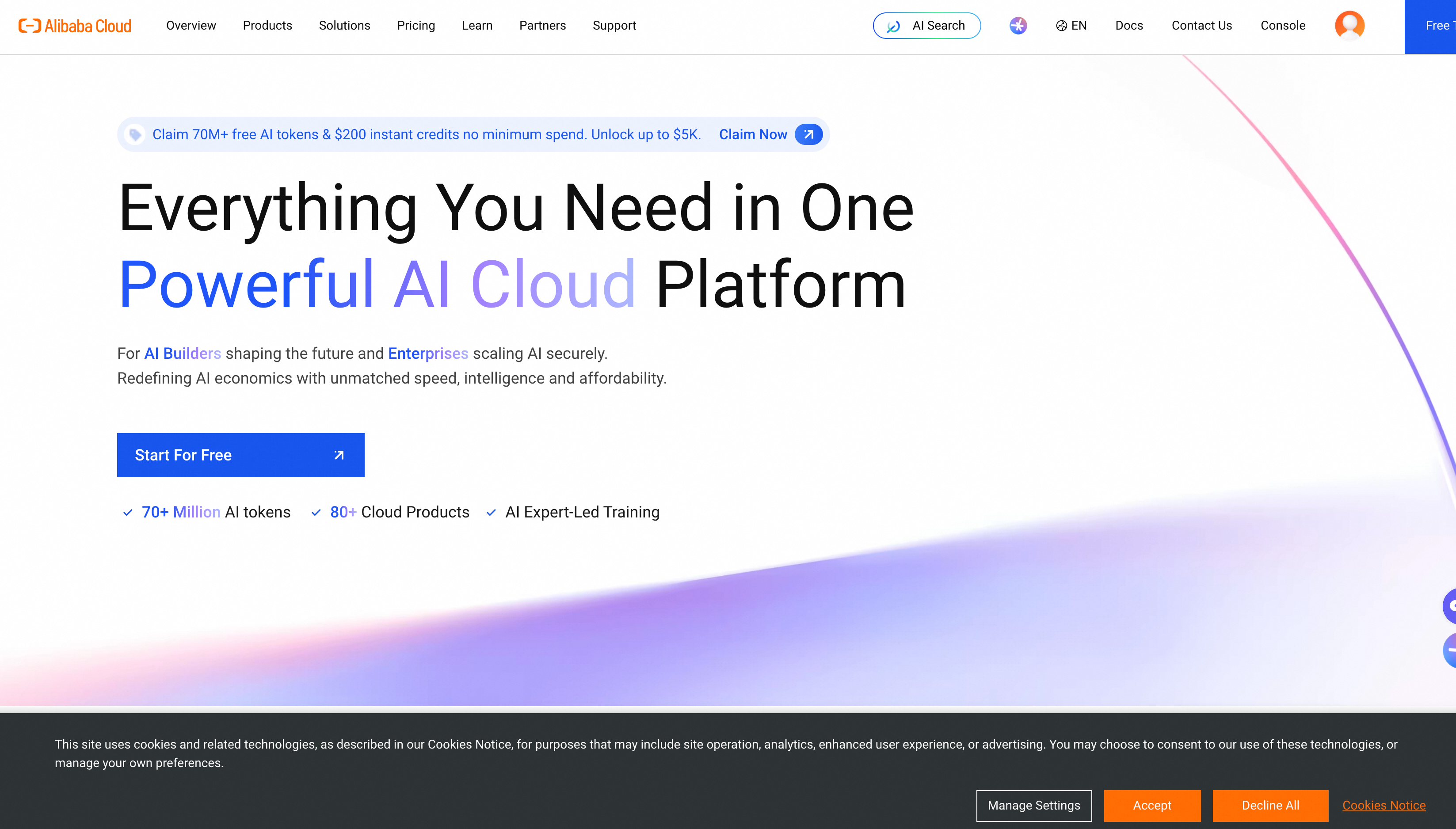
claude启动 Claude Code,并运行/model glm-5切换到glm-5模型。下载alibabacloud.png到项目目录下,并提问:
Load image-analyzer skill and describe the information displayed at the alibabacloud.png banner location.可收到如下回复:
OpenCode
添加 Agent
在项目目录下的
.opencode文件夹中新建agents目录:mkdir -p .opencode/agents在该目录下创建
image-analyzer.md文件,并写入以下内容:说明model 字段必须使用 OpenCode 配置文件中定义的 provider 和模型名称。参考 OpenCode 文档的配置示例,应为
bailian-coding-plan/qwen3.5-plus。--- description: Analyzes images using a vision-capable model. Use this agent when the user needs to understand image content, extract information from screenshots, diagrams, UI mockups, or any visual content. Invoke with @image-analyzer followed by the image path and your question. mode: subagent model: bailian-coding-plan/qwen3.5-plus tools: write: false edit: false --- You have vision capabilities. Analyze the provided image and return a clear, structured description focused on what the user is asking about.创建完成后的目录结构如下:
.opencode/
└── agents/
    └── image-analyzer.md
开始使用
在项目目录下运行
opencode启动 OpenCode,并切换到glm-5模型。下载alibabacloud.png到项目目录下,通过
@唤起image-analyzer并提问:@image-analyzer describe the information displayed at the alibabacloud.png banner location.可收到如下回复: