全部产品
Search
文档中心

大模型服务平台百炼:OpenCode

更新时间:Mar 09, 2026

OpenCode 是一款开源 AI 编程工具,本文介绍如何在 OpenCode 中配置与使用阿里云百炼 Coding Plan。

安装 OpenCode

  1. 安装或更新 Node.js(v18.0 或更高版本)。

  2. 在终端中执行以下命令安装 OpenCode。

    npm install -g opencode-ai

    在终端中执行以下命令,若输出版本号,则表示安装成功。

    opencode -v

配置 Coding Plan

请在以下路径创建并打开配置文件 opencode.json :

  • macOS / Linux: ~/.config/opencode/opencode.json

  • Windows: C:\Users\您的用户名\.config\opencode\opencode.json

将以下配置写入文件,关键配置项:

  • baseURLhttps://coding-intl.dashscope.aliyuncs.com/apps/anthropic/v1,请勿使用百炼通用地址。

  • apiKey:将YOUR_API_KEY替换为 Coding Plan 专属 API Key,格式为sk-sp-xxx

说明

保存配置文件后,请退出并重新启动 OpenCode 使新配置生效。

{
    "$schema": "https://opencode.ai/config.json",
    "provider": {
        "bailian-coding-plan": {
            "npm": "@ai-sdk/anthropic",
            "name": "Model Studio Coding Plan",
            "options": {
                "baseURL": "https://coding-intl.dashscope.aliyuncs.com/apps/anthropic/v1",
                "apiKey": "YOUR_API_KEY"
            },
            "models": {
                "qwen3.5-plus": {
                    "name": "Qwen3.5 Plus",
                    "modalities": {
                        "input": ["text", "image"],
                        "output": ["text"]
                    },
                    "options": {
                        "thinking": {
                            "type": "enabled",
                            "budgetTokens": 8192
                        }
                    },
                    "limit": {
                        "context": 1000000,
                        "output": 65536
                    }
                },
                "qwen3-max-2026-01-23": {
                    "name": "Qwen3 Max 2026-01-23",
                    "modalities": {
                        "input": ["text"],
                        "output": ["text"]
                    },
                    "limit": {
                        "context": 262144,
                        "output": 32768
                    }
                },
                "qwen3-coder-next": {
                    "name": "Qwen3 Coder Next",
                    "modalities": {
                        "input": ["text"],
                        "output": ["text"]
                    },
                    "limit": {
                        "context": 262144,
                        "output": 65536
                    }
                },
                "qwen3-coder-plus": {
                    "name": "Qwen3 Coder Plus",
                    "modalities": {
                        "input": ["text"],
                        "output": ["text"]
                    },
                    "limit": {
                        "context": 1000000,
                        "output": 65536
                    }
                },
                "MiniMax-M2.5": {
                    "name": "MiniMax M2.5",
                    "modalities": {
                        "input": ["text"],
                        "output": ["text"]
                    },
                    "options": {
                        "thinking": {
                            "type": "enabled",
                            "budgetTokens": 8192
                        }
                    },
                    "limit": {
                        "context": 196608,
                        "output": 24576
                    }
                },
                "glm-5": {
                    "name": "GLM-5",
                    "modalities": {
                        "input": ["text"],
                        "output": ["text"]
                    },
                    "options": {
                        "thinking": {
                            "type": "enabled",
                            "budgetTokens": 8192
                        }
                    },
                    "limit": {
                        "context": 202752,
                        "output": 16384
                    }
                },
                "glm-4.7": {
                    "name": "GLM-4.7",
                    "modalities": {
                        "input": ["text"],
                        "output": ["text"]
                    },
                    "options": {
                        "thinking": {
                            "type": "enabled",
                            "budgetTokens": 8192
                        }
                    },
                    "limit": {
                        "context": 202752,
                        "output": 16384
                    }
                },
                "kimi-k2.5": {
                    "name": "Kimi K2.5",
                    "modalities": {
                        "input": ["text", "image"],
                        "output": ["text"]
                    },
                    "options": {
                        "thinking": {
                            "type": "enabled",
                            "budgetTokens": 8192
                        }
                    },
                    "limit": {
                        "context": 262144,
                        "output": 32768
                    }
                }
            }
        }
    }
}
说明

budgetTokens用于控制模型思考过程的最大Token预算,若设置过低可能导致模型思考过程中断。

MiniMax-M2.5的budgetTokensoutput之和需要小于等于32768。

使用

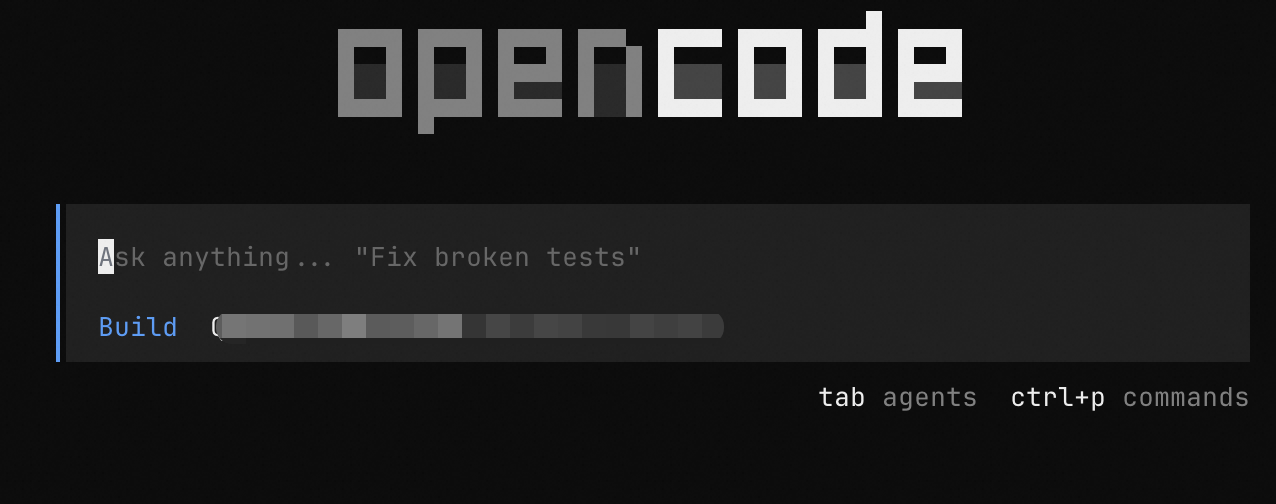
在终端中执行以下命令进入 OpenCode。

opencode

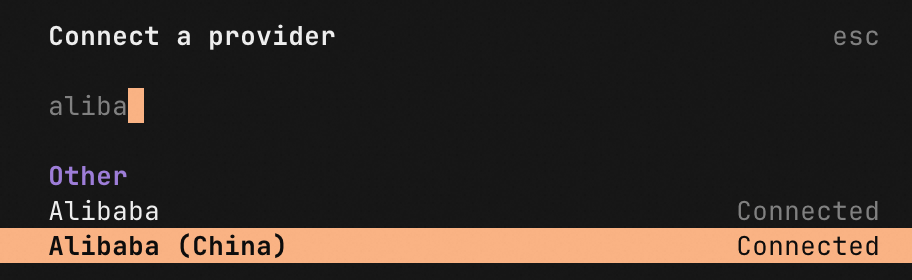
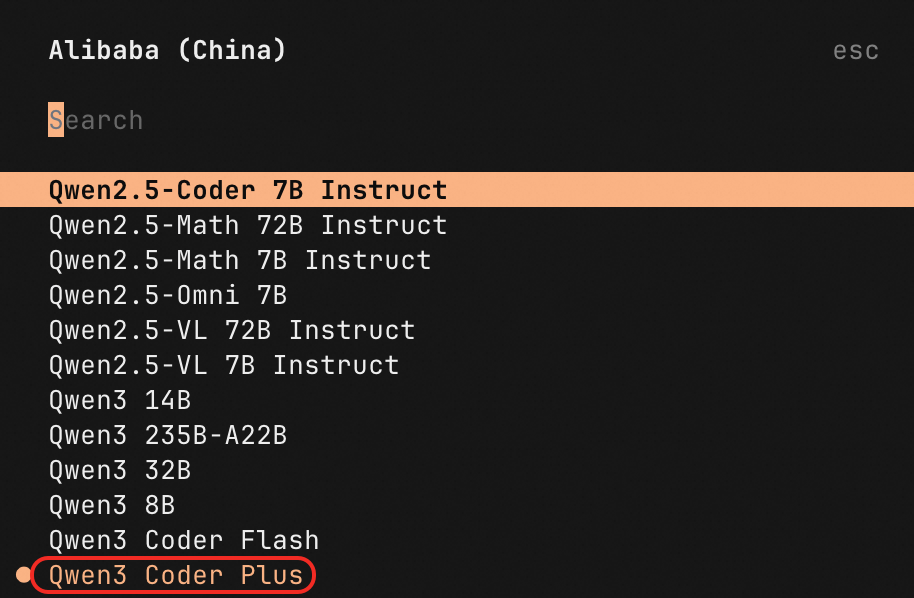
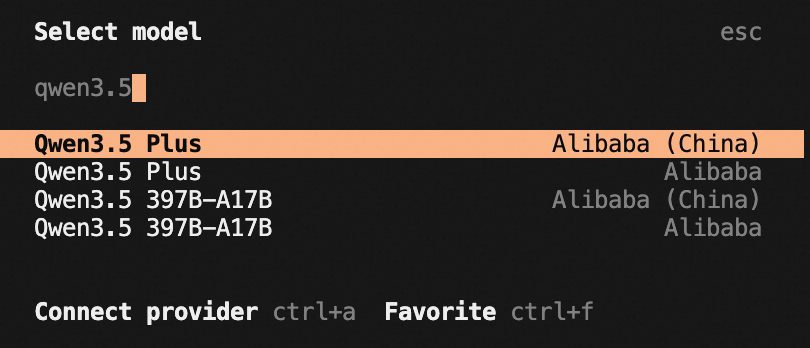
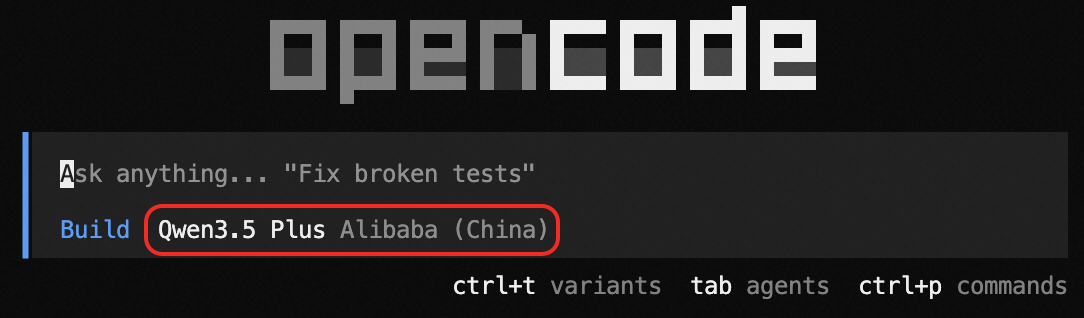
在命令行输入/models,输入Model Studio Coding Plan进行搜索,选择模型后即可使用。

image

image

常见问题

请参考常见问题