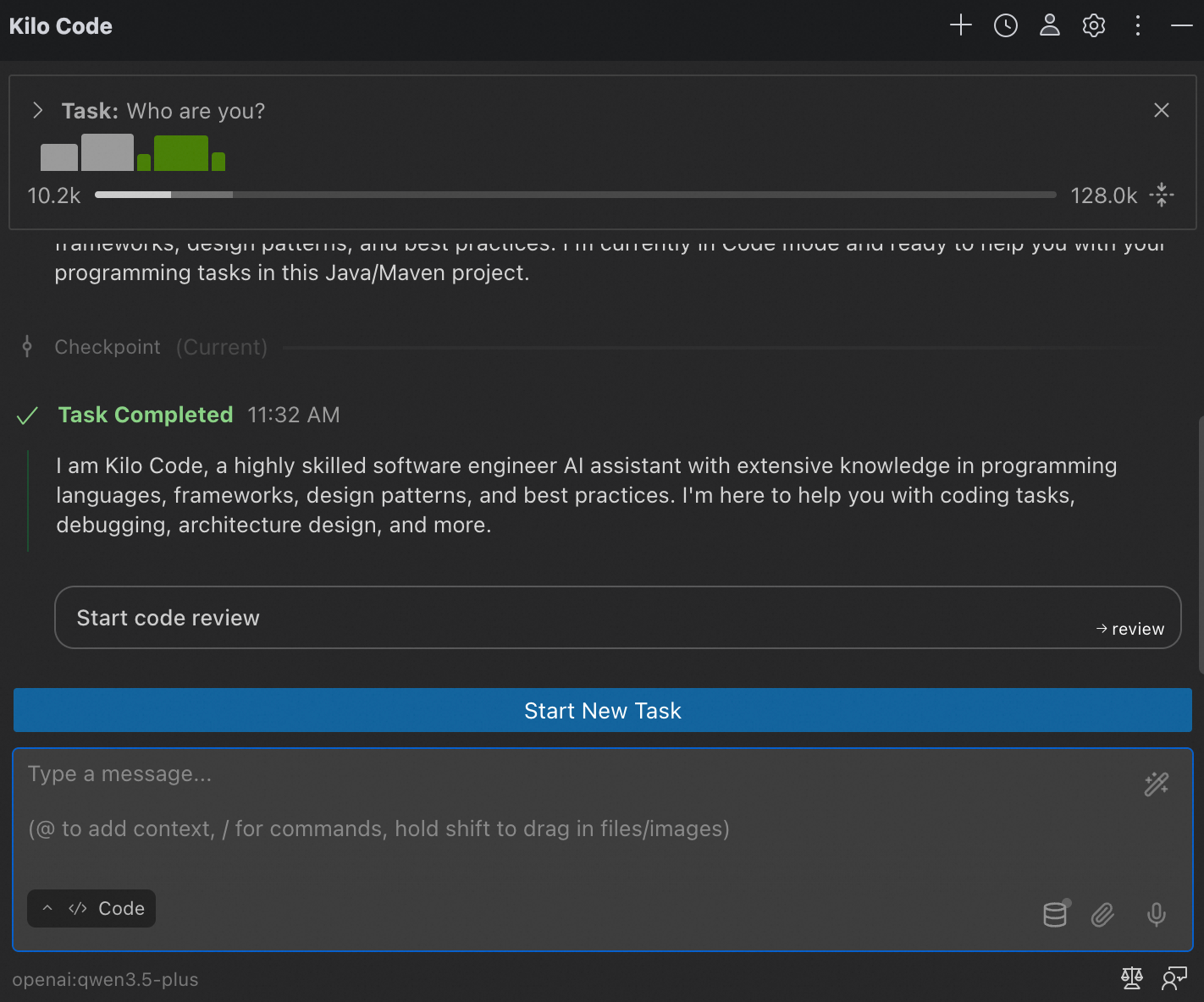
This topic describes how to configure and use Alibaba Cloud Model Studio Token Plan Team Edition in Kilo Code.
Kilo Code can be used in VS Code, VS Code-based IDEs (such as Cursor and Trae), and JetBrains IDEs (such as IntelliJ IDEA and PyCharm). For more information, see the Kilo Code official documentation.
VS Code
-
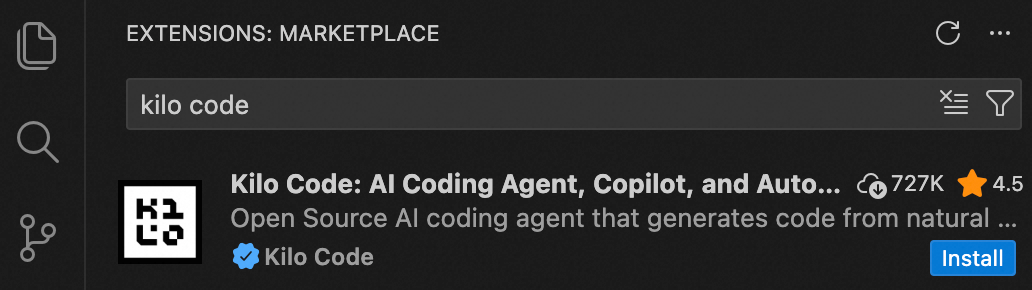
Open VS Code. In the Extensions Marketplace, search for Kilo Code, trust the publisher, and install it. After installation, open it from the sidebar.
-
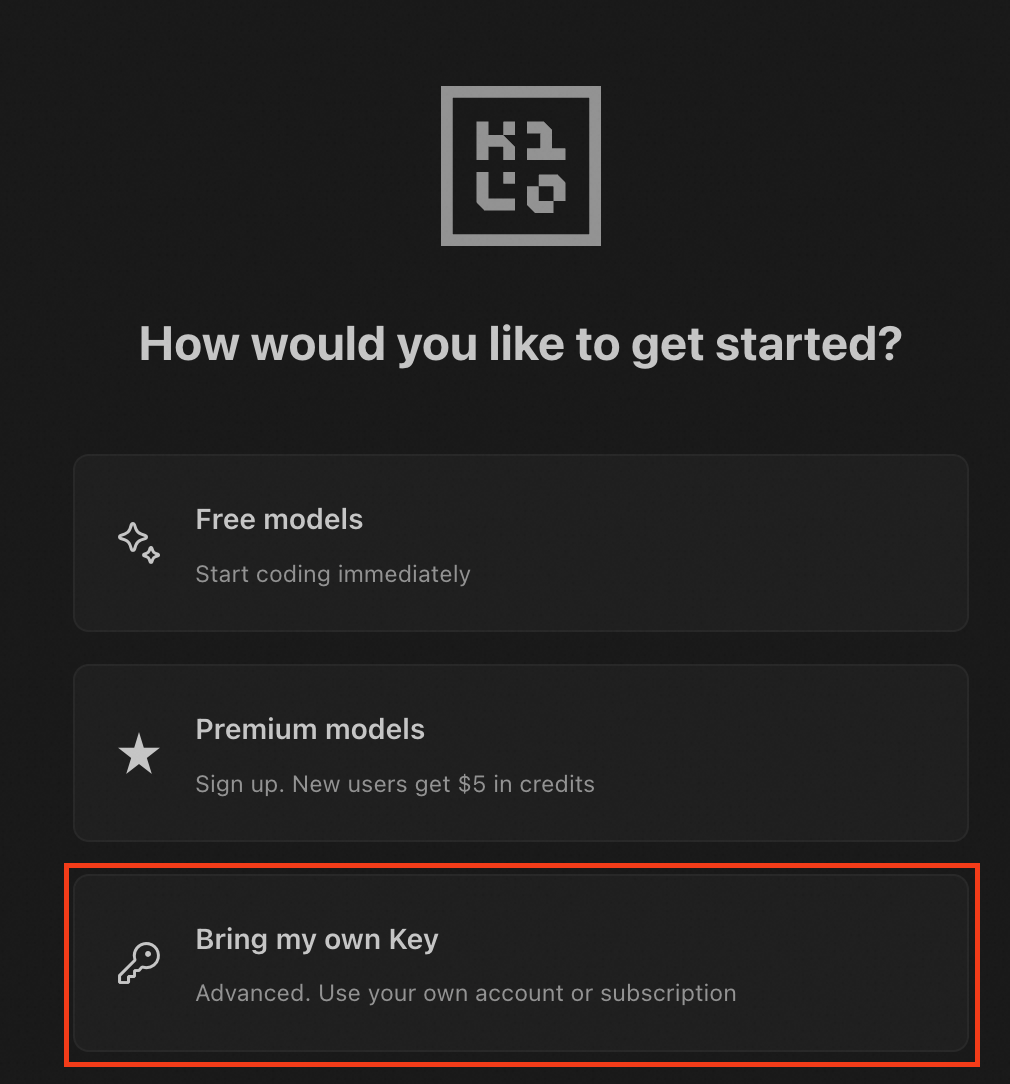
Select Bring my own Key.
-
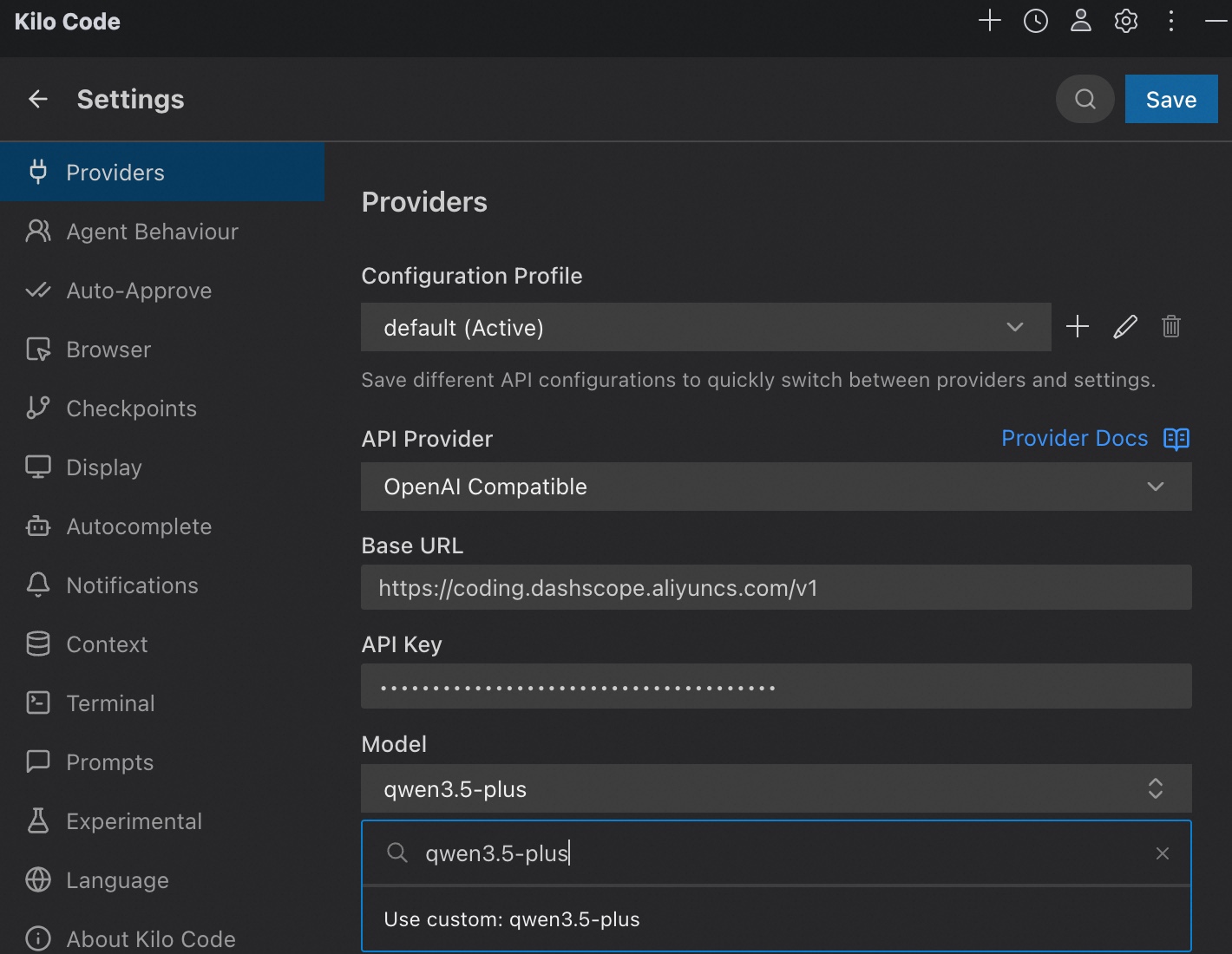
Configure the following settings:
-
API Provider: OpenAI Compatible
-
Base URL:
https://token-plan.ap-southeast-1.maas.aliyuncs.com/compatible-mode/v1 -
API Key: The API Key exclusive to Token Plan Team Edition.
-
Model: Enter a supported model for Token Plan Team Edition (only text generation models are supported), and click Use custom.
After you complete the configuration, click Save.
-
JetBrains
-
Open your JetBrains IDE. In the Extensions Marketplace, search for
Kilo Codeand install it.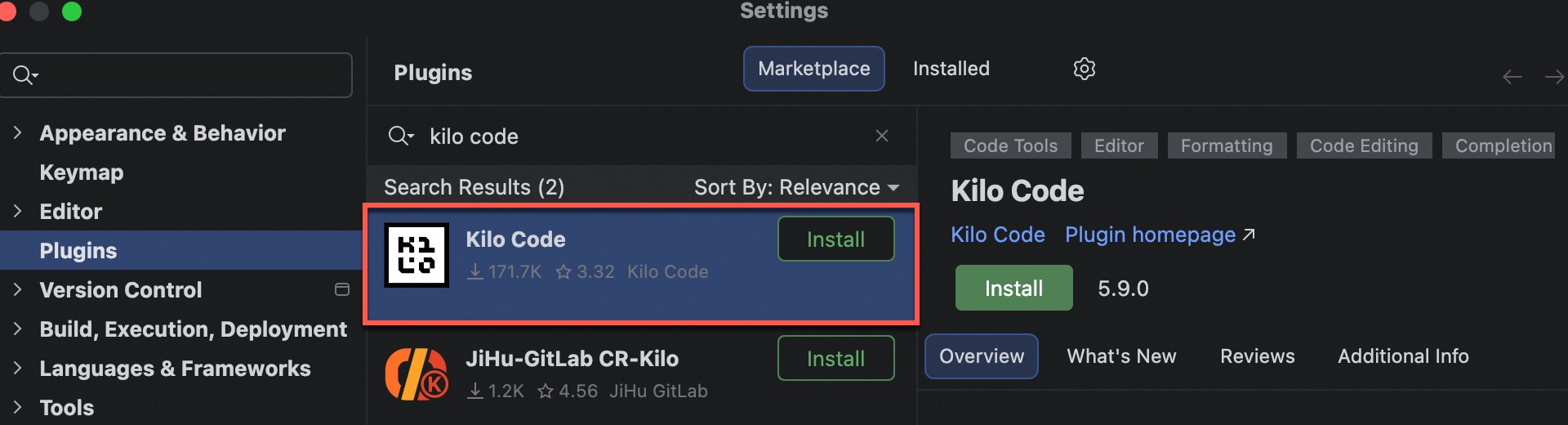
-
After installation, restart the IDE. Click the icon on the right side, and then click Bring my own Key to open the settings page. Configure the following parameters.
If you have previously used the Kilo Code IDE plugin, click the Settings button in the upper-right corner to configure.
-
API Provider: OpenAI Compatible
-
Base URL:
https://token-plan.ap-southeast-1.maas.aliyuncs.com/compatible-mode/v1 -
API Key: The API Key exclusive to Token Plan Team Edition.
-
Model: Enter a supported model for Token Plan Team Edition (only text generation models are supported), and click Use custom.
After you complete the configuration, click Save in the upper-right corner.
-
-
Start using Kilo Code. To switch models, click the gear-shaped Settings button in the upper-right corner and change the Model setting.