This topic describes the methods for triggering pipeline runs and the limits on concurrent pipeline runs.
Triggering methods
Flow pipelines support the following triggering methods. You can select a triggering method that is suitable for your use scenario.
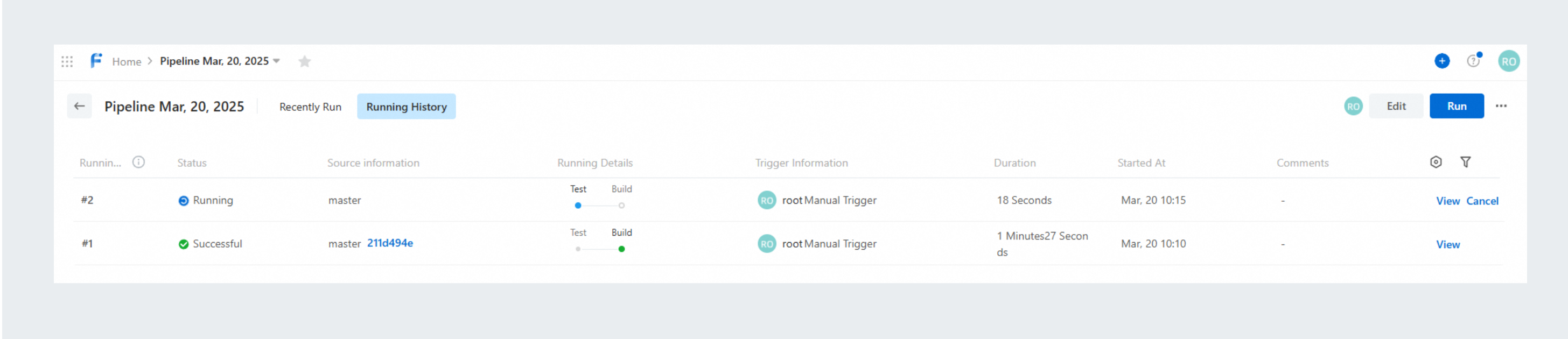
After you trigger pipeline runs, you can view the details of pipeline runs on the Running History tab.
Concurrency limit
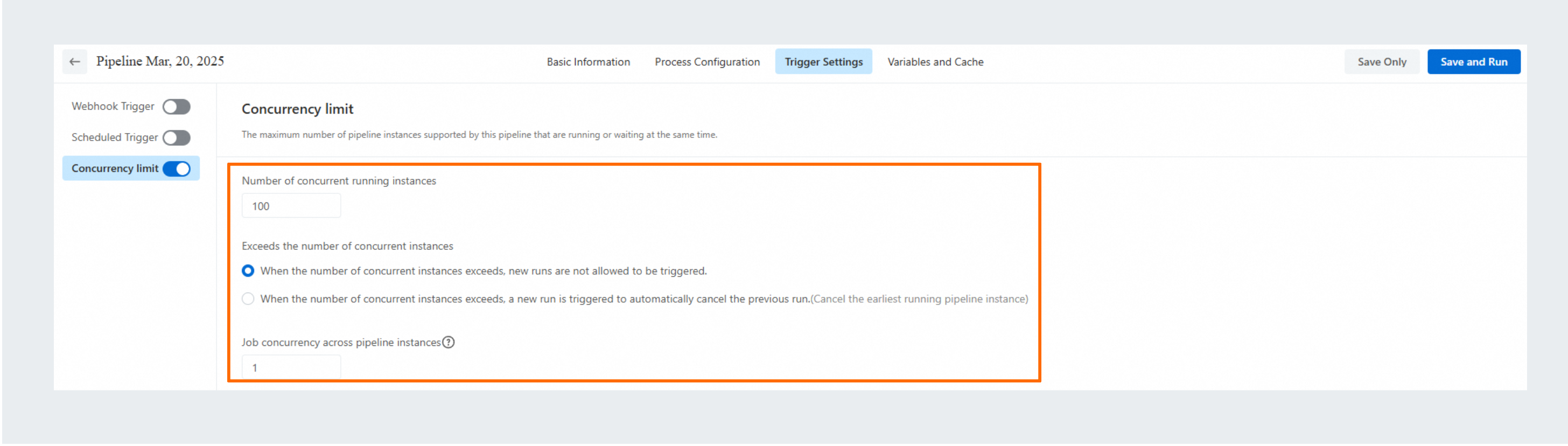
By default, Concurrency is disabled for a pipeline, allowing multiple pipelines to run at the same time. You can enable Concurrency to specify the maximum number of pipelines that can run or queue at the same time. For example, if you set the Number of Concurrent Pipeline Runs to 1, only one pipeline can run at a time.
For a pipeline deployed in a production environment, set the Number of Concurrent Pipeline Runs to 1. This prevents the latest code in the production environment from being inadvertently overwritten.