Lindorm Time Series Database (TSDB) supports account-based access control. When account management is enabled, every HTTP API request must carry valid credentials—requests without credentials are rejected. TSDB supports two account types, super accounts and standard accounts, each assigned one of four permission levels: read-only, write-only, read and write, or super.
Account permissions and passwords cannot be changed after an account is created. Plan your account types and permissions before creating accounts.
Prerequisites
Before you begin, ensure that you have:
-
A TSDB V1.0 instance running engine version 2.5.13 or later
-
Access to the TSDB console
Manage accounts
Activate account management
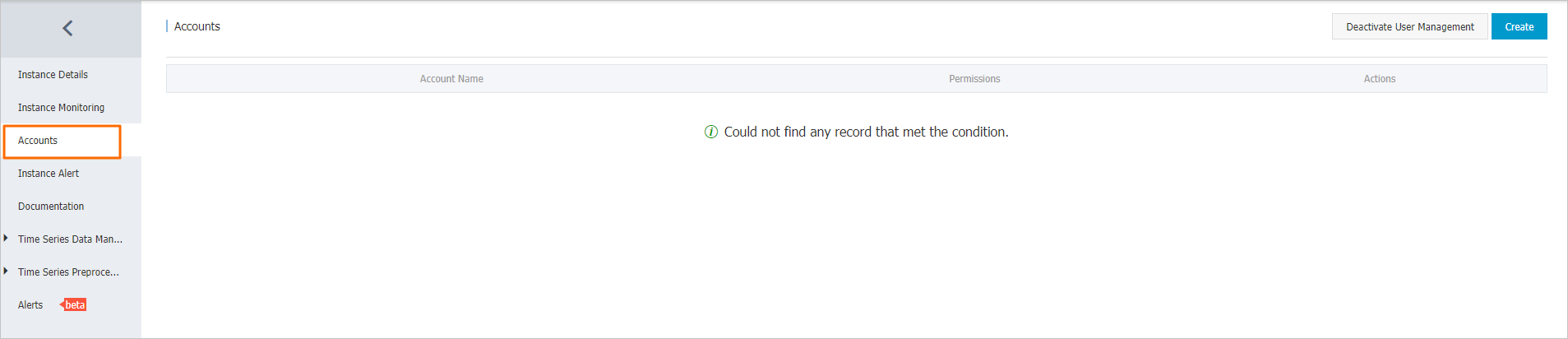
On the Accounts page in the TSDB console, click Activate User Management.
Account management must be activated before you can create or delete accounts.
Create an account
-
On the Accounts page in the TSDB console, click Create.
-
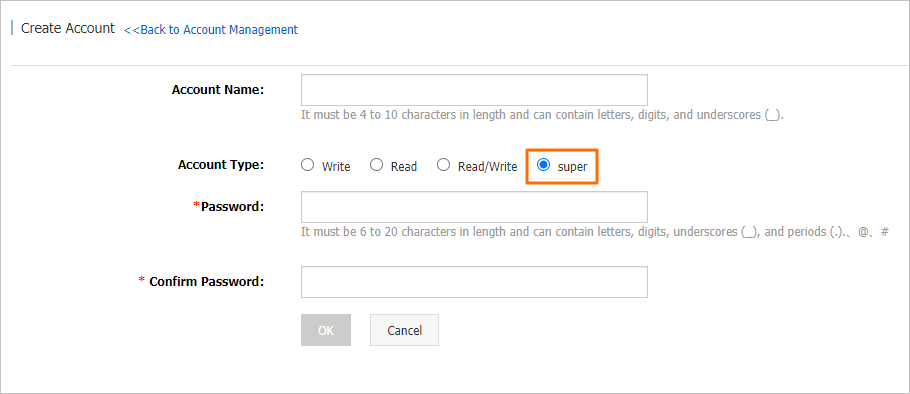
Specify the account name and password, then choose the account type:
-
Super account
-
Standard account
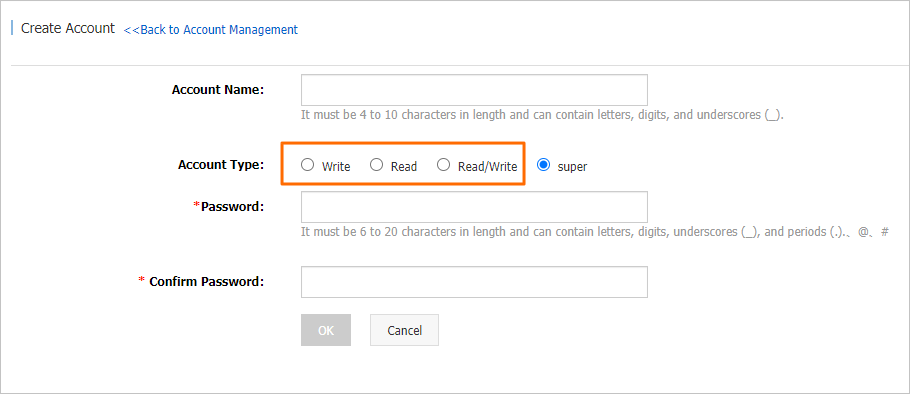
Field Rules Account name 1–10 characters. Allowed: letters, digits, and underscores ( _). Must start with a letter and end with a letter or digit.Password 6–20 characters. Allowed: letters, digits, underscores ( _), at signs (@), number signs (#), and periods (.). -
-
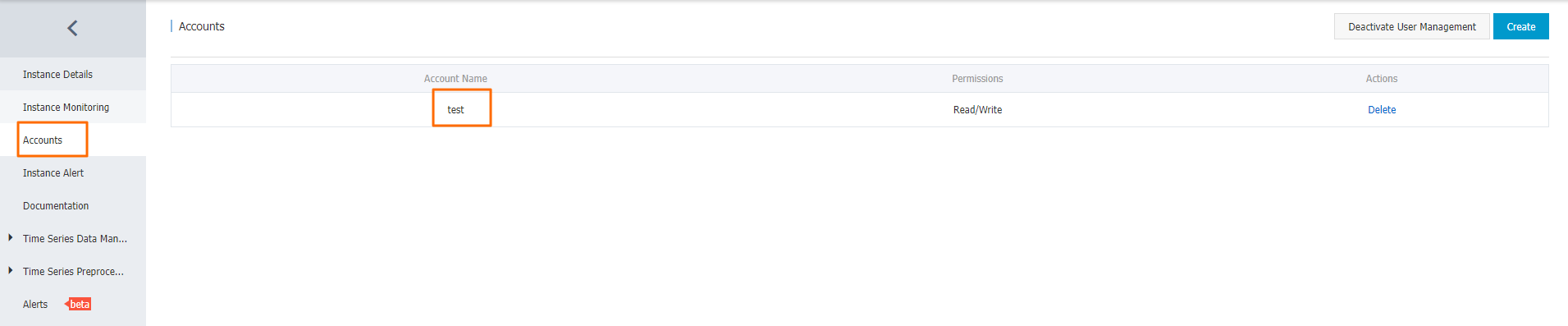
Verify that the account appears in the list on the Accounts page.
Delete an account
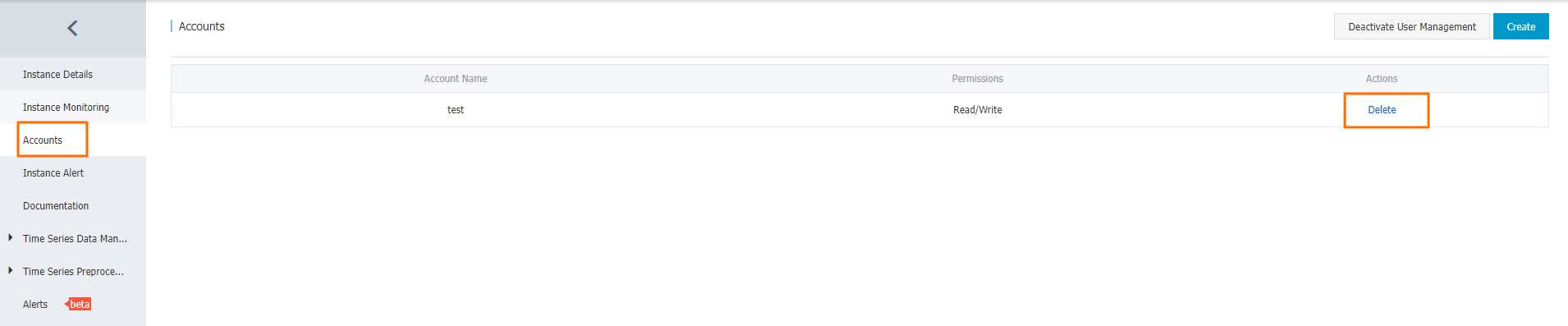
On the Accounts page, find the account and click Delete.
Deactivate account management
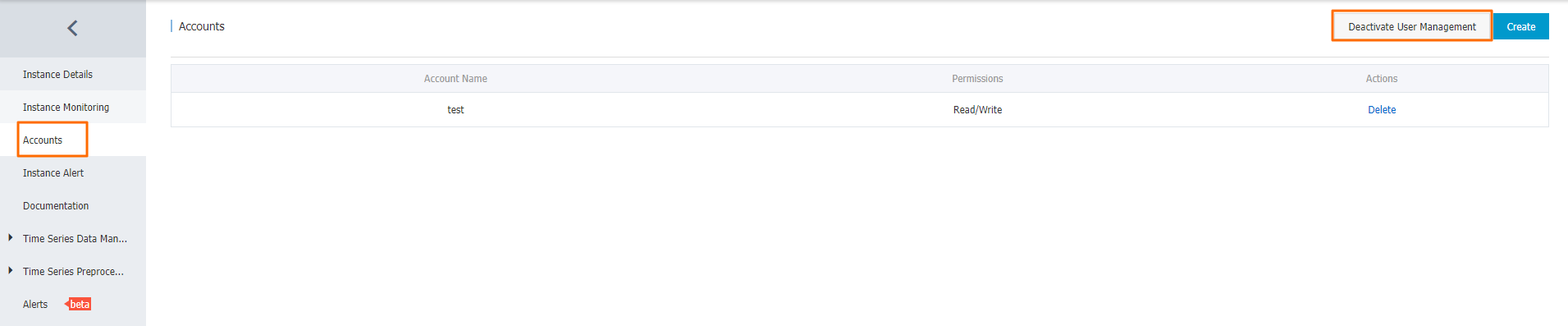
On the Accounts page in the TSDB console, click Deactivate User Management.
Authenticate API requests
After activating account management, all HTTP API requests to your TSDB instance must include valid credentials. How you pass credentials depends on your client type.
Verify that an account works
Use curl to send a test request. The following example sends an api/put request, which requires write-only or higher permissions:
curl -X POST \
  -u ${Account name}:${Account password in the plaintext format} \
  http://ts-xxxxxxx.hitsdb.tsdb.aliyuncs.com:8242/api?summary \
  -d '[{"metric":"sys.cpu.nice","timestamp":1346846400,"value":18,"tags":{"host":"web01","dc":"lga"}}]'
Replace ${Account name} and ${Account password in the plaintext format} with your actual account credentials.
Authenticate with TSDB SDK
Use TSDB SDK V0.2.7 or later to access an instance with account management enabled.
When creating a TSDBConfig object, call the basicAuth() method with your account name and plaintext password. All connections that use this TSDBConfig object carry the credentials automatically.
Authenticate from non-Java applications
For applications that don't use TSDB SDK (such as Python or Go), add an Authorization header to each HTTP request. TSDB uses RFC 2617 basic authentication. Requests without a valid Authorization header are rejected.
The header format is:
Authorization: Basic {Base64-encoded authentication information}The Base64-encoded string is derived from {Account name}:{Account password}, with fields separated by a colon (:).
Permission policies for common API requests
Each permission level controls which API endpoints are accessible. The table below maps each endpoint to the permission levels that can call it.
| API endpoint | No credential | WriteOnly | ReadOnly | ReadWrite | Super |
|---|---|---|---|---|---|
| /api/put | × | ○ | × | ○ | ○ |
| /api/query | × | × | ○ | ○ | ○ |
| /api/query/last | × | × | ○ | ○ | ○ |
| /api/mput | × | ○ | × | ○ | ○ |
| /api/mquery | × | × | ○ | ○ | ○ |
| /api/query/mlast | × | × | ○ | ○ | ○ |
| /api/prom_write | × | ○ | × | ○ | ○ |
| /api/prom_read | × | × | ○ | ○ | ○ |
| /api/suggest | × | × | ○ | ○ | ○ |
| /api/dump_meta | × | × | ○ | ○ | ○ |
| /api/search/lookup | × | × | ○ | ○ | ○ |
| /api/ttl | × | × | × | × | ○ |
| /api/delete_meta | × | ○ | × | ○ | ○ |
| /api/delete_data | × | ○ | × | ○ | ○ |
| /api/truncate | × | × | × | × | ○ |