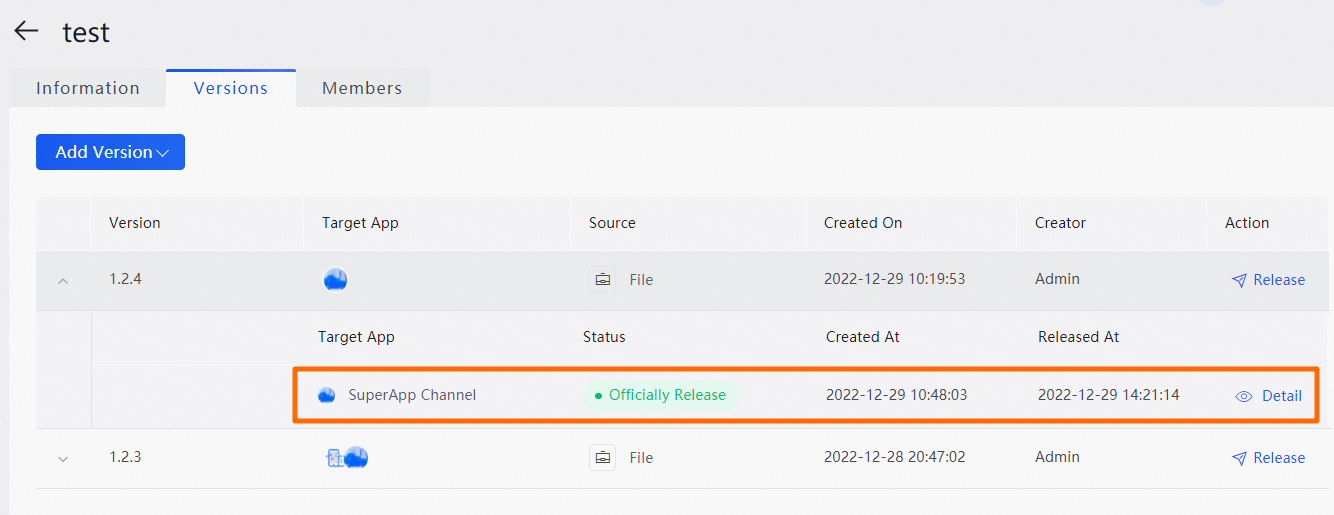
On the Versions tab in the EMAS console, you can view the list of versions of a specific miniapp and the target app and state of each version.
Procedure
Log on to the Application Open Platform console.
In the left-side navigation pane, click Miniapps. The Miniapp List page appears.
Find the miniapp whose list of versions you want to view and click the name of the miniapp or click Details in the Action column. The Versions tab appears.
On the Versions tab, view the list of versions and the target app, state, and details of each version.