Manage and publish mini program versions, from uploading a new build to rolling out to all users.
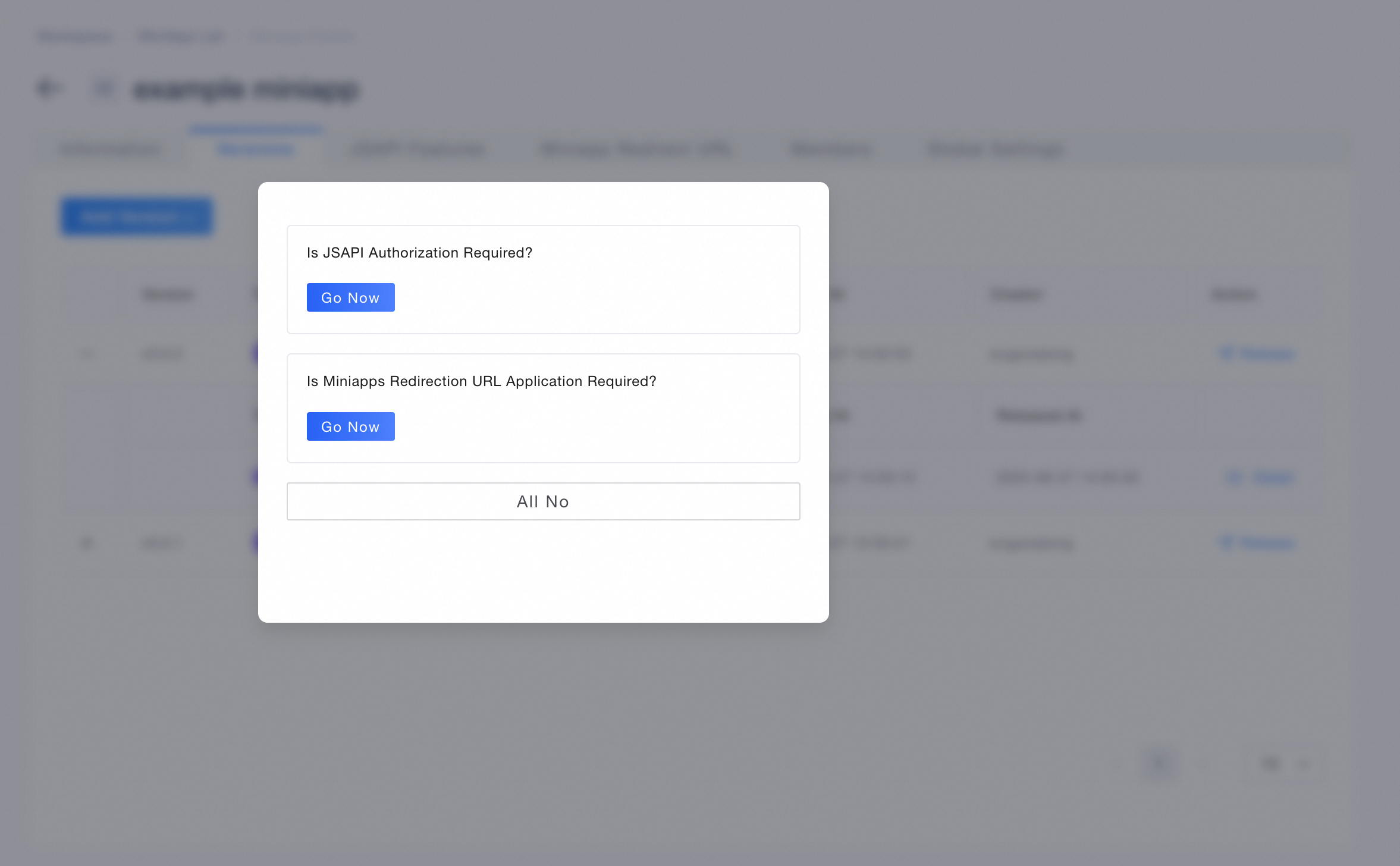
The Versions page lets you view version details and add new versions. To add a version, use Build by IDE or Upload by Files. After adding a version, optionally apply for JSAPI Authorization or Miniapp Redirect URL, then select a target App, and follow the publishing workflow to release the mini program. For more information, see: Version management.
Publishing workflow
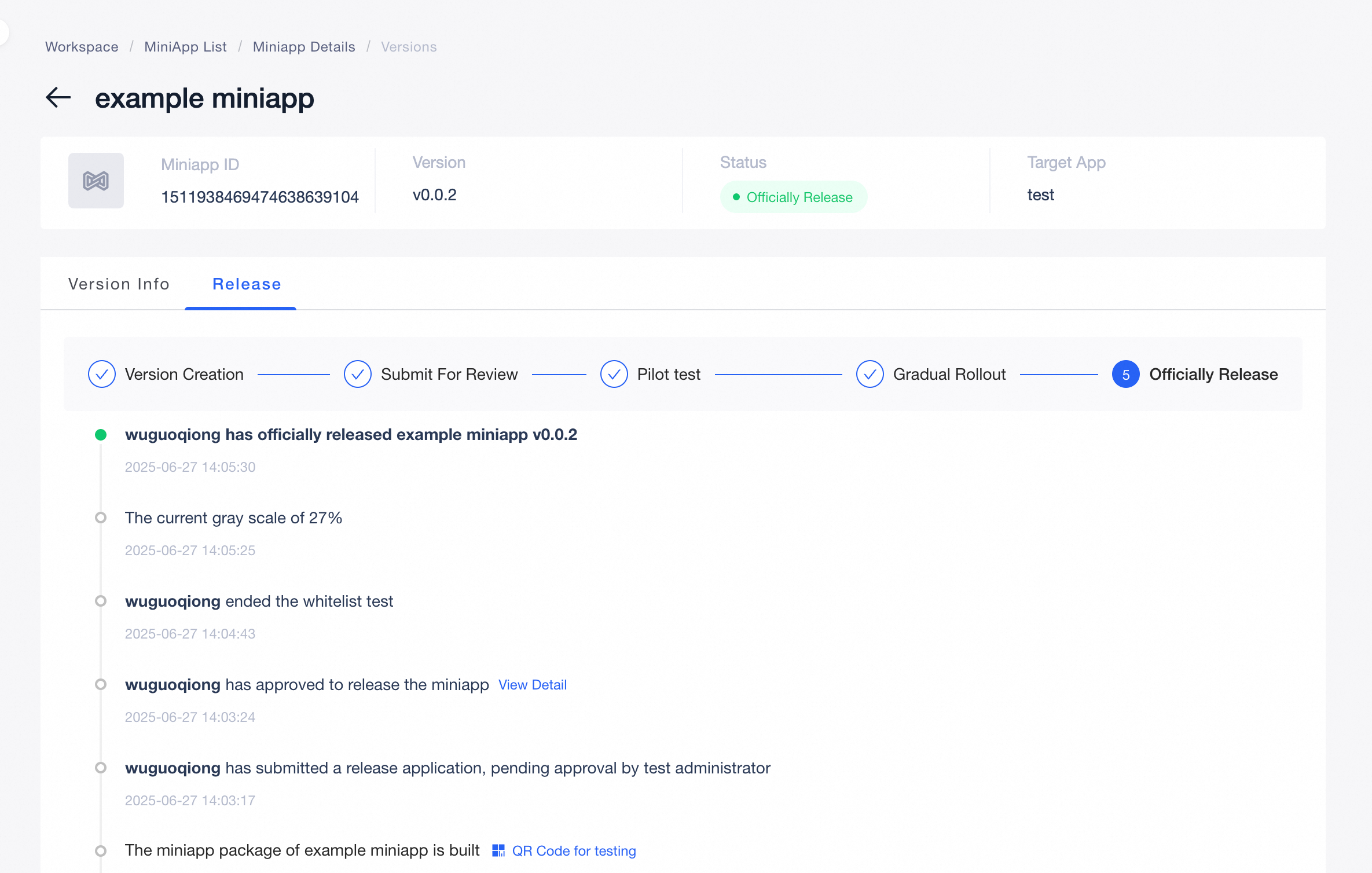
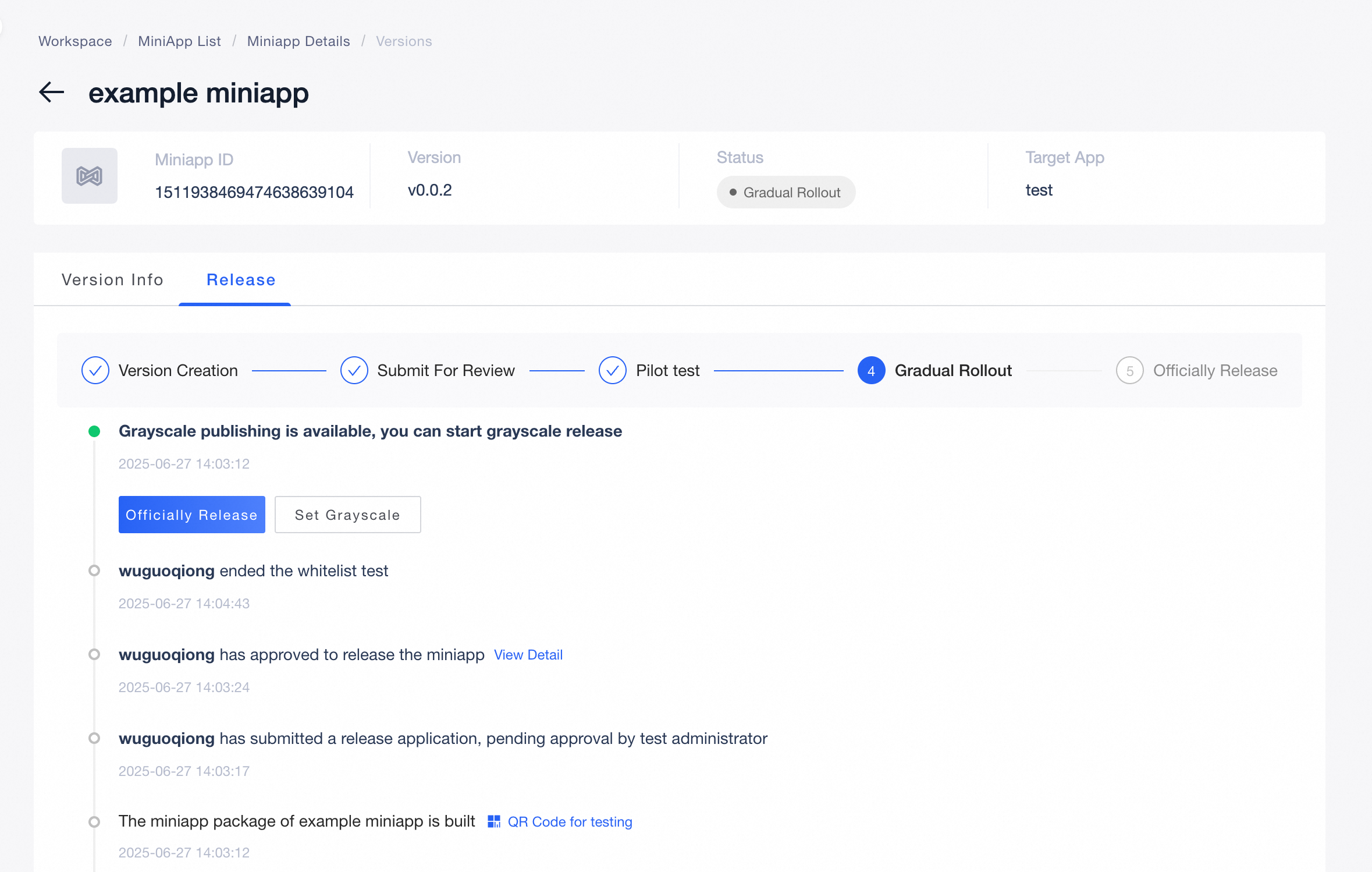
Releasing a mini program deploys a specific version to a target App. The workflow moves through the following stages in order:
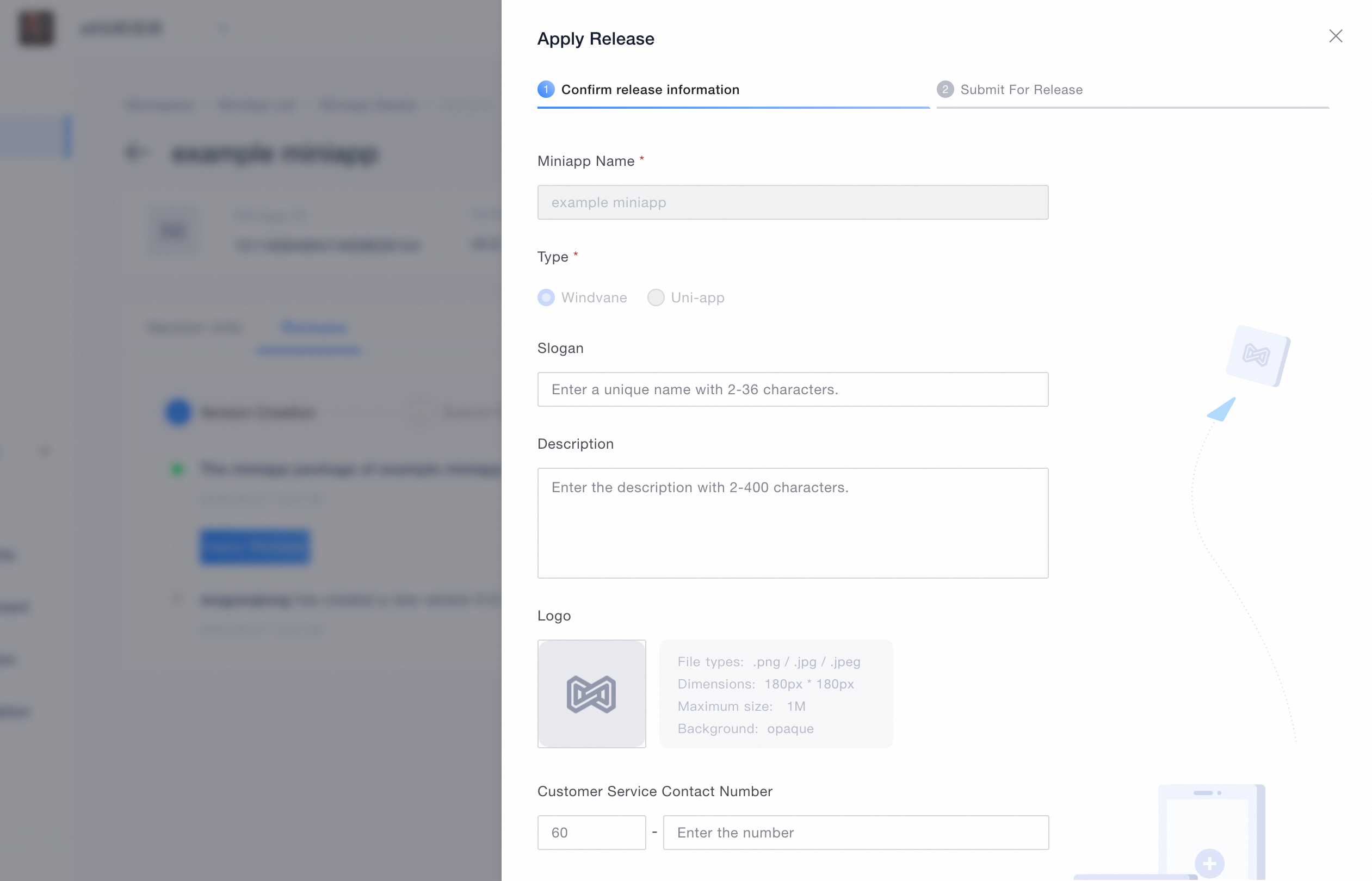
Version creation: After adding a version and selecting a target App, preview and test the mini program. Click Apply Release, fill in the release information and release notes, then submit the release application.
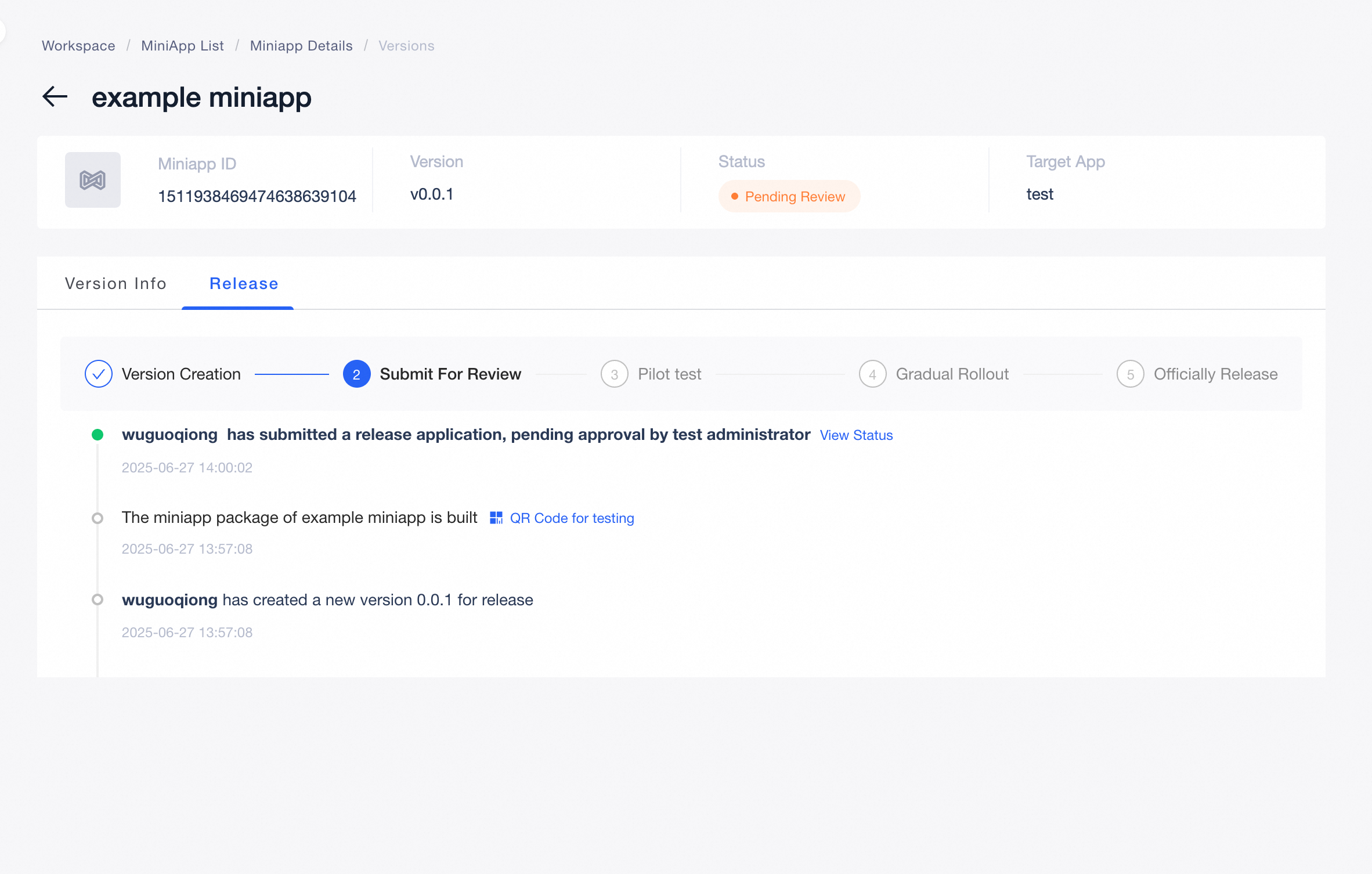
Submit for review: Wait for the Miniapp Admin to review and approve the release request. Once approved, the mini program advances to Pilot test.
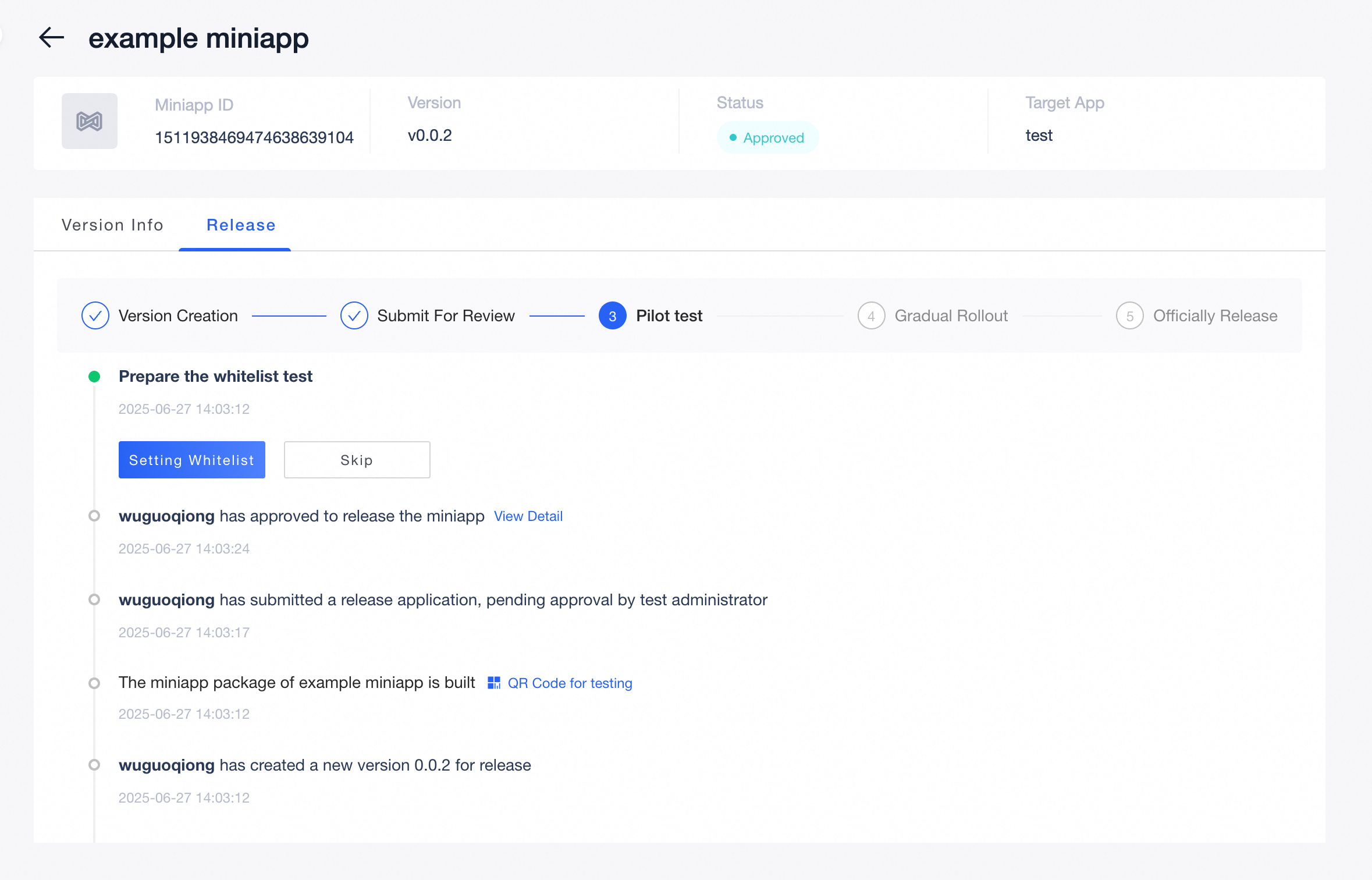
Pilot test: Configure the whitelist by entering the corresponding App's UID for testing. You can skip this stage and proceed directly to Gradual Rollout.
Gradual rollout: Select the percentage of users to include in the Gradual test and perform the test accordingly.
Officially Release: After completing the gray-scale test, click Officially Release to make the mini program available to all users.
Version information
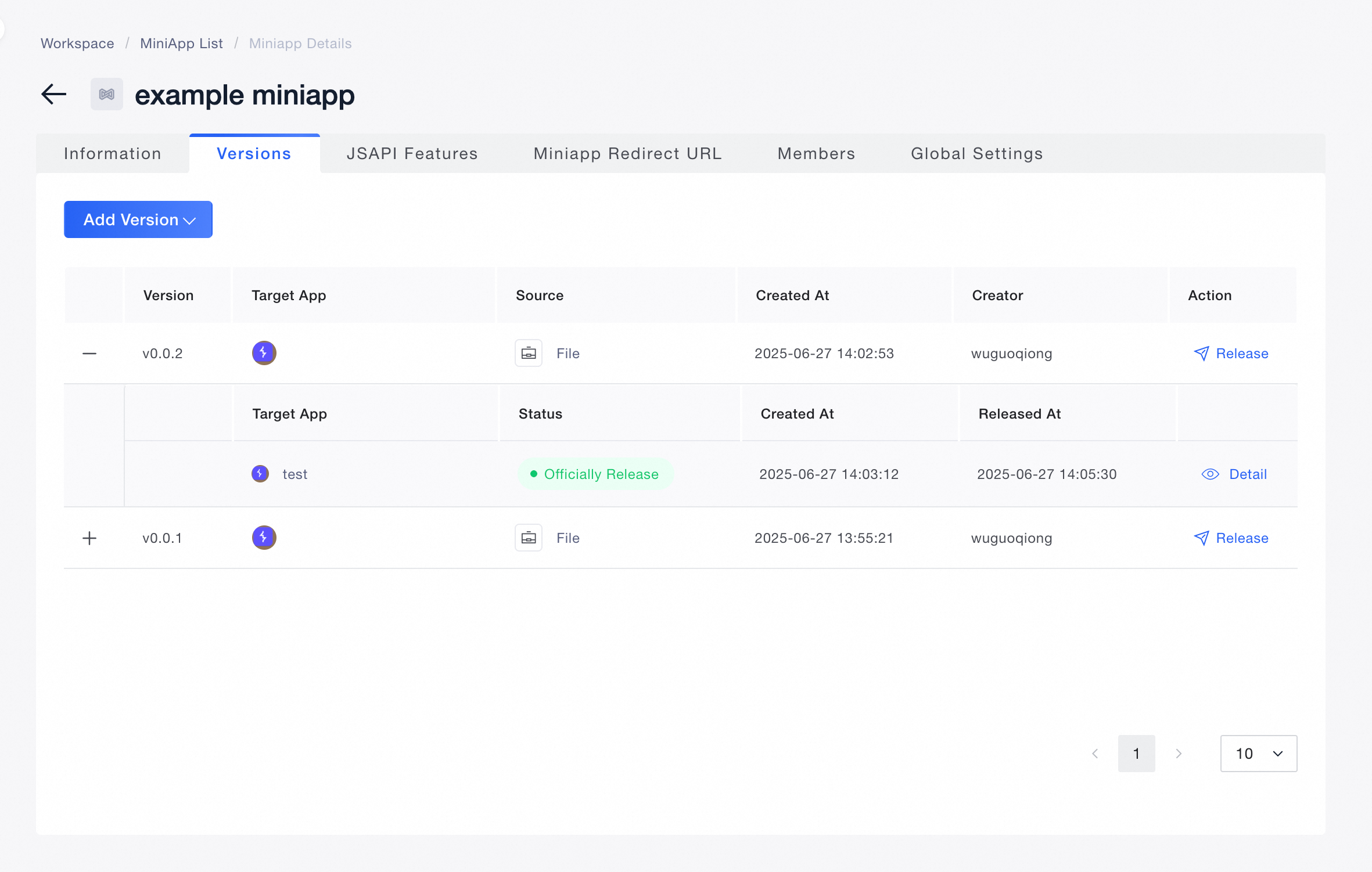
Pre-publishing validation
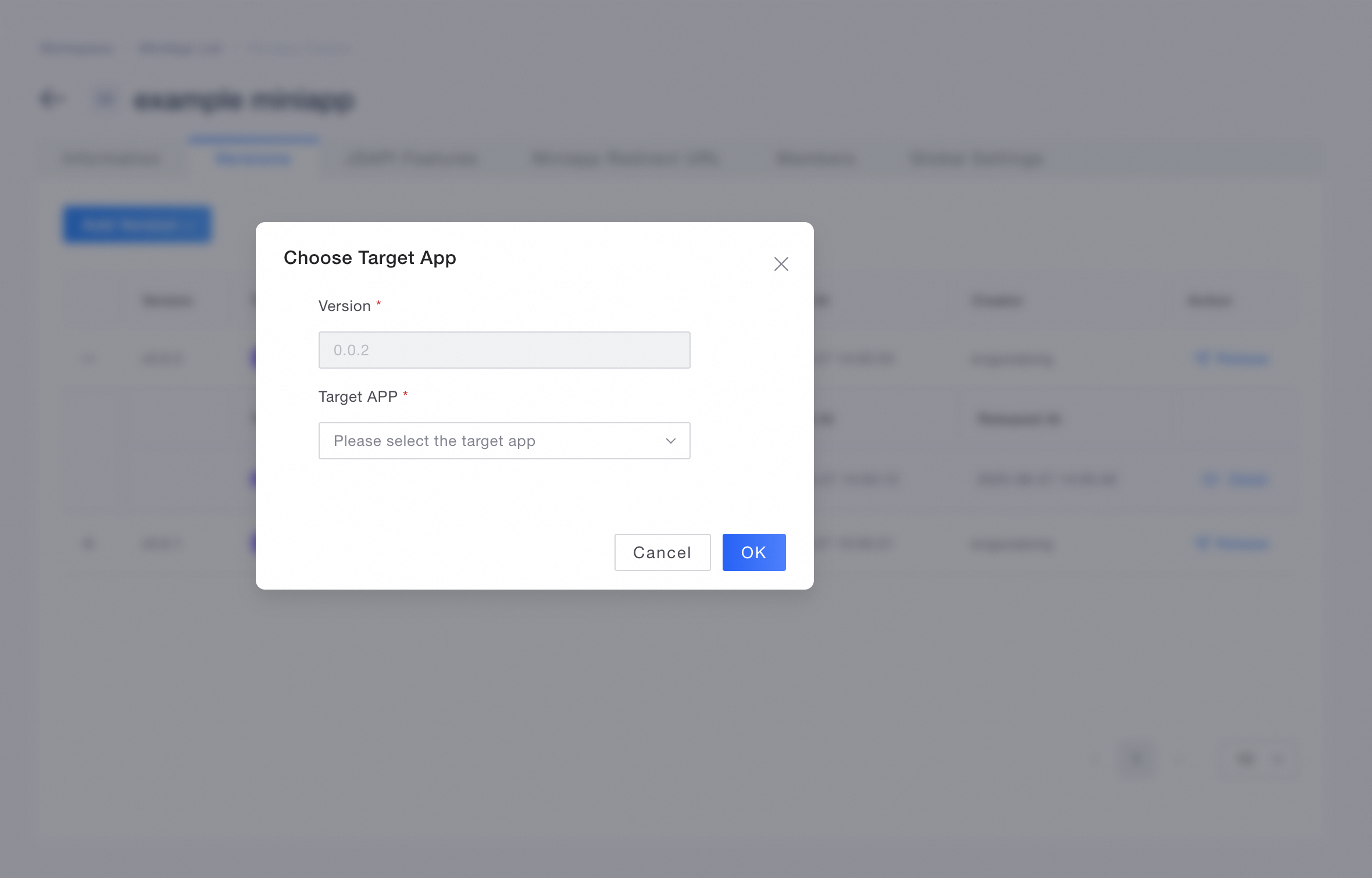
Choose target app
Version creation
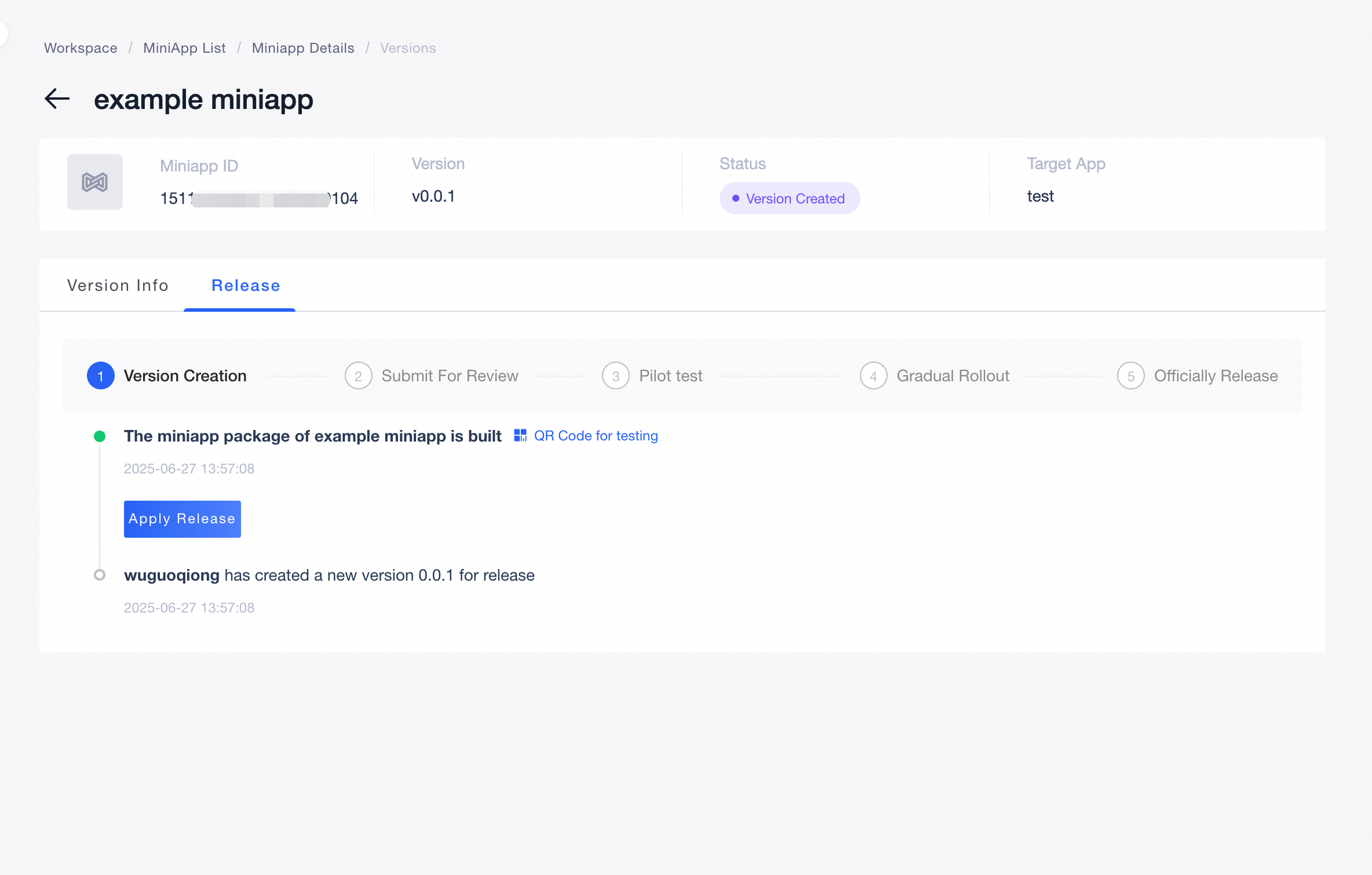
Apply release
Waiting for approval
Pilot test
Gradual rollout
Official release