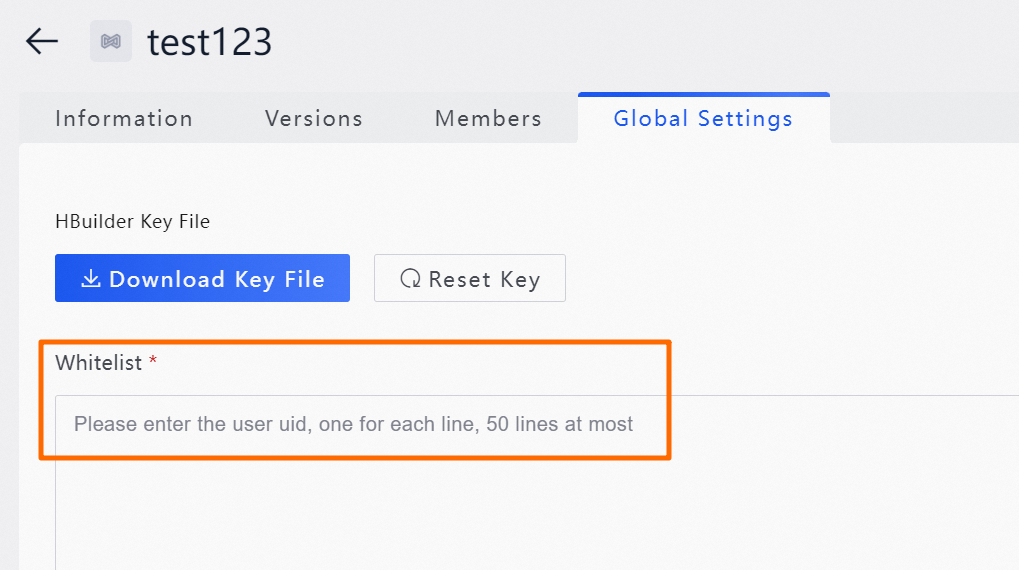
On the Global Settings page, download the HBuilder key file for uni-app miniapps and configure a global whitelist for your application. When configured, the global whitelist takes precedence during the whitelist test step of the version release process.
Download an HBuilder key file
This applies only to uni-app miniapps.
Log on to the Application Open Platform console.
In the left-side navigation pane, click Miniapps. The Miniapp List page appears.
-
Find the target miniapp and click its name, or click Detail in the Action column. The Versions tab is selected by default.
-
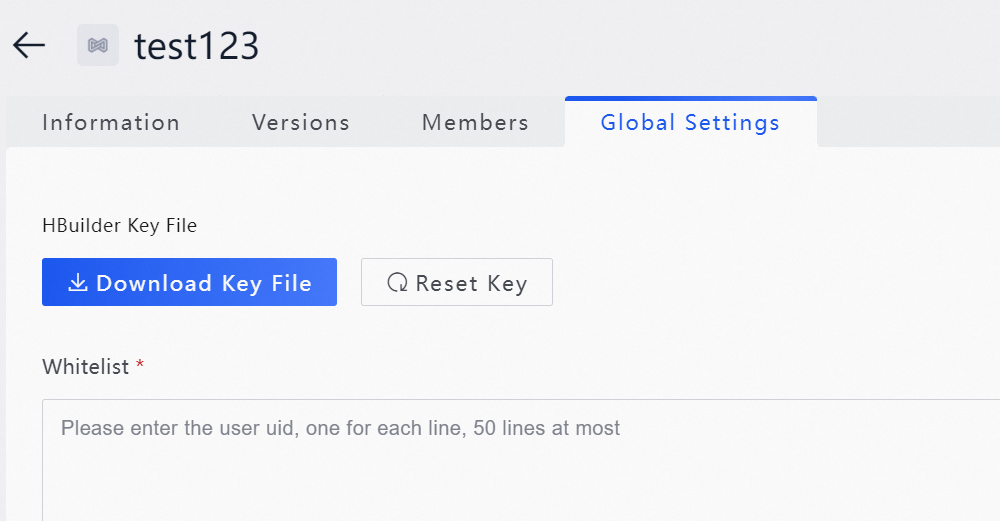
On the Global Settings tab, click Download Key File.
-
Upload the file to HBuilderX. For detailed instructions, see Build, package, and publish a miniapp.
Configure a whitelist
Log on to the Application Open Platform console.
In the left-side navigation pane, click Miniapps. The Miniapp List page appears.
-
Find the target miniapp and click its name, or click Detail in the Action column. The Versions tab is selected by default.
-
On the Global Settings tab, add entries to the whitelist.