A resource owner can add tags to resource shares to facilitate tag-based resource share management.
Methods
Add a tag to a resource share when you create the resource share.
Add a tag to a resource share in the resource share list. This topic describes this method.
Procedure
Log on to the Resource Management console.
In the left-side navigation pane, choose .
In the resource share list, find the resource share to which you want to add a tag, move the pointer over the
 icon in the Tag column, and then click Edit.
In the Edit tags dialog box, enter a tag key and a tag value, and click OK.
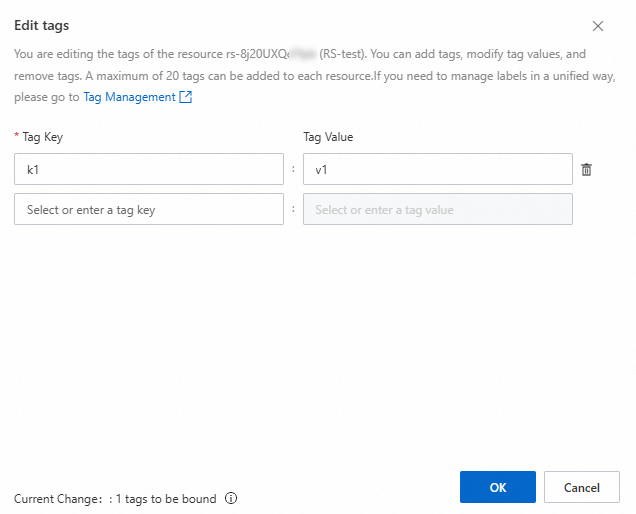
In the Configure Tags successfully message, click Close.