The Use Creator as Administrator feature automatically grants the resource group creator AdministratorAccess on that resource group. If disabled, the creator must be manually granted permissions. This feature is enabled by default.
Usage notes
-
This feature affects only RAM identities (RAM users and RAM roles) used to create resource groups. Alibaba Cloud accounts have full permissions by default and are not affected.
-
This feature applies to all RAM identities in your Alibaba Cloud account.
-
Enabling or disabling this feature does not affect existing resource group authorizations.
Enable the Use Creator as Administrator feature
Impact
After you enable this feature, any RAM identity that creates a resource group is automatically granted AdministratorAccess on that group, allowing it to create and manage resources within the group.
Procedure
-
Log on to the Resource Management console.
-
In the left-side navigation pane, choose .
-
In the Use Creator as Administrator section, click Enable.

-
In the Enable dialog box, click OK.
Disable the Use Creator as Administrator feature
Impact
After you disable this feature, RAM identities that create resource groups are no longer automatically granted AdministratorAccess. You must manually grant the required permissions.
Procedure
-
Log on to the Resource Management console.
-
In the left-side navigation pane, choose .
-
In the Use Creator as Administrator section, click Disable.
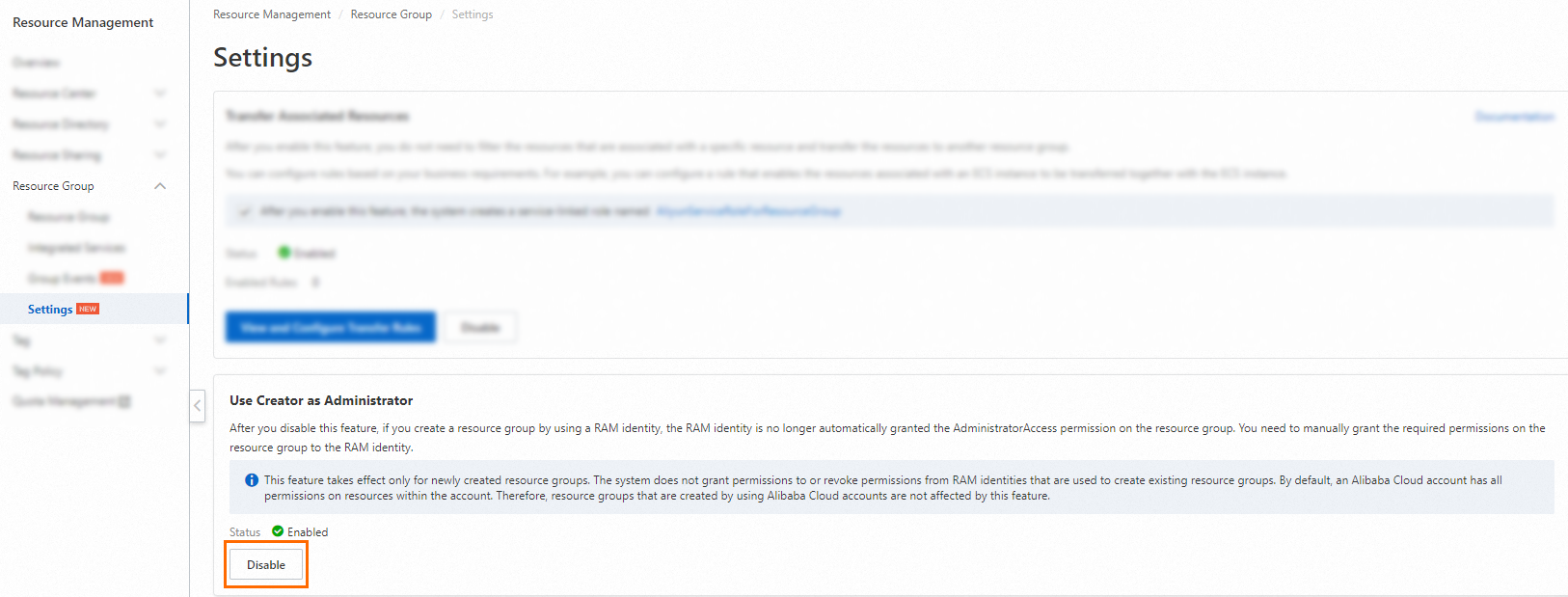
-
In the Disable dialog box, click OK.