If a folder does not contain members or subfolders, you can delete it.
Warning
A deleted folder cannot be recovered. Therefore, proceed with caution.
Procedure
Log on to the Resource Management console as a management account.
In the left-side navigation pane, choose .
In the upper-right corner of the page that appears, click Resource Organization View.
In the left-side navigation tree, click the folder that you want to delete. In the right-side pane that appears, click View Details and Perform More Operations in the upper-right corner.

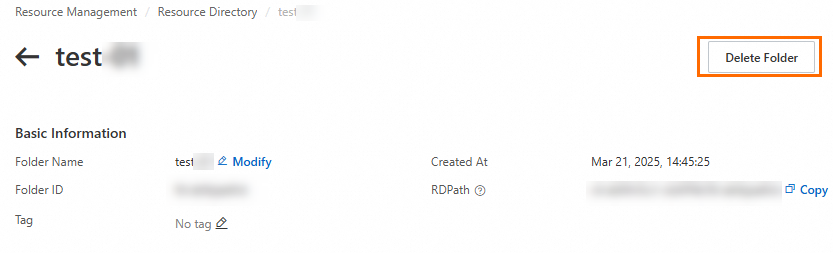
In the upper-right corner of the page that appears, click Delete Folder.
In the Delete Folder dialog box, click OK.