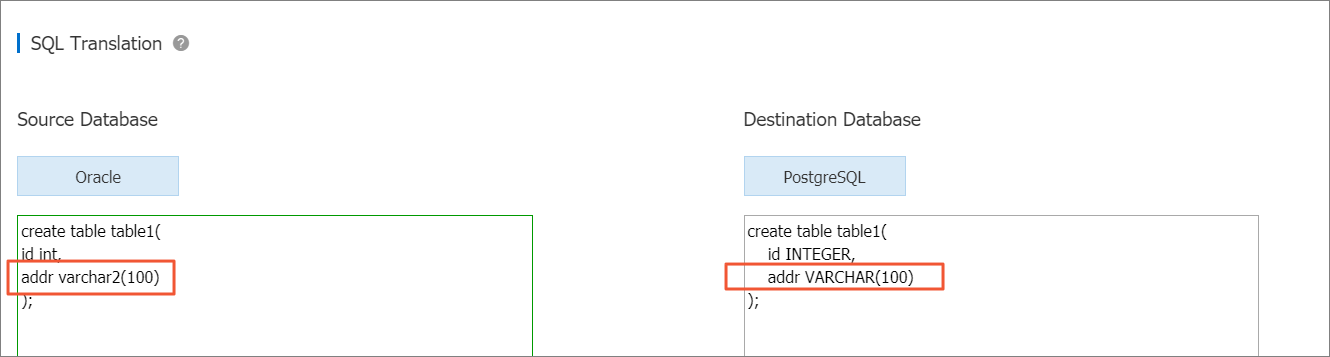
SQL Translation converts Oracle SQL statements into PostgreSQL-compatible syntax directly in the ApsaraDB RDS for PostgreSQL console. Paste your Oracle SQL, and the translated output appears instantly in the same view — no separate tool or migration script required.
SQL Translation supports Oracle SQL only. Statements from other database engines are not supported.
Prerequisites
Before you begin, make sure you have:
An ApsaraDB RDS for PostgreSQL instance
Access to the RDS console
Translate Oracle SQL statements
Go to the Instances page. In the top navigation bar, select the region where your RDS instance resides, then click the instance ID.
In the left-side navigation pane, click SQL Translation.
In the Source Database section, enter the Oracle SQL statements to translate.
The translated PostgreSQL statements appear automatically in the Destination Database section.