Returns the time zone of a point object.
Syntax
cstring ST_TimeZone(geometry point, boolean timezoneId, integer timezonePrecision);
cstring ST_TimeZone(geography point, boolean timezoneId, integer timezonePrecision);
Parameters
| Parameter | Description |
|---|---|
| point | The point object. Must meet both of the following requirements:
|
| timezoneId | Specifies whether to return the time zone in name format. Valid values:
|
| timezonePrecision | The precision level for time zone lookup. Valid only when timezoneId is true. Valid values:
|
Return value
Returns a cstring containing the time zone string.
Description
Looks up the time zone for a geographic point using boundary data from the Timezone Boundary Builder project.
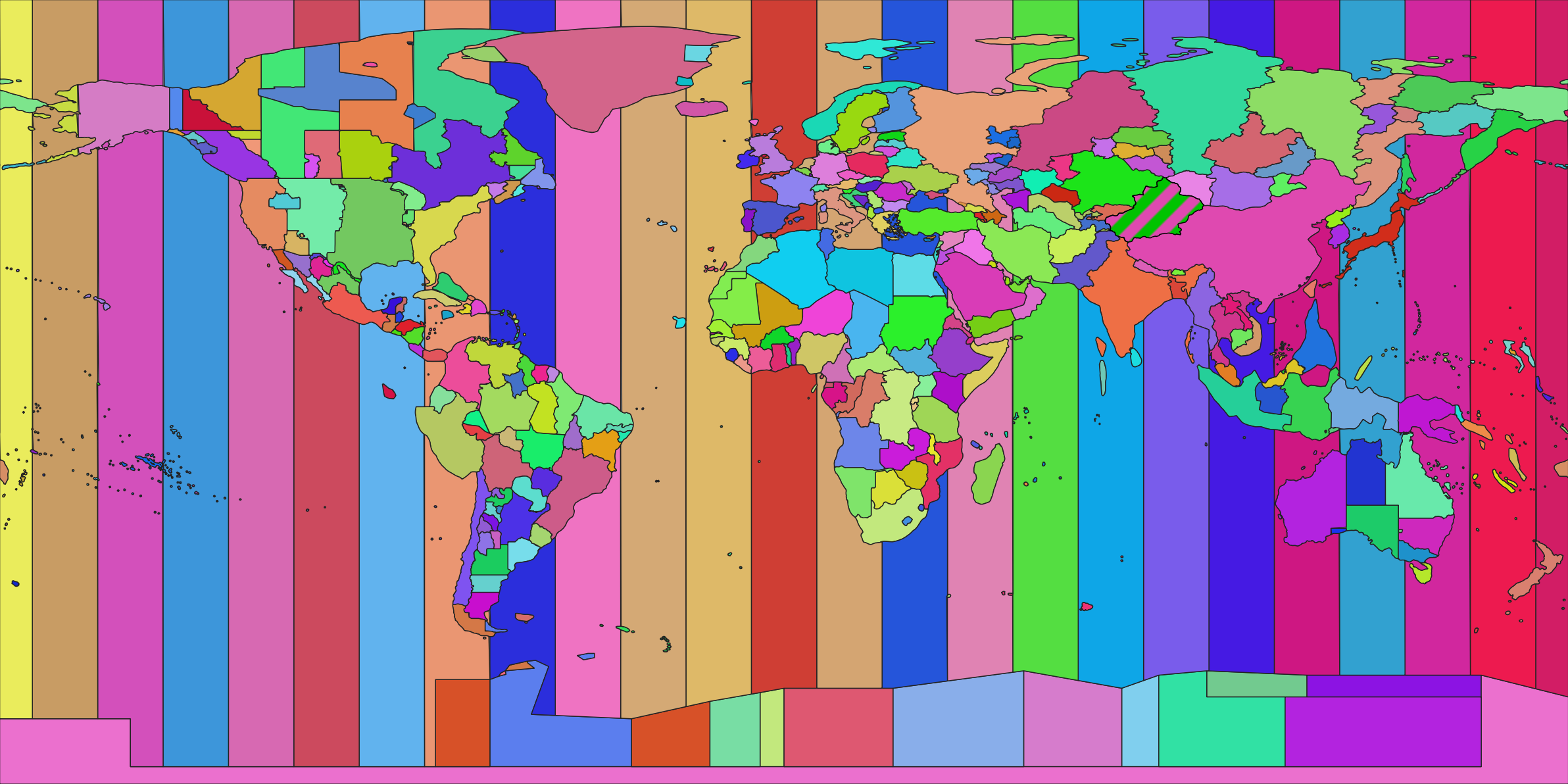
Examples
Return the time zone name for a point (default behavior):
SELECT ST_TimeZone('SRID=4326;POINT(121 37)'::geometry);
----
Asia/Shanghai

SELECT ST_TimeZone('POINT(60 37)'::geography);
----
Asia/Tehran
Return the time zone in GMT format by setting timezoneId to false:
SELECT ST_TimeZone('SRID=4326;POINT(121 37)'::geometry, false);
----
Etc/GMT+8
Use higher precision (timezonePrecision=21) for a point near a time zone boundary:
SELECT ST_TimeZone('SRID=4326;POINT(-121 37)'::geometry, true, 21);
----
America/Los_Angeles
Pass a longitude value greater than 180°:
SELECT ST_TimeZone(('SRID=4326;POINT(400 37)'::geometry));
----
Europe/Istanbul