Product Positioning
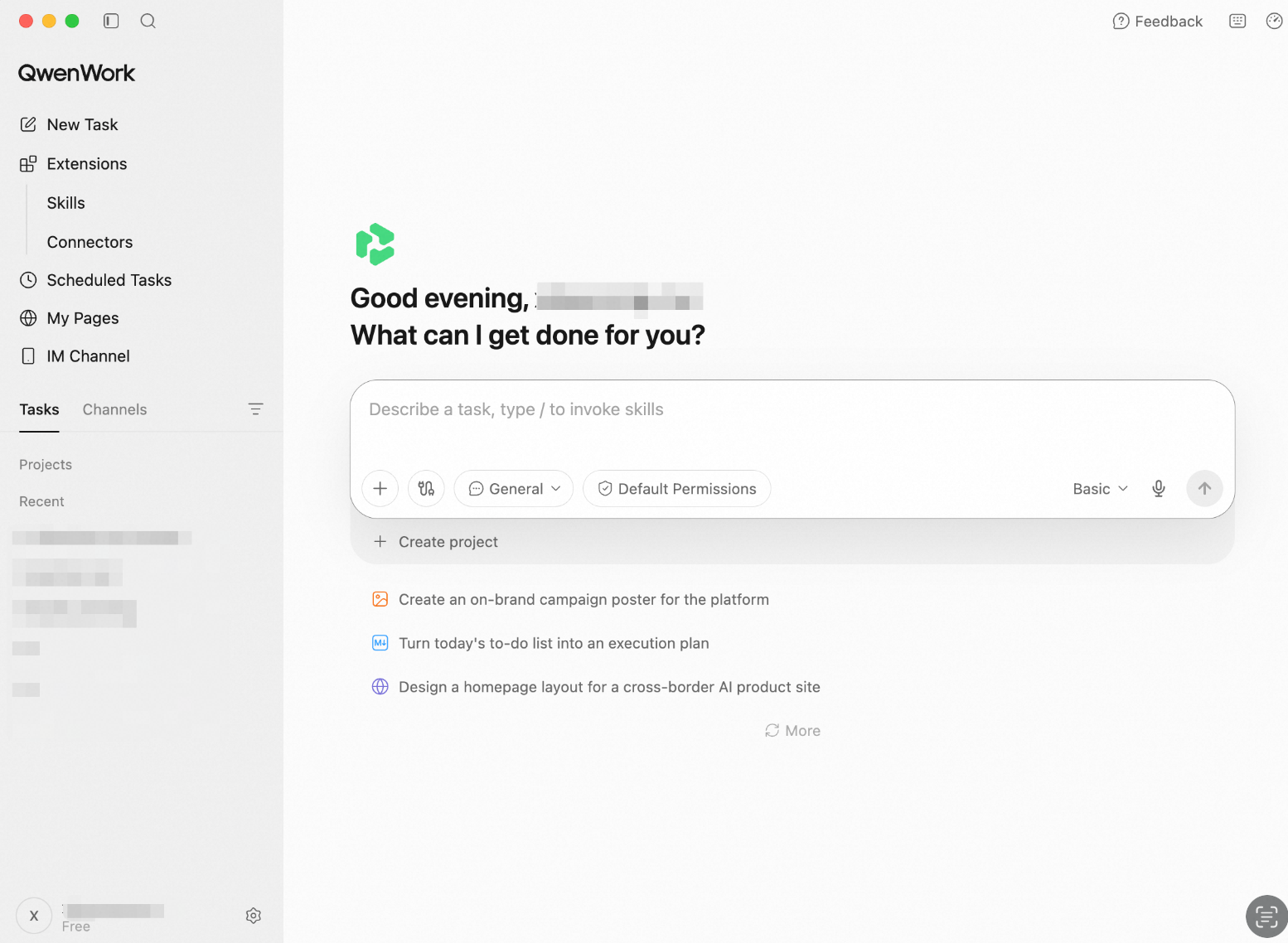
QwenWork is an AI work platform for individuals and organizations. Users describe the outcome they need in natural language, and the Agent interprets the request, selects the appropriate capabilities, works with files and information, and delivers results that can be reviewed, refined, and reused.
The international edition supports an end-to-end workflow: create an account, enter a personal or organization workspace, start an Agent session, use files, Skills, connectors, scheduled tasks, and Pages, and manage assets, usage, subscriptions, and members.
How QwenWork Works
Sign up or sign in with Google or email.
Link your account to your Alibaba Cloud Account
Enter a personal or organization workspace.
Describe a task and, when needed, select a model, attach files, or enable Skills and connectors.
Follow the Agent's progress and review intermediate results.
Preview, download, or refine the final deliverables.
Save repeatable work as a scheduled task.
Capability Map
Module | Purpose |
Account, Sign-in, and Workspaces | Establish identity and enter the correct workspace |
Workspace and Agent Sessions | Describe work, follow execution, and receive deliverables |
Files, Drive, and Deliverables | Provide source material and manage generated outputs |
Skills | Add reusable methods for specialized tasks |
Connectors | Let the Agent work with authorized external services |
Scheduled Tasks | Run recurring work automatically |
Pages | Create, publish, and manage websites |
Profile, Usage, and Subscription | Manage account details, language, credits, and plans |
Organization Workspace and Administration | Manage members, assets, usage, and organization plans |
How the Modules Work Together
Agent sessions are the primary work surface. Files provide source material, Skills provide repeatable methods, and connectors provide access to external services. Scheduled tasks turn a one-time workflow into recurring work. Pages and generated files hold the deliverables. Personal and organization settings determine identity, permissions, ownership, and available usage.
Language and Support
The international edition supports English and Simplified Chinese as interface languages. For help, users can open the feedback entry in QwenWork and contact support at contact@qwenwork.ai.