This document is an introduction to Quick Tracking and technical integration and is not used as a sales basis. For specific products and technical services purchased by an enterprise, the commercial purchase contract shall prevail.
Overview
In the Download Center, you can view and download the following four types of reports:
Query result report: When you export query results in an analysis model, the system automatically creates an offline download task when the exported data volume is large. The results can be viewed and downloaded in this report.
Event Details Report: When you analyze and query events, you can obtain the event log details for a specific result indicator value. You can view and download the details in this report.
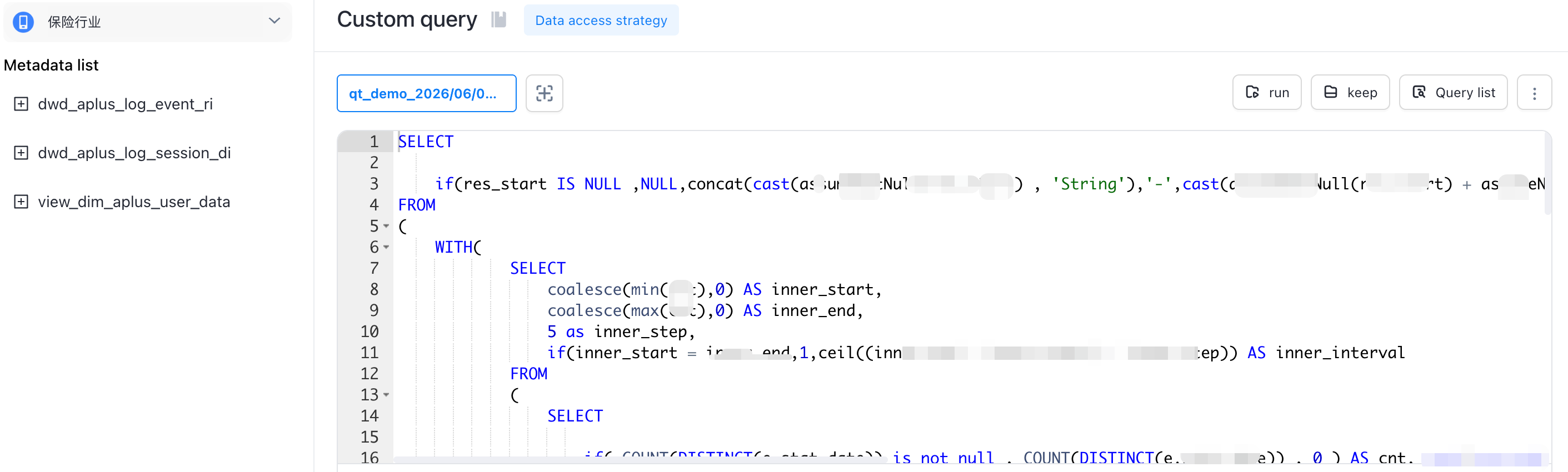
Custom Query Task: When you export query results in a custom SQL query, the system automatically creates an offline download task. The results can be viewed and downloaded in this report.
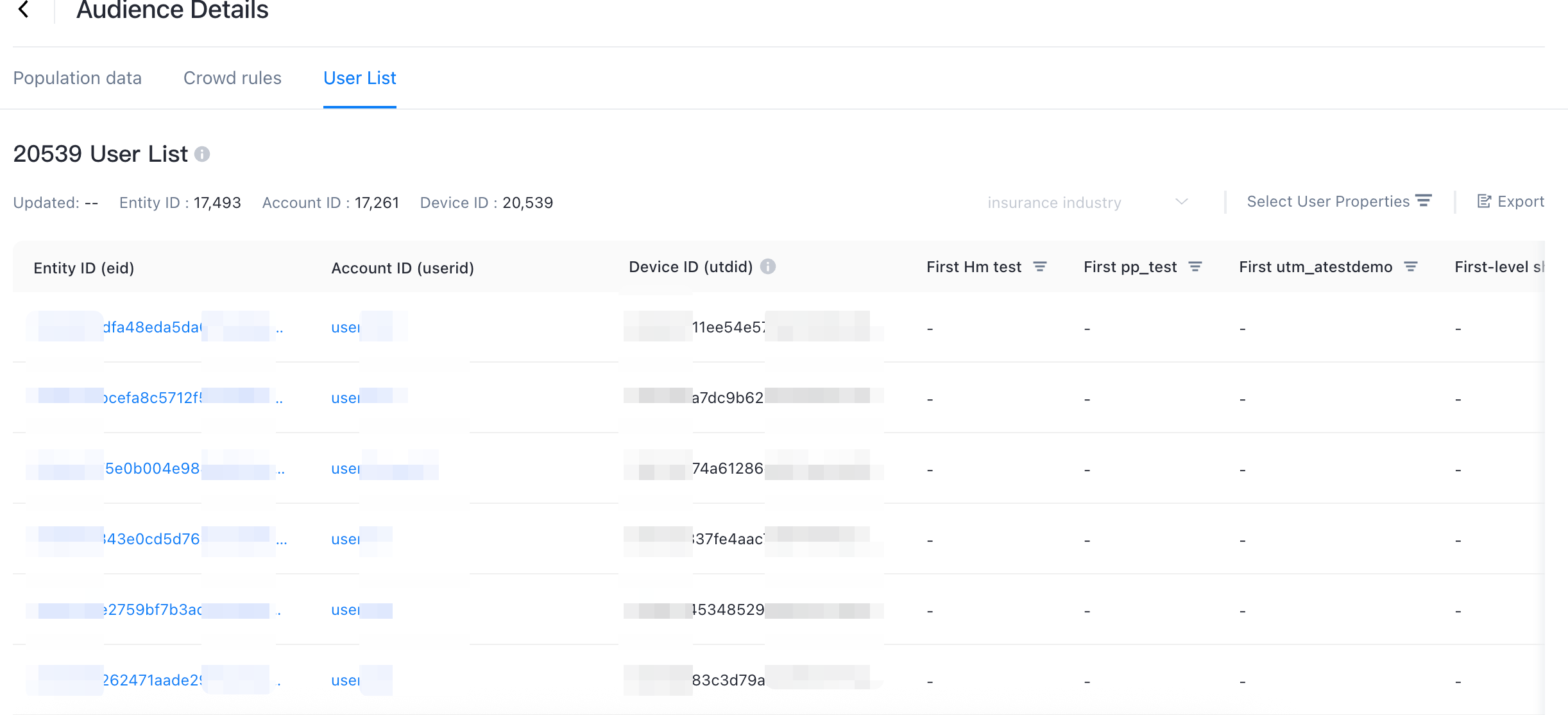
Crowd List Details: When data is exported in Crowd Management and cannot be downloaded directly due to too large data, the results can be downloaded in this report.
Note that in the Download Center, you can only view the export tasks created by the current account. You cannot view the report tasks of other accounts in the relevant organization or application.
Query result report
When you click Export Data in the analysis model, the system automatically creates an offline download task when the amount of exported data is large. The results can be viewed and downloaded in this report.
Event Detail Report
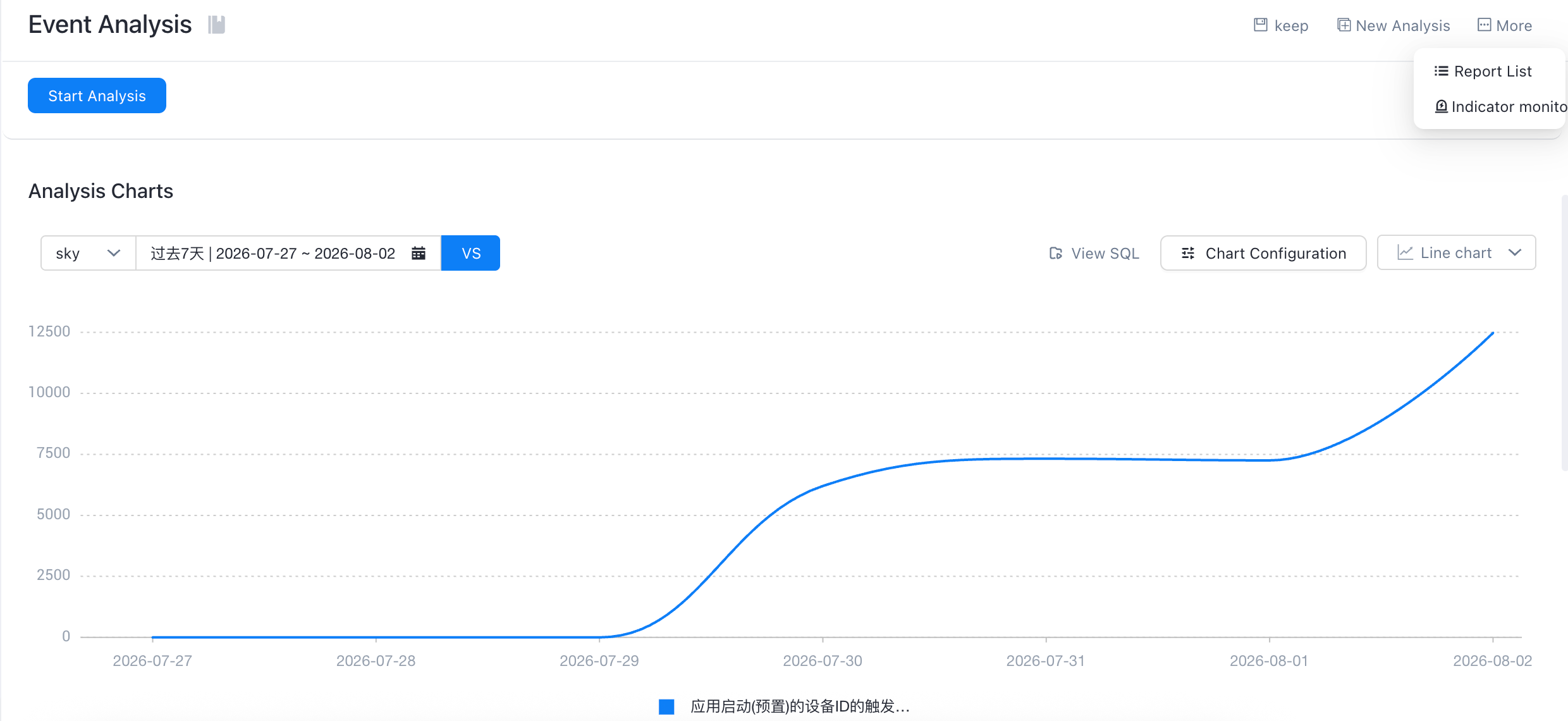
When you perform an event analysis query, you can obtain the event log details for a specific result indicator value. You can view and download the details in this report.
Example: After you obtain the query results based on the following conditions, click Get Event Details for a specific metric value to retrieve the logs that are involved in calculating the results of this metric.
The fields in the event details file are described as follows:
Field | Type | Field Name | Explanation |
app_id | String | app ID | Consists of the appkey @ platform type |
tenant_id | String | Tenant ID | |
client_code | String | Application Name | |
platform | Nullable(String) | Platform type | |
eid | String | Entity ID | QuickTracking IDs generated by mapping rules |
utdid | String | Device ID | Is the unique identifier of the device generated by the device ID |
ll_userid | Nullable(String) | Account ID | Is the account unique identifier level for custom uploads |
event_code | String | Event encoding | |
event_id | String | The ID of the event type. | 2001 -page view; 2101 -control click; 2201 -Control Exposure; 19999 -Custom Event |
event_kv_json | String | Custom Properties | kv json format, a collection of reported custom attributes |
page | Nullable(String) | Page encoding | |
refer_page | Nullable(String) | Source page encoding | |
server_timestamp | Int64 | Time on the NTP server | Server timestamp (ms) |
stat_date | Date | Server Date | from server_timestamp. |
stat_hour | Nullable(String) | Server Hours | from server_timestamp. |
stat_minute | Nullable(String) | server minutes | from server_timestamp. |
local_timestamp | Int64 | Client Time | Client timestamp (ms) |
screen | Nullable(String) | Resolution | |
os_version | Nullable(String) | Operating system version | |
device_brand | Nullable(String) | Device brand | |
device_model | Nullable(String) | Equipment Model | |
device_type | Nullable(String) | Device type | |
access | Nullable(String) | Network Type | |
os | Nullable(String) | Operating system | |
web_browser | Nullable(String) | Browser Type | |
carrier | String | Device Operator | |
is_new_install | String | New and old users | 1 means "Yes", 0 means "No" |
scene | Nullable(String) | Scenario | Miniapp scenario values |
imei | Nullable(String) | imei | International Mobile Equipment Identity Code, which is the phone's serial number |
imsi | Nullable(String) | imsi | An international mobile subscriber identity code used to identify a mobile subscriber in a mobile communications network. |
idfa | Nullable(String) | idfa | An advertising identifier used to track users, which can be used to break down ads between different apps. If the user is not authorized, it may not be obtained. |
mac | String | mac | |
idfv | String | idfv | |
oid | String | oid | |
android_id | String | android_id | |
oaid | String | oaid | |
unionid | String | unionid | |
openid | String | openid | |
user_agent | Nullable(String) | User-Agent | |
ip | String | ip | |
country_name | Nullable(String) | Country | The country that is resolved by IP address, such as CN |
province_name | Nullable(String) | Provinces | Provinces parsed by IP, such as Shandong Province |
city_name | Nullable(String) | City | Cities parsed through IP, such as Jinan |
app_channel | Nullable(String) | The app channel | App Market |
sdk_version | Nullable(String) | sdk version | |
app_version | Nullable(String) | App version | |
first_install_channel | String | Initial installation channel | |
first_install_app_version | String | Initial installed app version | |
first_install_datetime | String | Initial installation time | |
is_first_day | String | Start on the first day | Device level |
is_first_time | String | Whether to trigger for the first time | Device level |
is_first_login | Nullable(String) | Whether to log on for the first time | Account Level |
is_utdid_null | LowCardinality(String) | Whether the device ID is empty | |
duration | Nullable(Float32) | Session Duration | Only the application exit (preset) and page exit (preset) events on the APP side have this property value, indicating the duration of a single application access or page stay |
Custom query task
When you click Save Query Results in a custom SQL query, the system automatically creates an offline download task whose results can be viewed and downloaded in this report.
Crowd List Details
When data is exported in crowd management and cannot be directly downloaded due to excessive data, the results can be downloaded in this report when asynchronous download is performed.