Document description: This document is an introduction to Quick Tracking and technical integration, and is not used as a sales basis. For specific products and technical services purchased by an enterprise, the commercial purchase contract shall prevail.
Overview
You can query the user information of a single user and the detailed behavior sequence of the user in the application through individual detailed query.
Operating Instructions
On the Individual Checkup page, you can query the behavior sequence of a user by account ID or entity ID. The following figure shows the query result.
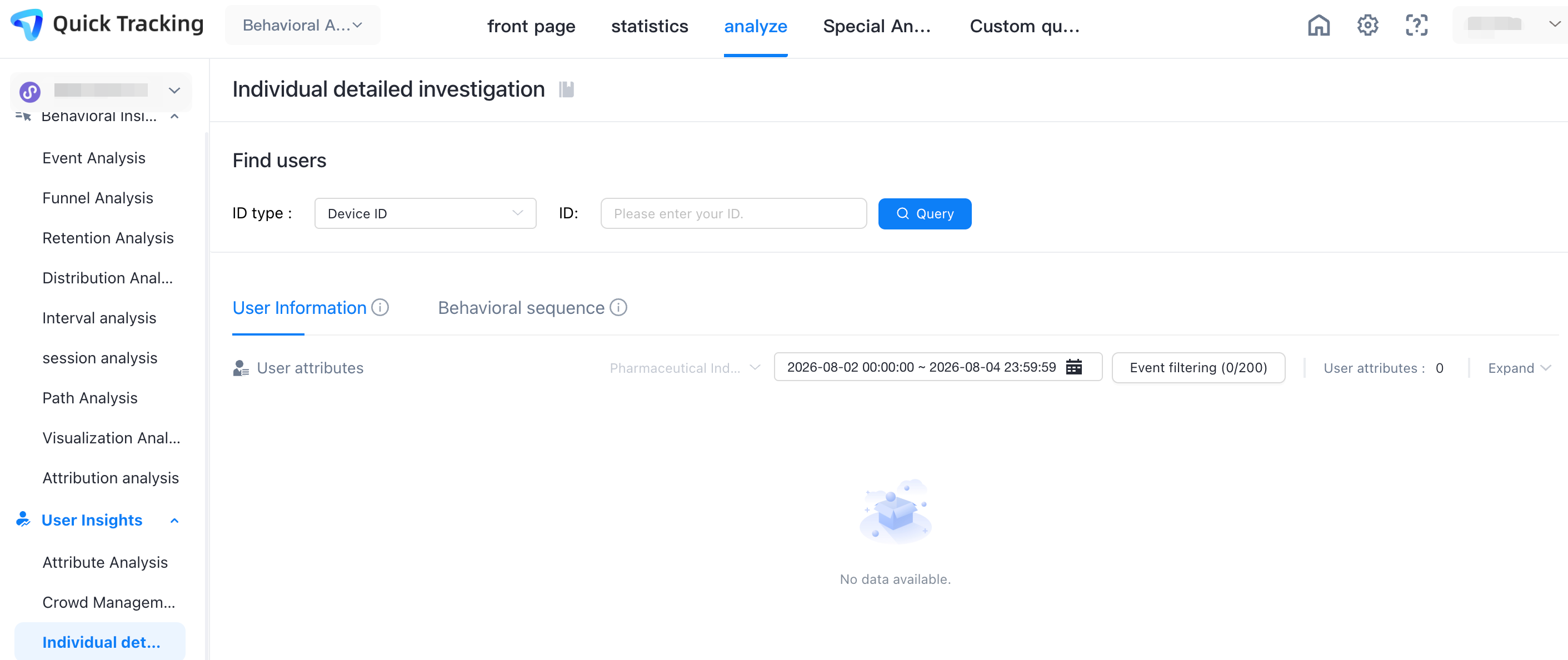
1. Enter the account ID or entity ID of the user to be queried and click the query button;
The first display is user information, mainly user attributes, etc.
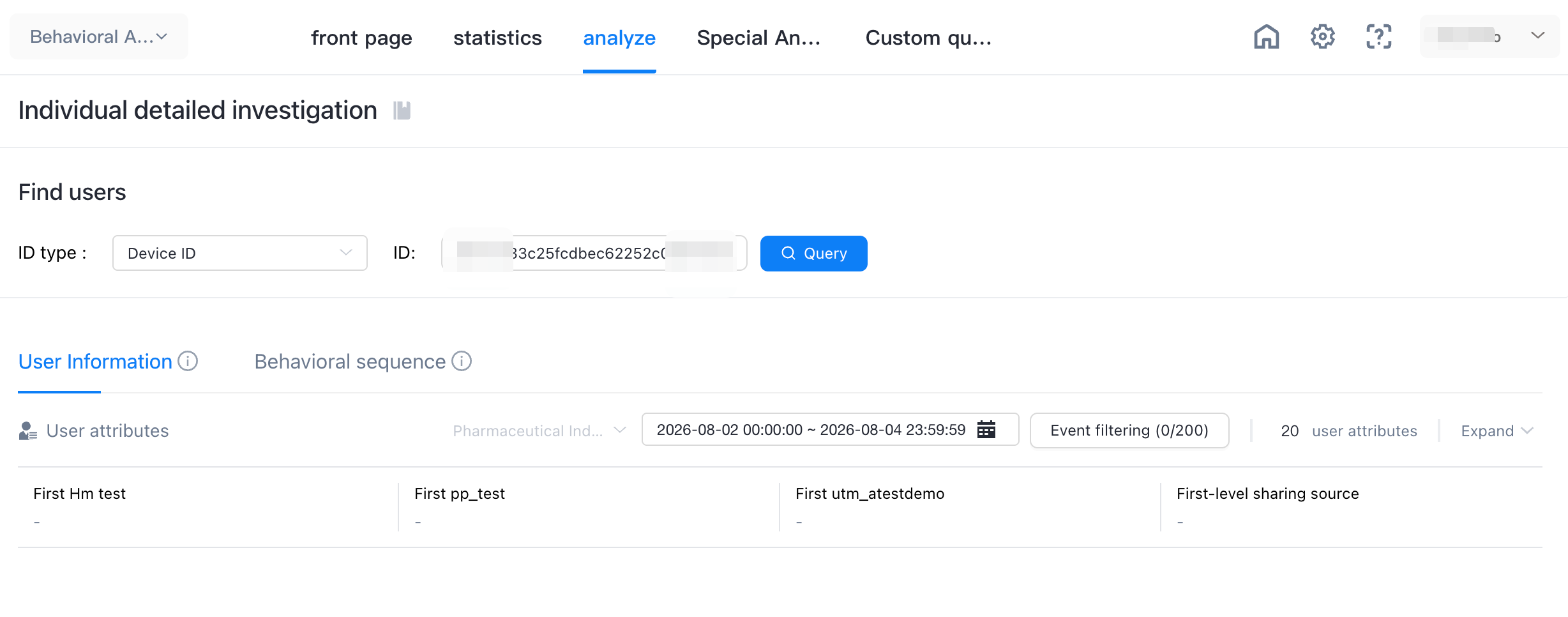
2. Select the time range and event range to query;
3. Click the behavior sequence to display the queried user behavior sequence.
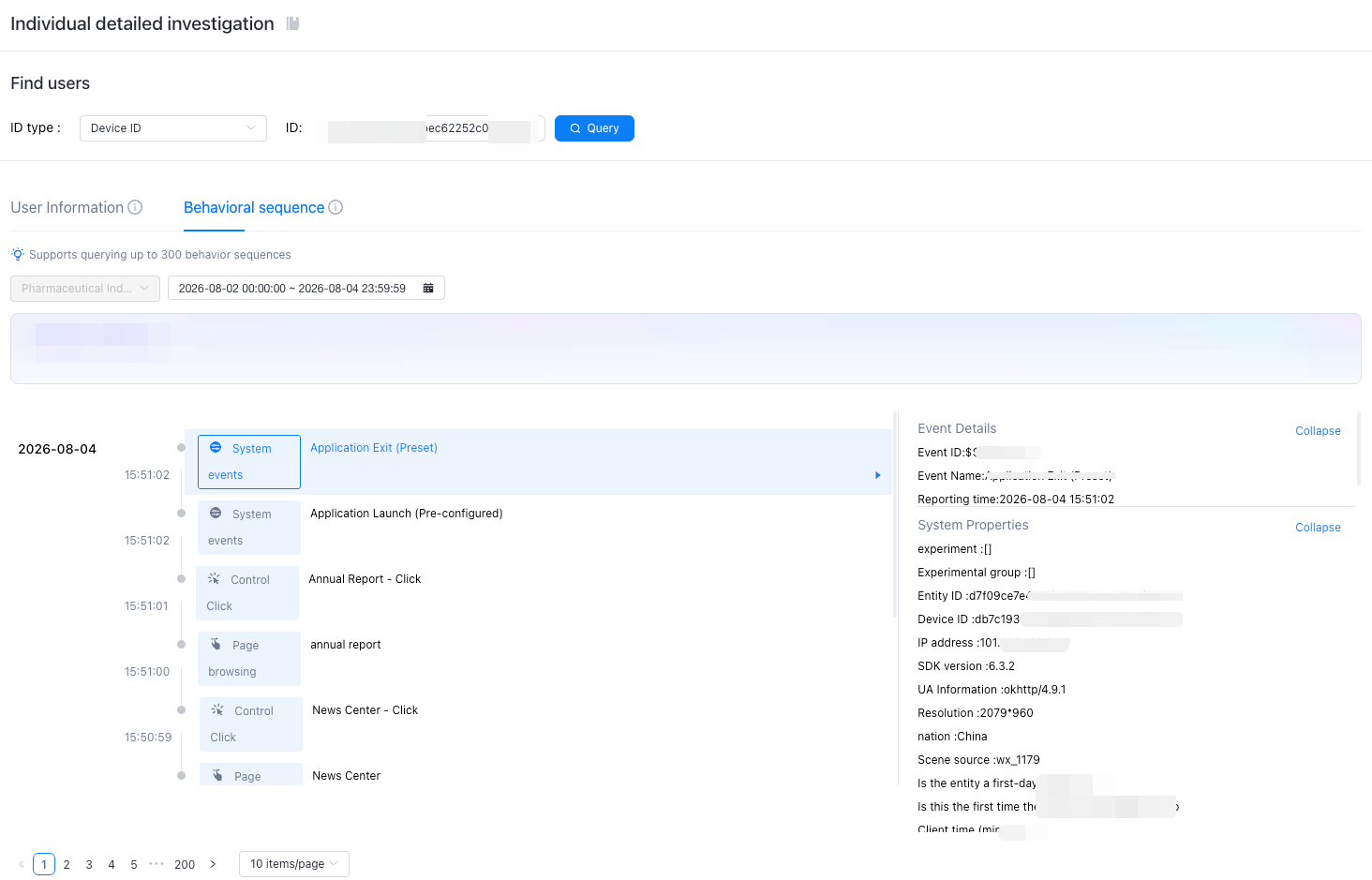
Click Event Filter to display only the filtered events.