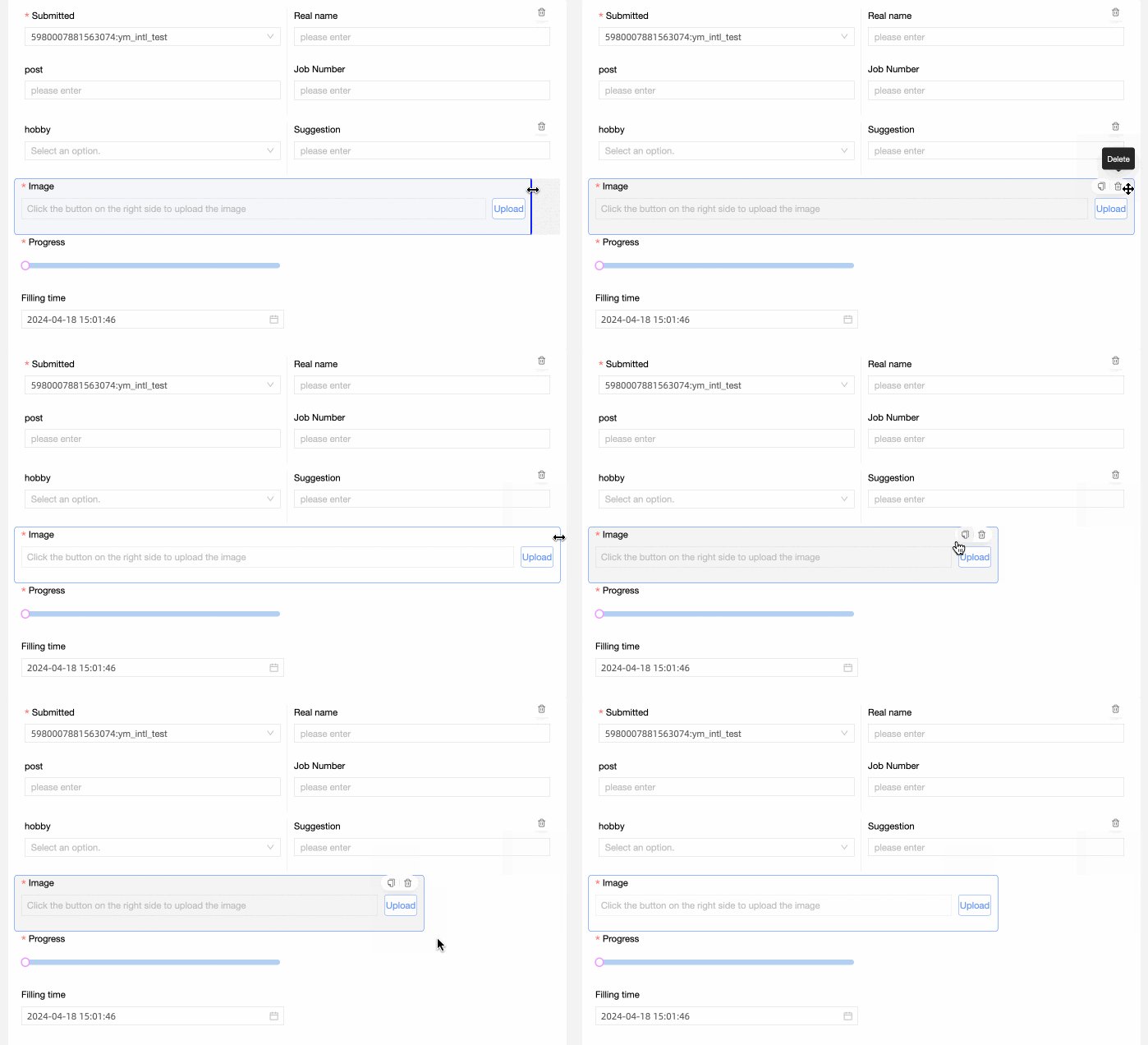
The Image Upload control is an advanced control that allows users to upload images in a data form.

Scenarios
Use this control when users need to attach images, such as uploading proof of income and certificate photos.
Renderings
Control configuration
Basic parameters
|
Parameter |
Description |
|
|
① Display Title: Specifies whether to display the control title. You can customize the display name, which serves as the column name in the data form. |
|
② Control type: After you select a control, you can change its type. The drop-down list includes other basic and advanced control types. |
|
|
③ Table Field Name: The field name in the table created from the data form. Note
The field or table name must start with a letter and can contain letters, digits, and underscores (_). The name can be up to 40 characters in length. |
|
|
④ Prompt: The placeholder text shown on the control. For example, click the button to upload |
|
|
⑤ Description: A custom description for the control. |
|
|
⑥ Description Information Location: The position of the description text. Valid values: Control Bottom, Title Right, and Title Below. |
|
|
Default State: The initial visibility of the control. Valid values: Normal and Hidden. |
|
|
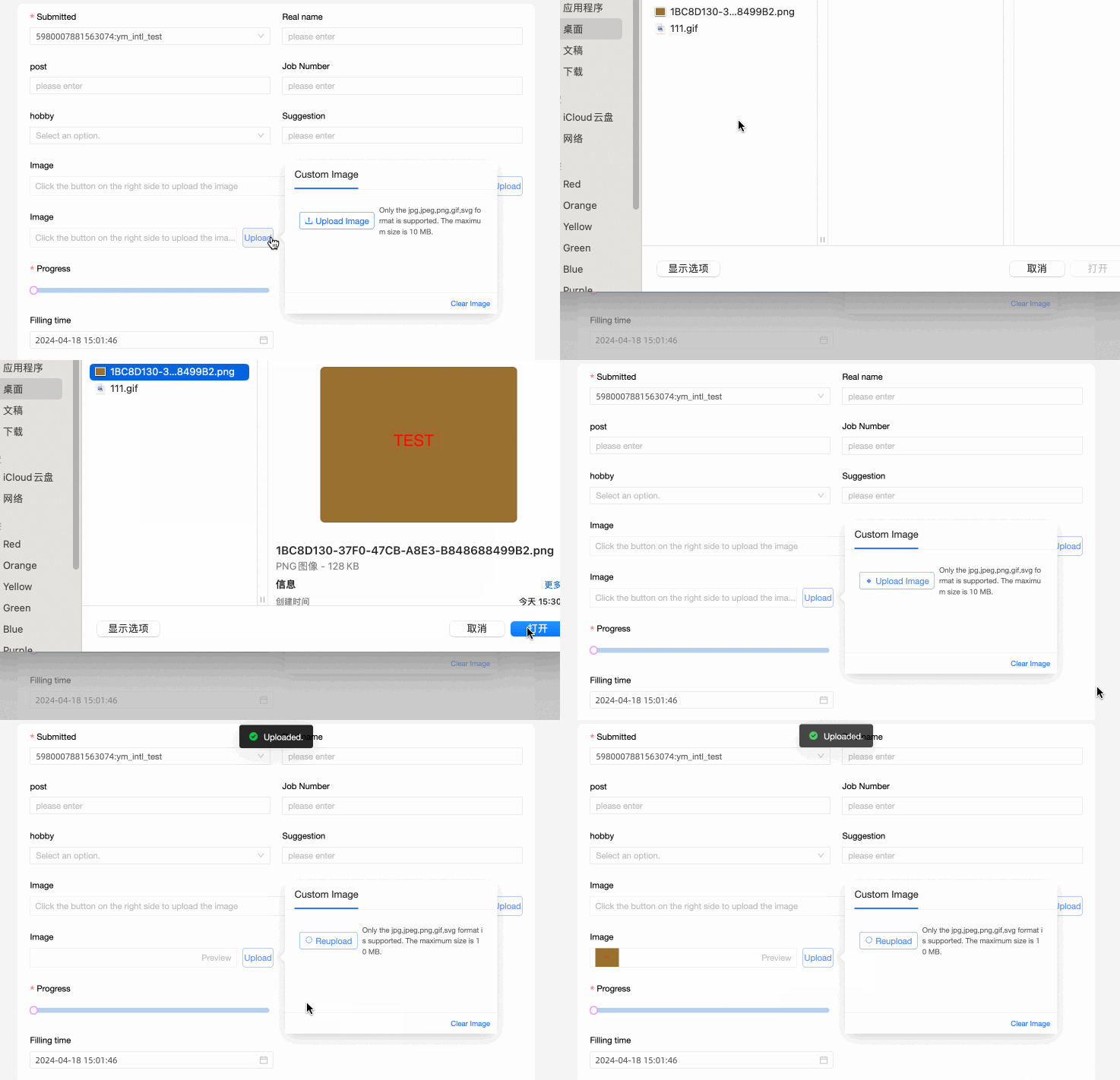
⑧ Upload method: Supported methods: Local Image and Link. If you select Local Image, the image is imported from your computer. Note
Only the JPG, JPEG, PNG, GIF, and SVG formats are supported. The maximum size is 10 MB.
If you select Link, enter the image URL to upload the image.
|


Validation
|
Parameter |
Description |
|
|
① Required: Specifies whether this field is required. If selected, the control is marked as Required. |
|
② Prompt text when the input data is invalid: Takes effect only when a validation rule is triggered. For example, if Required is selected and no value is entered, a custom error message is displayed. |

Section
|
Parameter |
Description |
|
|
Widget Width: The display width of the control. Valid values: Default or Whole Line. Note
You can also manually drag the control border to adjust the width.
|