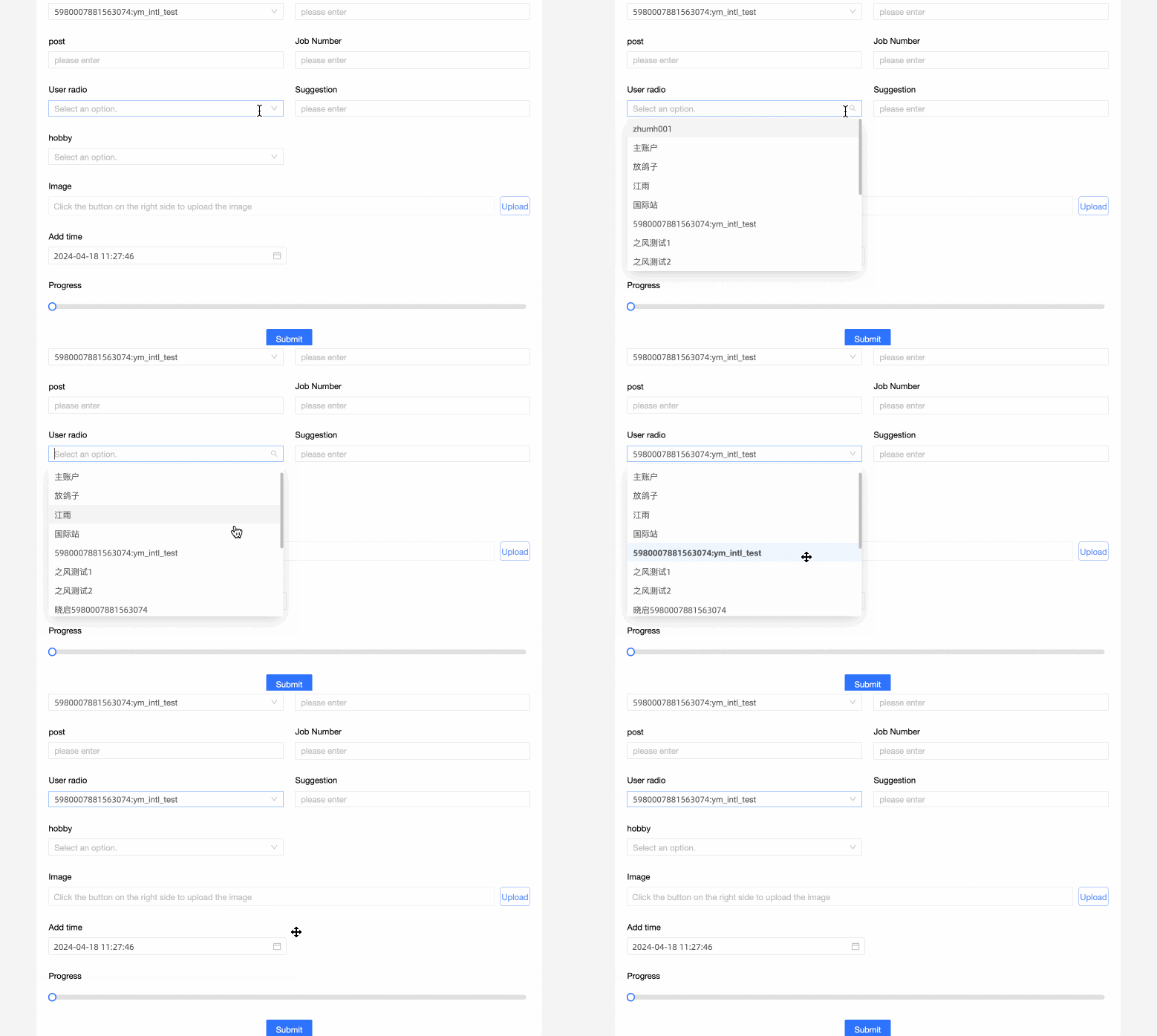
User Radio is an advanced control that lets you select a username from the drop-down menu within the same organizational space.
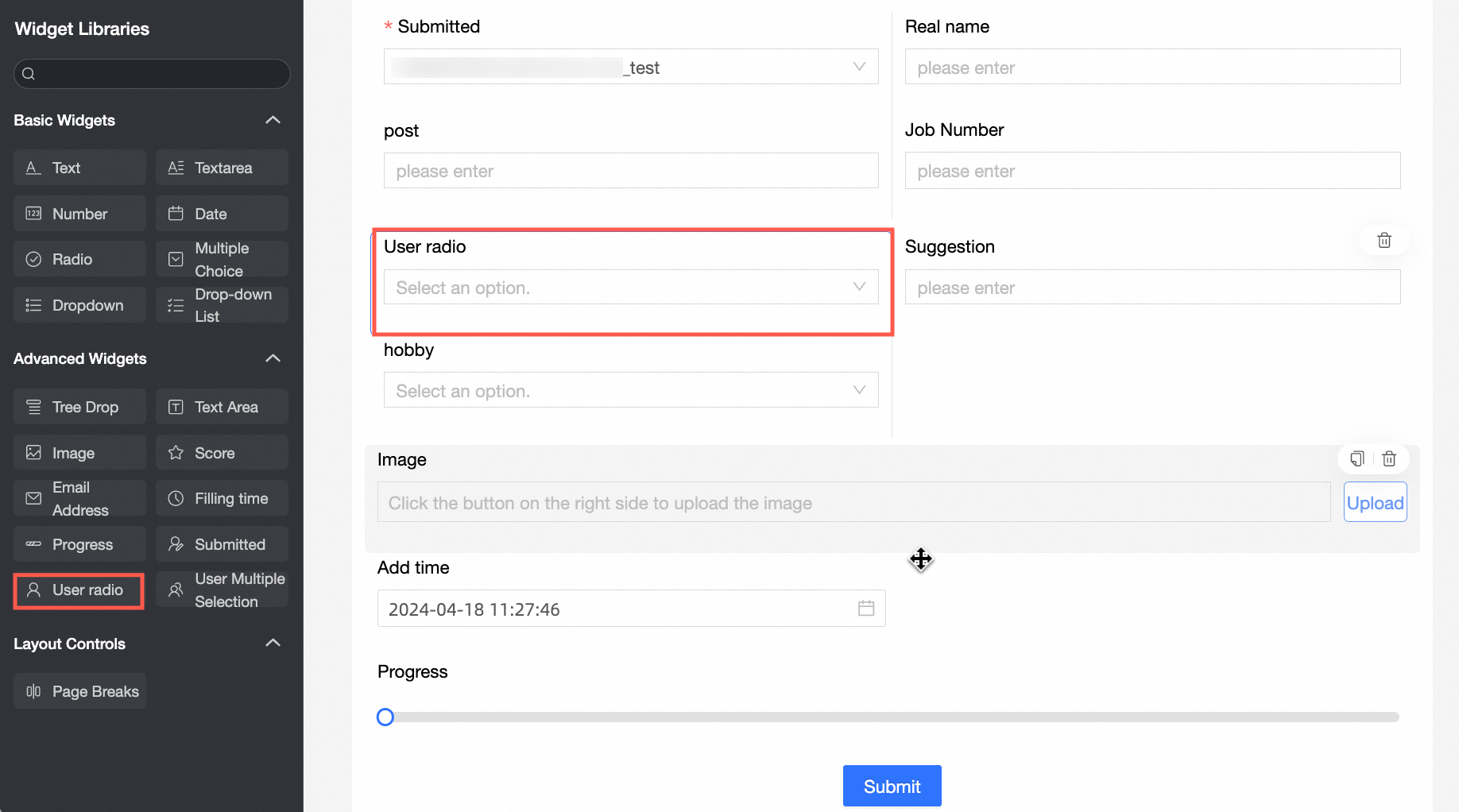
Scenarios
-
Select the project owner's username when filling in a project progress table.
-
Record participant information when filling in an activity participation form.
TensorBoard
Control configuration
Basic parameters
|
Parameter |
Description |
|
|
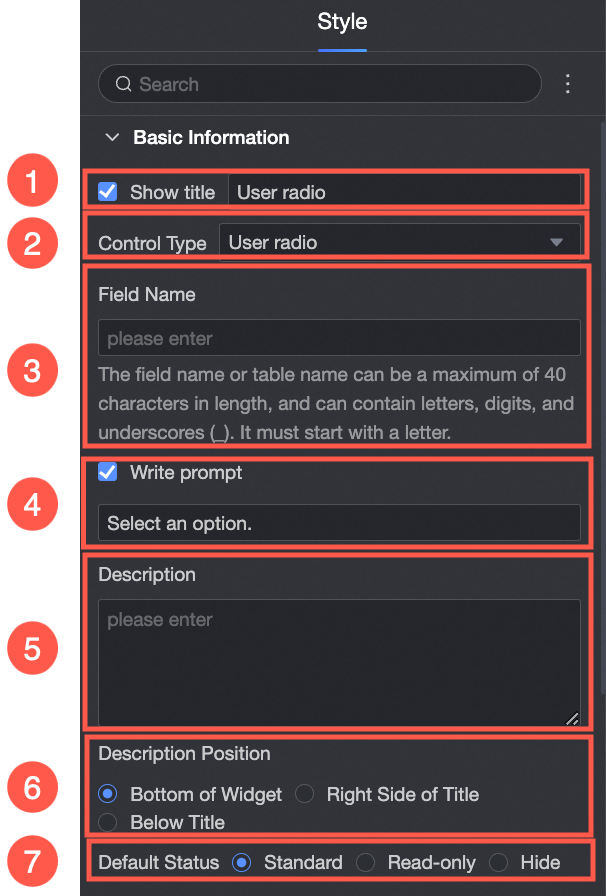
① Display Title: Show or hide the control title. The custom display name serves as the column name in the data form. |
|
② Control type: Replace the current control type with another basic or advanced control type from the drop-down list. |
|
|
③ Table Field Name: The name of the corresponding field in the table generated from the data form. Note
The field or table name must start with a letter and can contain letters, digits, and underscores (_). The name can be up to 40 characters in length. |
|
|
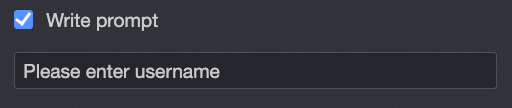
④ Prompt: Set Prompt. For example: Select a user name
|
|
|
⑤ Description: A custom description for the control. |
|
|
⑥ Description Information Location: Set where the description appears. Valid values: Control Bottom, Title Right, and Title Below. |
|
|
Default State: The initial state of the control. Valid values: Normal, Read-only, and Hidden. |
|
Define options for an extension
|
Parameter |
Description |
|
|
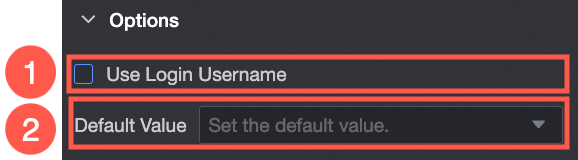
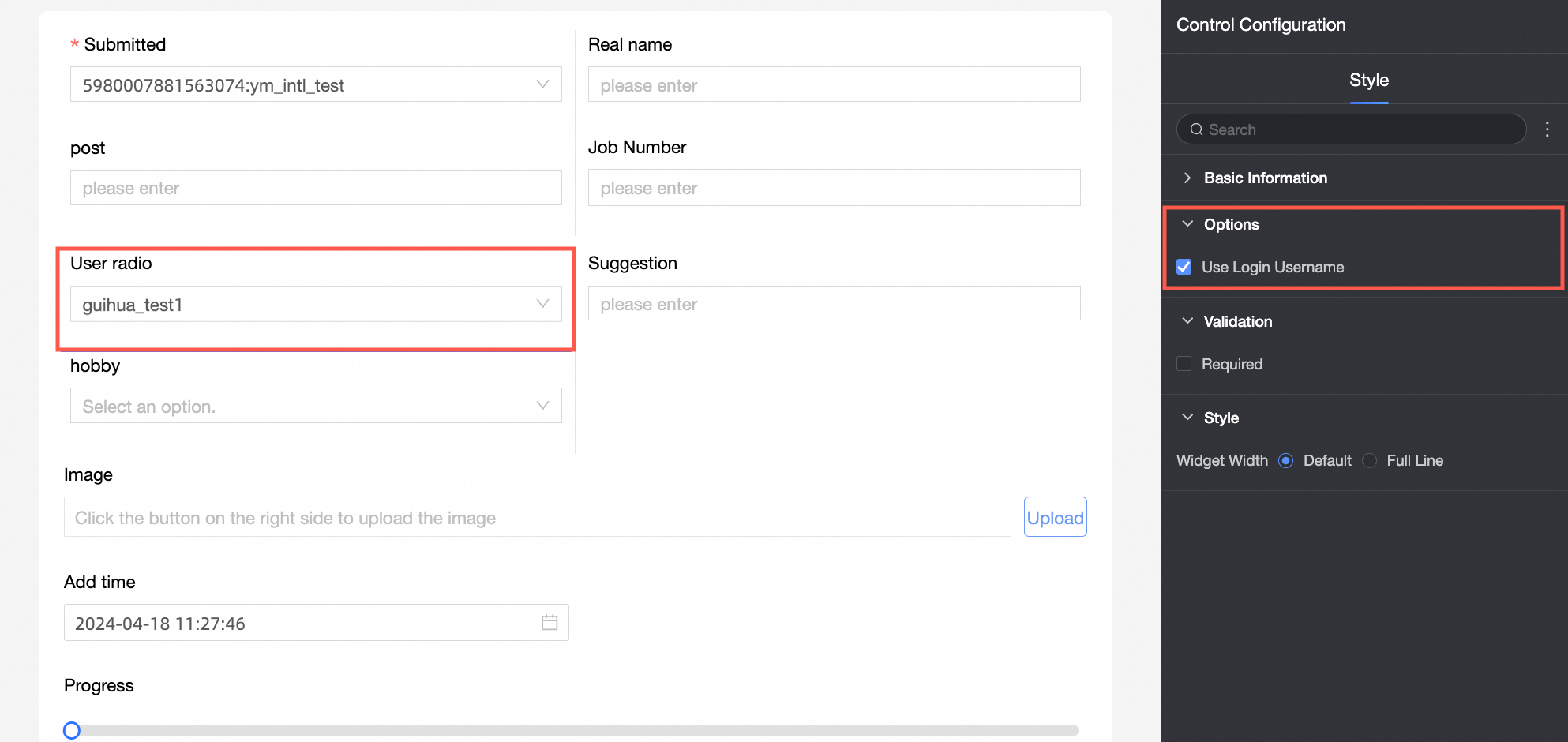
① Use Logon Username: When selected, the current logon username is automatically populated. |
|
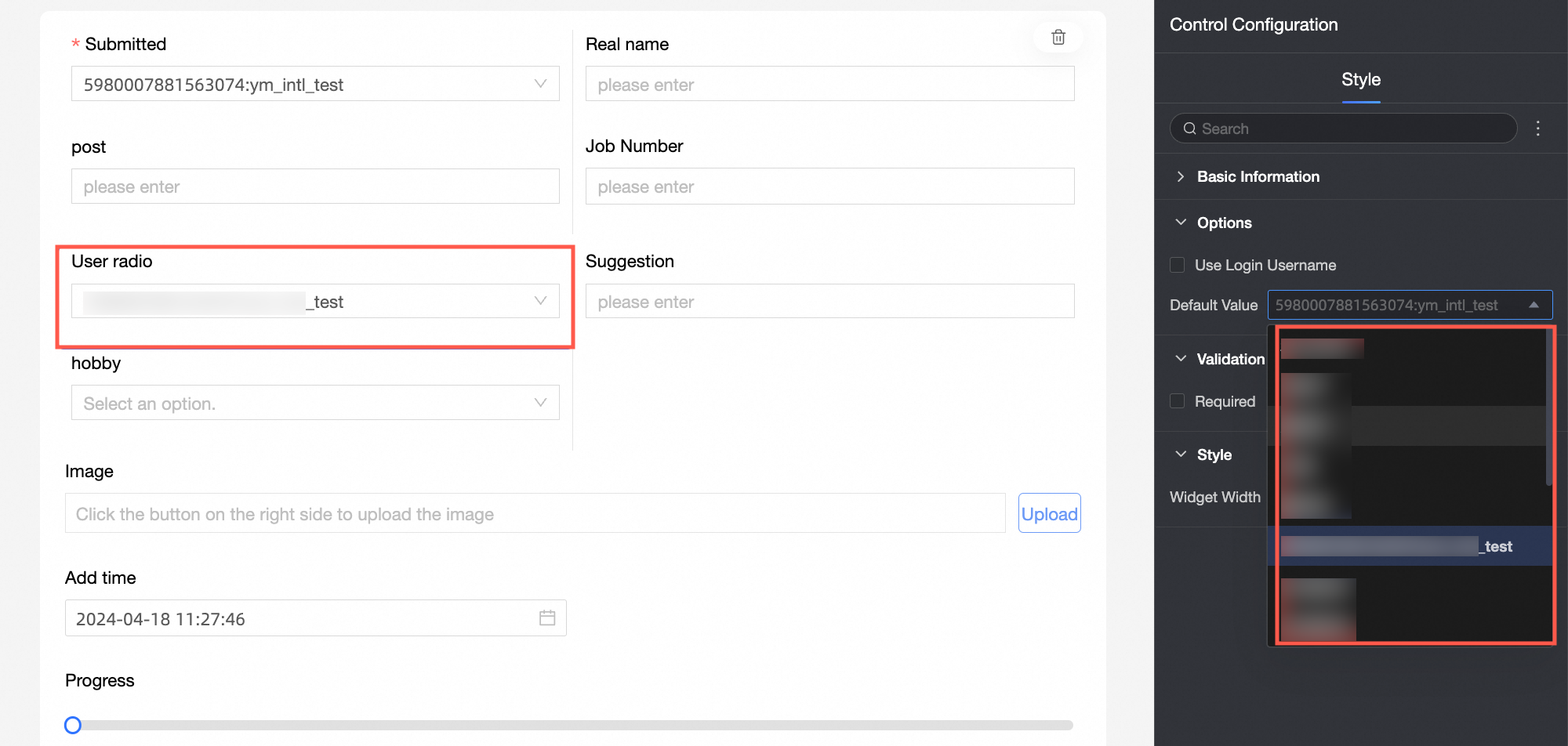
② Default value: The username displayed by default.
|
Yes
|
Parameter |
Description |
|
|
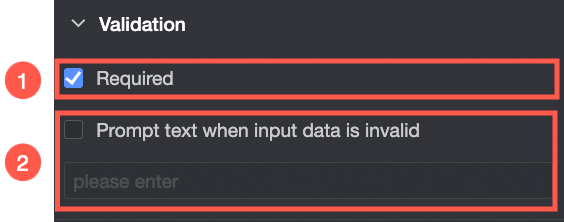
① Required: When enabled, the control is marked as Required. |
|
② Input data invalid prompt text: Takes effect only when a validation rule is triggered. For example, if Required is enabled and no value is specified, the custom error message is displayed. |
styles
|
Parameter |
Description |
|
PC
|
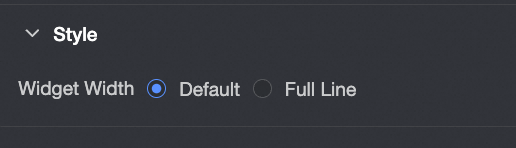
Widget Width: Select Default or Whole Line. Note
You can also use the Manual Drag Control widget to adjust the border width. |
|
Mobile platform
|
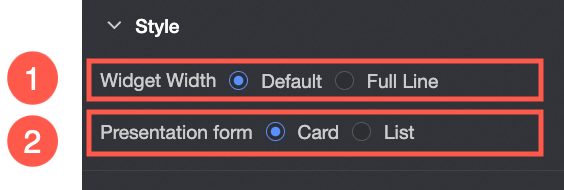
① Control width: Same as the PC settings. |
|
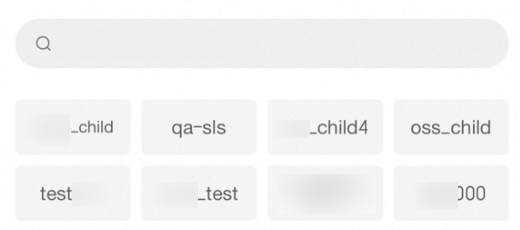
Display form: Options can be displayed in two formats: Card and List. Example of the card display effect:
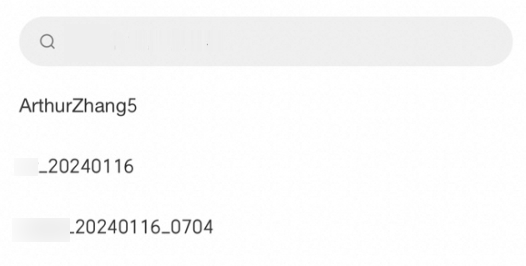
List:
|