After you select a dataset, columns are automatically separated into the Dimensions and Measures areas.
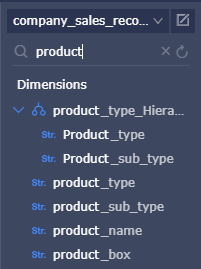
Enter a keyword in the search bar and click the search icon to find fields that contain the keyword.
-
For example, enter a keyword product in the search bar.
-
The fields that contain the keyword automatically appear in the list, as shown in the following figure.