You can search for, edit, and delete resource packages on the Resource Package page in the Quick BI console.
Go to the Resource Package page
-
Log on to the Quick BI console.
-
On the Quick BI homepage, go to the Resource Package page.
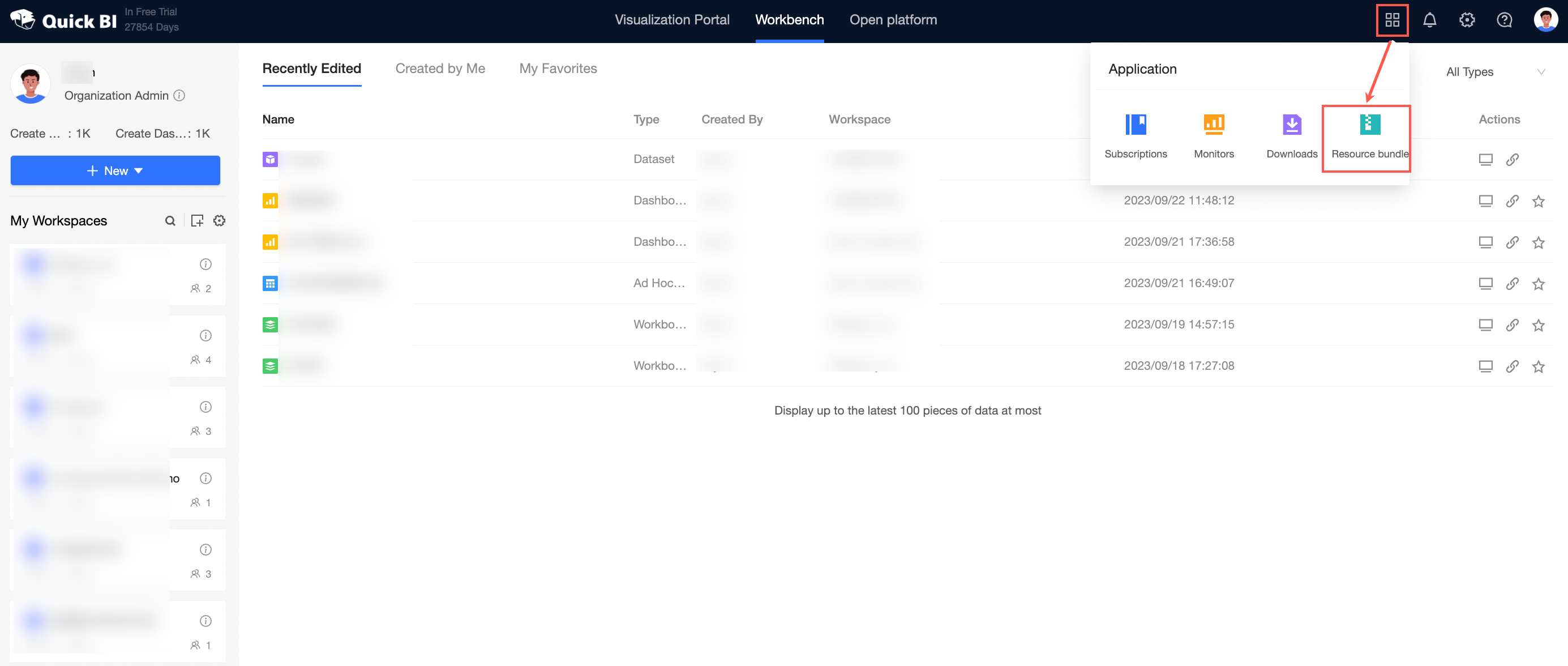
-
Click the Configuration tab.
Search for a resource package
On the Configuration tab:
-
Enter the name of the resource package in the search box.
-
(Optional) Specify a search scope. By default, all workspaces are searched.
-
Click the Search icon.

Edit a resource package
On the Configuration tab:
-
Find the resource package and click the Edit icon.

-
In the Edit Resource Package dialog box, modify the Basic Information and Resource Package Content settings.
-
Click OK.
Delete a resource package
On the Configuration tab:
-
Find the resource package and choose More > Delete.

-
In the confirmation dialog box, click OK.